How to Buy an eFootball Account Safely: A Pre-Purchase Checklist
By Sir Ayup 7 October 2026, 07:00 WIB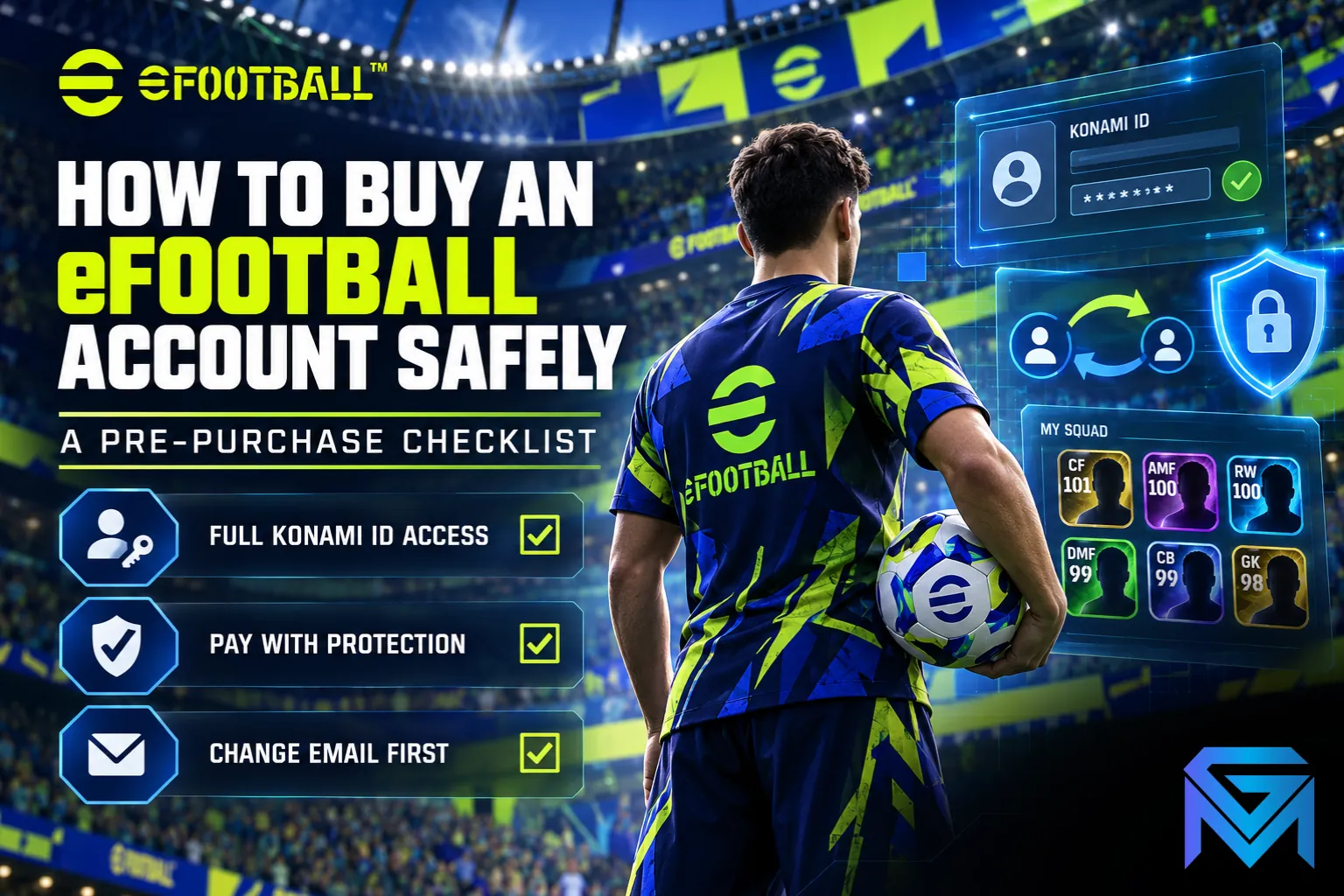
Before you buy an eFootball account, make sure the listing hands over the KONAMI ID itself, with its email and password, because that is the login every platform uses to load the save. A console or phone login on its own is not enough: whoever still controls the KONAMI ID's email can reset the password and take the squad back. Once that is settled, the rest of a safe purchase comes down to three things: checking the squad against the listing, paying in a way that leaves you recourse, and securing the account in the first hour.
This checklist walks through each step in the order you will meet it, from choosing a listing to the moment you confirm the handover.
Step 1: Make Sure the Listing Includes the KONAMI ID
An eFootball save is tied to a KONAMI ID, and that ID is what carries the squad across PlayStation, Xbox, PC, iOS and Android. Sign in with the same KONAMI ID on any of those platforms and the same squad, Coins and progress load in. That is why the KONAMI ID is the part of an eFootball account for sale that actually matters, as explained in how KONAMI ID binding and platform transfer work.
When you read a listing, sort it into one of three types:
- Full access: the KONAMI ID's email and password are included, with access to the email inbox itself. This is the setup to look for, because you control recovery from day one.
- KONAMI ID without the inbox: you get the login but not the email. You can change the password, but the seller can still use the email to recover the account, so this only works if the email can be changed to yours during handover.
- Platform login only: a PSN, Xbox or phone login with no KONAMI ID details. This is incomplete, and the seller keeps a permanent way back in.
If a seller will not say clearly which type their listing is, treat it as the riskiest type and move on.
Step 2: Check the Squad Against the Listing
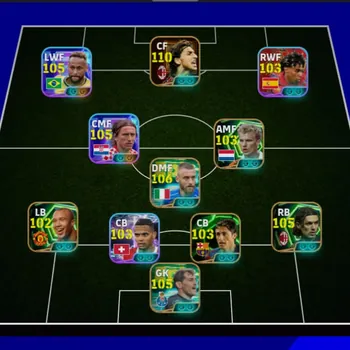
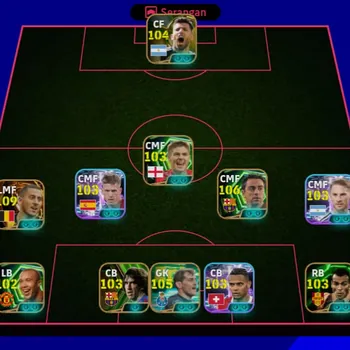
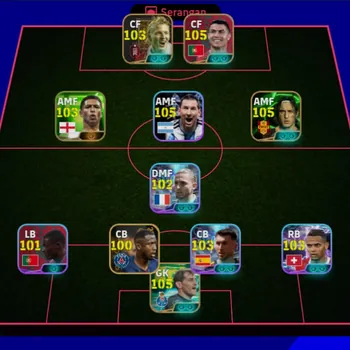
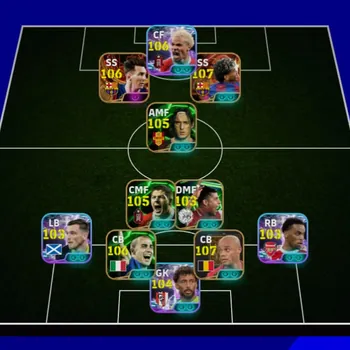
A listing's headline usually leads with a few big names or a squad rating, but the value of an account sits in details that are easy to exaggerate. Ask for screenshots that show:
- The manager profile, including the account name, so every other screenshot can be matched to it.
- The full player list, not just the starting eleven, with card types visible, especially Epics and Big Time cards.
- Training levels on the key players, since an untrained Epic is worth far less than a fully developed one.
- The current eFootball Coins and GP balances.
- Player contract status, because expiring contracts cost GP to renew, and an account full of short contracts carries a hidden bill. How renewals and upkeep work is covered in eFootball player contracts and GP upkeep.
Judging whether the price is fair is a separate question from whether the listing is honest. The factors that drive an account's worth, from manager level to card collection, are laid out in what makes an eFootball account valuable.
Step 3: Watch for Red Flags
Most bad listings give themselves away before any money moves. Walk away if you see any of these:
- Screenshots that crop out the account name, or that look edited or recycled from another listing.
- A seller who will not confirm whether the KONAMI ID's email is included.
- A price far below similar accounts with the same Epics and training.
- Pressure to pay quickly, or to move the conversation and payment off the marketplace to a private app.
- A request for your own login details for any reason.
One red flag is enough. There are always other listings, and the cost of a scam is the full price plus the time spent chasing it.
Questions to Ask the Seller Before You Pay
A few direct questions reveal more about an account than any screenshot. A trustworthy seller answers them without hesitation:
- Are you the original owner, or was this account bought from someone else? Accounts that have changed hands several times are harder to trace if a past owner tries to recover them.
- Which email was used to create the KONAMI ID, and is that the one included? The original registration email is what account recovery relies on.
- Have any Coin purchases on this account been refunded or disputed? Reversed payments can lead to penalties on the account later, after you have already paid.
- Has the account ever received a warning or restriction? A history of violations makes future action more likely.
- Which platforms has the KONAMI ID been linked to? Knowing every linked login tells you exactly which access you need to remove after handover.
Keep the answers in the marketplace chat. If anything turns out to be untrue after purchase, those messages are the evidence that supports your case.
Step 4: Pay in a Way That Leaves You Recourse
It is worth being clear about the rules before you buy. Konami's terms of use do not allow accounts or in-game currency to be sold, traded or transferred, and Konami does not settle disputes between buyers and sellers. That means every eFootball account sale happens outside Konami's support, and the game will not step in if a handover goes wrong, so the way you pay is your only protection.
The safer pattern is a protected checkout that holds your payment until you have logged in, checked the squad against the screenshots and confirmed the handover yourself. Never pay a stranger directly by bank transfer, gift card or crypto, since that money cannot be recovered if the login never arrives. Keep every message inside the marketplace too, because the chat history is your evidence if a dispute is needed.
Step 5: Secure the Account in the First Hour
The first hour after handover is when a seller can still undo the sale, so work through these steps before you sign a single player:
- Log in to the email inbox first and change its password, then remove any recovery phone or backup address that is not yours.
- Change the KONAMI ID password, so reset requests now go to an inbox only you control.
- If the account came without the original inbox, update the KONAMI ID's registered email to your own straight away.
- Check any platform account the save is tied to, such as a console or phone login, and make sure the seller no longer has access.
- Log in on your own device, confirm the squad, Coins and GP match the screenshots, and only then release the payment.
Two-step verification and other long-term protection steps are covered in KONAMI ID protection and recovery, and they are worth setting up once the account is safely yours.
Step 6: Choose the Right Account for Your Plans
A safe purchase is also one you will not regret, so match the account to how you play:
- Casual or new players: a starter account with a solid core of Epics and some Coins left over gives the best value, and leaves room to build the rest yourself.
- Competitive Division players: look for a squad already trained around a formation you like, since training takes the longest to replicate.
- Collectors: a large card collection matters more than the starting eleven, but check that the cards you care about are actually there.
New managers who are still learning how cards, Coins and squads fit together will get more from any account after reading the eFootball beginner's guide.
The Full Checklist to Buy an eFootball Account Safely
Put together, a safe purchase follows the same steps every time:
- Confirm the listing includes the KONAMI ID's email and password, ideally with the inbox.
- Ask for screenshots showing the account name, full player list and training levels.
- Check the Coins and GP balances and the contract status of key players.
- Compare the price with similar accounts.
- Walk away from any red flag.
- Pay only through a checkout that holds funds until you confirm.
- Secure the inbox, then the KONAMI ID password and email.
- Remove the seller's access to any linked platform login.
- Verify the squad on your own device.
- Release payment only after everything matches.
If you only remember one item, make it the first. A great squad without its KONAMI ID is a squad someone else can still take back.
With the checklist in hand, the remaining work is finding a listing that passes every step and then building on it. You can compare eFootball Accounts that state their KONAMI ID access and squad up front, hand the campaign grind and squad training to a player through eFootball Hourly Services, or climb to a higher Division with eFootball Boosting.
GameMarket.gg is a trusted digital marketplace for everything gaming-related. We serve the gaming community by providing secure access that enhances every gaming journey.