eFootball KONAMI ID Login Explained: Platforms, Binding & Transfer
By John Ganang 28 September 2026, 08:00 WIB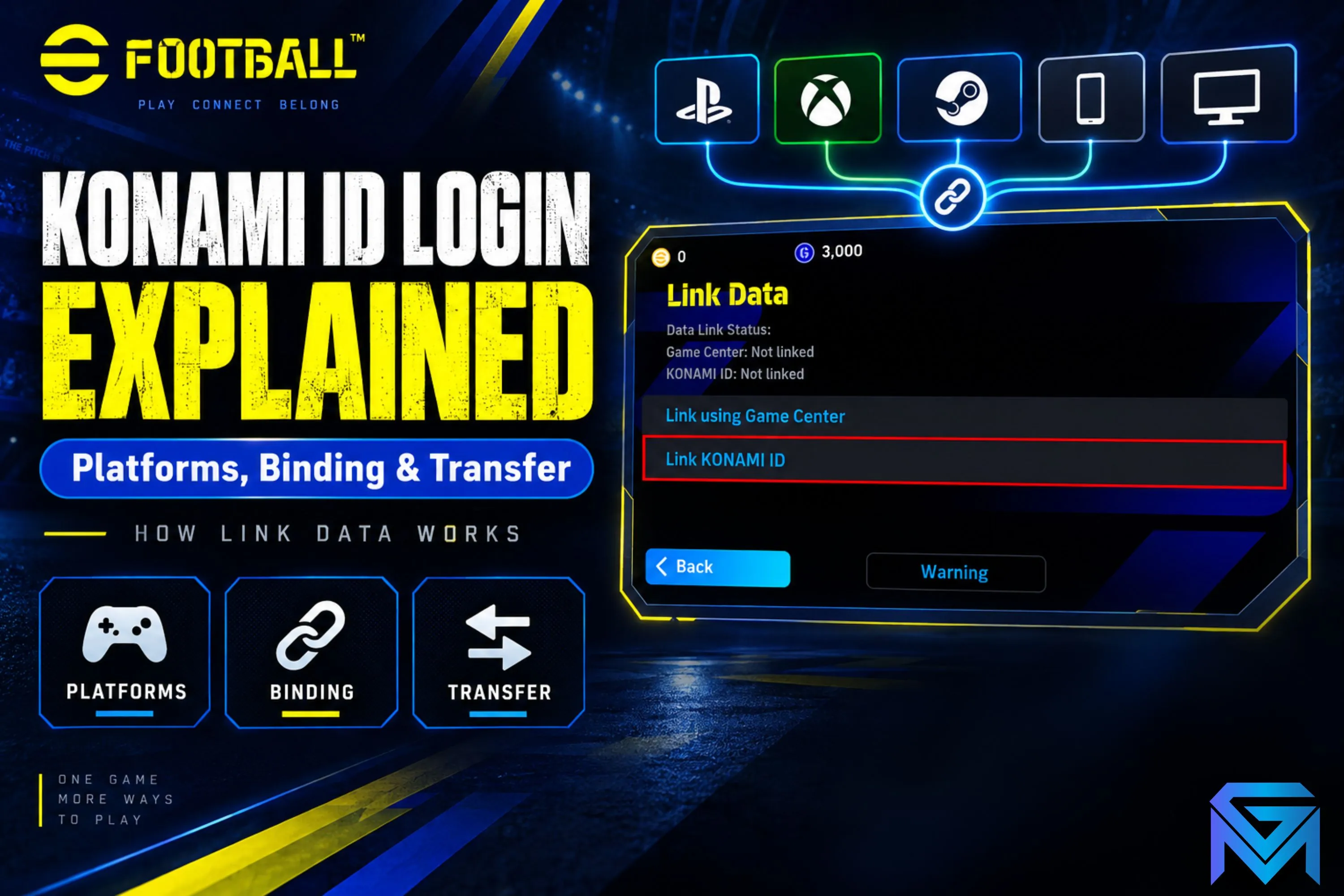
A KONAMI ID is the account layer that ties your eFootball progress to you rather than to a single console or phone, and linking it is what lets your squad, coins, and GP follow you when you move between PlayStation, Xbox, PC, and mobile. Without that link, each install effectively starts its own separate save, which is why binding matters before you ever switch devices.
What is a KONAMI ID and why does eFootball need one?
A KONAMI ID is a free account created through Konami's own login system, separate from your PlayStation Network, Xbox Live, Steam, or Apple/Google account. eFootball needs it because the game itself is published across five very different platform ecosystems that don't share save data with each other by default; the KONAMI ID acts as the common thread. Once it's linked, your Dream Team roster, GP and coin balances, contract status, and Championship/Division progress are stored against that ID in the cloud, not just on one device.
This matters for anyone who plays on more than one platform, and it matters even more for anyone evaluating an existing eFootball account, since the account's real value and history live on the KONAMI ID, not on whichever console happens to be logged in at the moment. For a broader look at how squads, coins, and progression fit together, GameMarket.gg's eFootball beginner's guide to player cards, coins and squads covers the account-building side in more depth.
Which platforms can play eFootball, and does progress carry over between them?
eFootball runs on PS4, PS5, Xbox One, Xbox Series X|S, Windows PC, iOS, and Android, and progress carries over between any of these as long as the same KONAMI ID is linked and used to sign in on each one. Progress does not carry over automatically just because you own the game on a new platform — the link has to be made deliberately first.
Konami built eFootball around a single persistent save tied to the ID rather than per-platform saves, which is different from how many older console sports titles worked. That single-save design is convenient for players who genuinely want to pick up a match on mobile during a commute and continue it later on console, but it also means the platform you're currently signed in on is really just a window into one shared account state, not a separate copy of your progress.
How do you bind a KONAMI ID to your eFootball account?
Binding is done from inside the game: open the in-game menu, go to the account or settings section, choose the KONAMI ID option, and either create a new ID or sign in to an existing one, then confirm the link. The game will prompt for an email address to register or verify the ID, and once confirmed, your current platform login is associated with that KONAMI ID going forward.
The practical sequence most players follow is: create the KONAMI ID on the very first platform they play on, before investing significant time, so that everything from that point forward is already portable. If binding is skipped early and a player builds up a squad first, the fix is the same menu path — it's never too late to link an ID, but any progress made on a second platform under a different, unlinked ID will not merge automatically with the first.
It's worth treating the KONAMI ID's email and password with the same care as any other game account credential: it is the single point of access to everything built up in the game, and it is independent of whatever platform account (PSN, Xbox Live, Apple ID, Google) happens to be signed in on the device.
What if your KONAMI ID won't link or shows an error?
The most common linking errors happen when the KONAMI ID is already registered to a different platform account, when the email hasn't been verified yet, or when the game hasn't been updated to the version that matches the current account system — all three are fixable without losing progress. Reading the exact error message before retrying saves the most time, since each one points to a different fix.
An "already linked" error usually means the ID was created earlier on another device (sometimes without the player realizing it, if a platform account auto-generated one) — in that case, signing out and signing back in with that specific ID resolves it rather than creating a second one. An unverified-email error means the confirmation link Konami sent hasn't been clicked yet, which is worth checking in spam folders before assuming the account is broken. If linking still fails after both checks, updating the app to the latest version usually clears any leftover version-mismatch issues, since Konami periodically changes how the account flow is presented without changing the underlying KONAMI ID system itself.
What happens to your save data if you switch or add a new platform?
If you sign in with the same linked KONAMI ID on a new platform, your existing squad, currency, and progress load in as-is; if you sign in without linking, or create a fresh ID on the new device, you start from zero on that platform. There is no automatic merge between two separately-progressed KONAMI ID saves.
This is the detail that trips up players moving from, say, a PS5 save built up over months to a new PC install: unless the KONAMI ID login screen is used and the correct ID entered, the PC copy will look like a brand-new account with none of the console history attached. Because there is only one live save per ID, using that ID on a second device also means the first device's local state is superseded the next time it reconnects to the cloud — this isn't a "copy," it's the same account viewed from a different screen.
For anyone who has stopped playing on an old phone or console and wants to resume on something new, the fix is straightforward: install eFootball on the new platform, choose the KONAMI ID sign-in option instead of starting fresh, and enter the same credentials used originally. Currency balances move with the account the same way squads do, which is covered in more detail in GameMarket.gg's guide to how eFootball coins and GP work.
Can you play eFootball with friends across different platforms?
Yes — eFootball supports cross-platform online matches between console, PC, and mobile players, so a friend on Xbox and a friend on Android can generally play each other or team up without either needing to own the same hardware. Matchmaking and online modes are built around the shared player base rather than siloed by platform.
What doesn't cross platforms automatically is input parity in fast-paced matches — a mobile touchscreen player and a controller player are technically in the same match, but the control scheme itself doesn't change, so most competitive players still gravitate toward console or PC for ranked-style modes. None of this affects account or currency portability; cross-play is about who you can match against online, while KONAMI ID linking is about which platform your own single save can be accessed from.
What should you check about platform binding before buying or selling an eFootball account?
Before any account changes hands, confirm exactly which KONAMI ID it's registered to, whether that ID's email can be fully transferred to a new owner, and which platform(s) it has actually been used on, since all of these determine whether the buyer can realistically take over the account without losing access later.
Because eFootball's entire progress state lives on the KONAMI ID rather than on a console or store account, the ID's login credentials are effectively the account. A listing that only hands over a console login (PSN, Xbox Live, Apple ID) without also transferring the linked KONAMI ID's email and password is incomplete, since the original owner could still access — or in theory reset — the underlying save at any time through that ID. Buyers should also ask whether two-factor verification or a recovery email tied to the seller is still attached, since that can block a clean handover even after the password is changed.
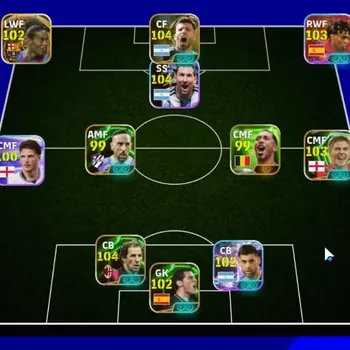
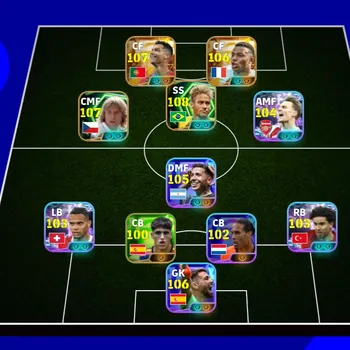
It's also worth having the seller walk through the account's actual squad quality rather than taking a screenshot at face value — GameMarket.gg's breakdown of how eFootball player ratings and playing styles work is a useful reference for judging whether the roster on offer matches what's advertised. Buyers evaluating a well-aged account should also ask how its contracts and Chance Deal history were managed, since a squad built through consistent nominating rather than lucky pulls tends to be more stable long-term, a distinction explained further in the guide to eFootball Chance Deals and nominating contracts.
Sellers, for their own protection, should remove any personal recovery information from the KONAMI ID and confirm the transfer is complete before considering the deal finished, the same way they would with any other account-based digital good.
FAQ
Do I need a KONAMI ID to play eFootball at all?
You can usually start playing without immediately creating one, but without a linked ID your progress stays tied to that single device and can't be recovered if you uninstall the app or switch hardware.
Can one KONAMI ID be used on two devices at the same time?
It can be signed in on multiple devices, but there's only one shared save, so playing on one device updates the same progress the other device will see next time it syncs — it isn't two independent copies.
What happens if I forget my KONAMI ID password?
Konami's account recovery flow uses the email registered to the ID, which is why keeping that email accessible (and updating it after any account transfer) is important for staying in control of the account long-term.
Does deleting the eFootball app delete my KONAMI ID progress?
No — uninstalling the app only removes the local install; progress tied to a linked KONAMI ID stays in the cloud and reloads the next time you sign in with that ID on any supported platform.
Where to Find eFootball Accounts, Top Up and Other Services
Players who'd rather start from an established squad than rebuild one from scratch can browse eFootball accounts with existing player cards and progress, compare options for topping up eFootball coins and GP, or check other eFootball-related digital goods for extras tied to specific platforms and events.
If you're weighing whether to buy into an existing eFootball account or top up your own, GameMarket.gg's eFootball listings make it straightforward to compare verified options before committing.
GameMarket.gg is a trusted digital marketplace for everything gaming-related. We serve the gaming community by providing secure access that enhances every gaming journey.