eFootball Maintenance: How Long It Lasts and What Compensation You Get
By Sir Ayup 8 October 2026, 13:00 WIB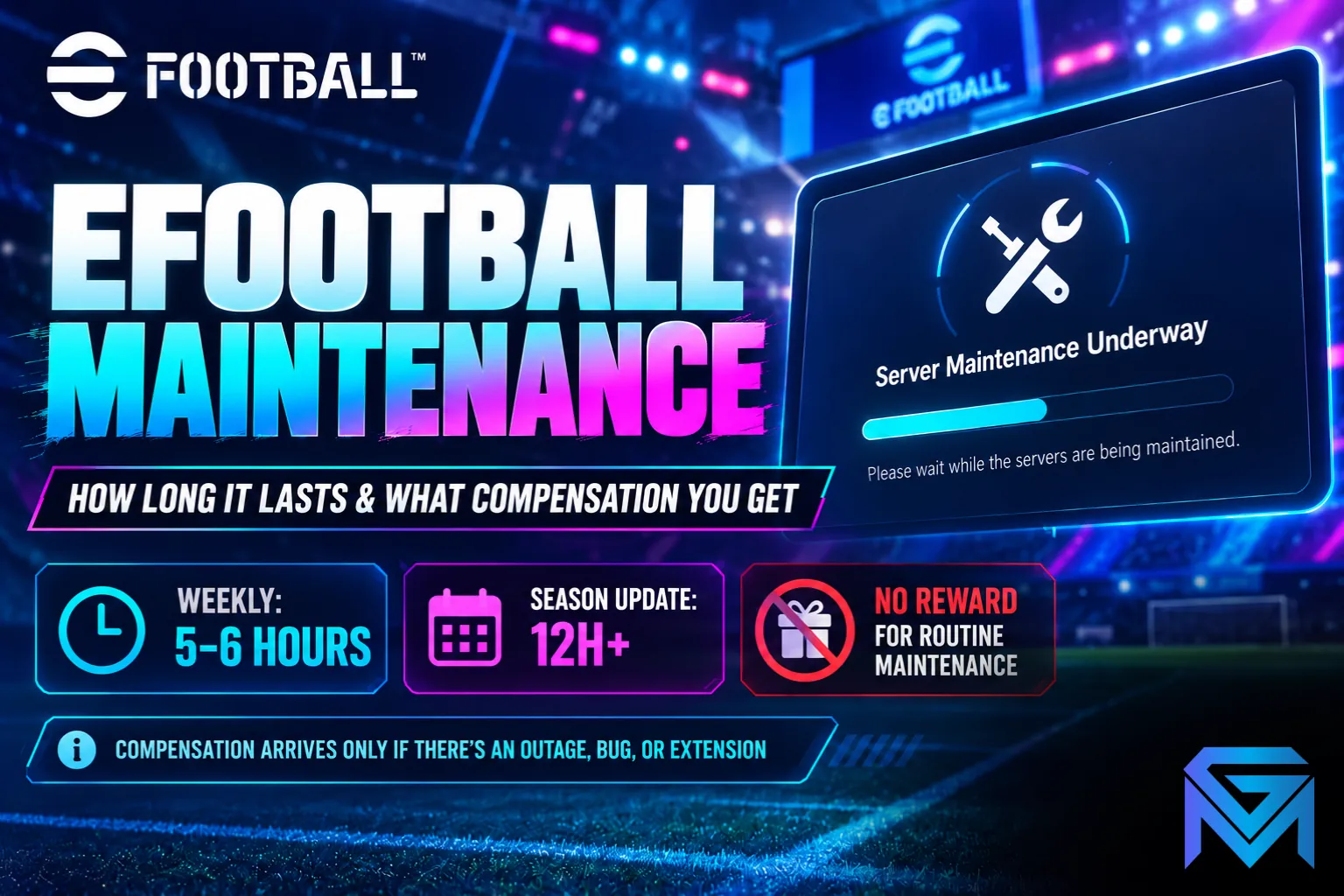
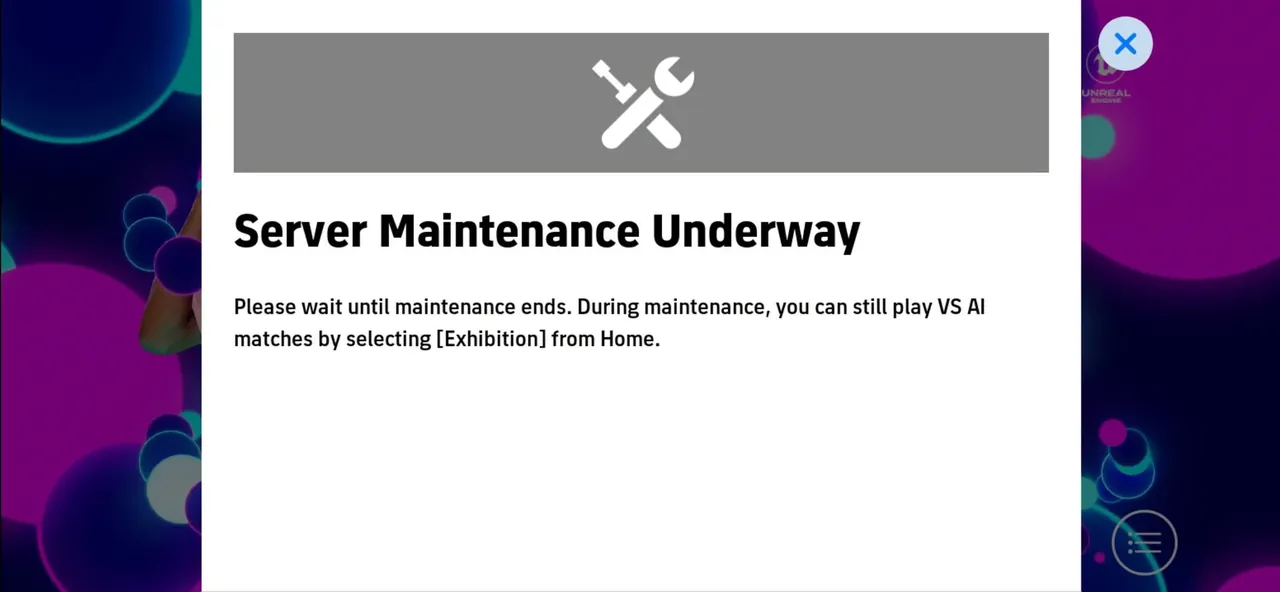
eFootball maintenance usually takes the servers offline for about 5 to 6 hours once a week, most often on Thursday from around 02:00 to 08:00 UTC, while the bigger season update maintenance can run 12 hours or more. Compensation is not automatic: routine weekly maintenance does not come with any reward, and Konami only sends compensation when something goes wrong, such as an extended outage or a bug that affected players. Knowing which kind of maintenance you are facing tells you both how long to wait and whether anything is coming to your inbox afterwards.
This guide explains the pattern behind eFootball maintenance, how long each type usually lasts, what happens to your events and matches, and how compensation actually works.
The Two Types of eFootball Maintenance
Almost every eFootball maintenance falls into one of two groups, and they behave very differently.
- Weekly maintenance: the routine break that refreshes the game. It brings the new Player of the Week cards, rotates packs and events, starts the next stage of a campaign and applies small fixes. It happens almost every week and is short.
- Season update maintenance: the long break before a major version, when Konami installs new features, new modes and a new campaign structure. It happens a few times a year, takes much longer and is usually followed by a required app update.
There is also occasional emergency maintenance, called at short notice to fix a serious bug or server problem. It has no fixed schedule, but it is the type most likely to end with compensation.
How Long Does eFootball Maintenance Take?
How long eFootball maintenance takes depends on the type:
- Weekly maintenance: around 5 to 6 hours. A common window is 02:00 to 08:00 UTC, which is 7:30 AM to 1:30 PM in India, 9 AM to 3 PM in Western Indonesia, and 10 PM to 4 AM US Eastern daylight time, starting the night before.
- Season update maintenance: usually 12 hours or longer. Ahead of a recent major version, servers went down at 13:00 UTC and did not return until 08:00 UTC the next day, close to 19 hours in total.
- Emergency maintenance: anywhere from under an hour to several hours, depending on what needs fixing.
Those figures are the planned length. Maintenance can also be extended if something goes wrong during the update, and when that happens Konami announces the new end time through its official channels. Services also return region by region, so one country can be back online a little before another.
When Will eFootball Maintenance End Today?
When you are wondering when eFootball maintenance will end today, the most reliable answer is always the one Konami publishes for that specific break. Every scheduled maintenance is announced in advance with an exact start and end time in UTC, and the same notice appears in the game's news section and on its official social accounts.
A few habits make the wait easier:
- Convert the UTC end time to your own time zone once, so you know exactly when to check back.
- Allow a few extra minutes after the posted end time, since regions reopen in sequence.
- If the game still will not connect after the end time, check for an extension notice before reinstalling or clearing data, because the problem is usually on the server side.
- After a season update, look for an app update in your store or launcher, since the game may refuse to log in until it is installed.
Mobile players should pay extra attention to that last step. App store updates often arrive a little after the servers come back, and console or PC versions sometimes update before mobile.
What Happens to Events, Matches and Rewards
Maintenance is not only downtime. It is also the moment when timed content changes over, and that can cost you rewards if you are not ready.
- Events and campaigns end at the start of maintenance. Objectives, login bonuses, event rewards and limited shop offers that are due to finish usually close the moment servers go down, not when they come back up.
- Unclaimed items may be lost. Before a season update, Konami has warned players to claim certain editions and rewards before maintenance begins, because they expire when it starts.
- Online play stops completely. Matches, events, the shop and any feature that needs a connection are unavailable. Offline modes such as exhibition matches and training can still work during some maintenance.
- Matches in progress are cut off. A match still running when the servers go down may not count, so avoid starting a ranked or event match just before the posted start time.
The safest routine is to check what is ending a day before maintenance, claim every reward and campaign ticket you have earned, and finish any objectives you are close to. How campaign tickets and event rewards are structured is explained in eFootball live events and campaign rewards.
What Compensation You Get, and When
Compensation in eFootball works on a simple principle: it makes up for a problem, not for planned downtime. So for a routine weekly maintenance that starts and ends on time, there is no compensation at all.
Compensation usually appears in these situations:
- A bug that affected play or rewards. After one recent update, a matchmaking error in the vs AI category of eFootball League paired every player against the same opponent. Once it was fixed in the next maintenance, Konami sent 10,000 GP to eligible players.
- An extended or unplanned outage. When maintenance runs well past its announced time, or the servers go down unexpectedly, Konami may send a reward to make up for the lost playing time.
- A wrong or missing reward. If an event pays out incorrectly, the fix often comes with a top-up for everyone affected.
The reward itself varies with the size of the problem. It can be GP, items such as tokens or training resources, or eFootball Coins for bigger issues. Every compensation notice sets its own rules, and three details are worth reading closely:
- Eligibility: compensation usually goes to accounts created before a cut-off time, which is stated in UTC in the notice.
- Delivery: items are sent in game, so you collect them from your in-game inbox or notifications after logging in.
- Deadline: like other rewards in eFootball, compensation items can have a claim period, so collect them soon after they arrive.
Compensation is a small bonus at best. Free Coins and GP come far more reliably from campaigns and events, which are covered in the best ways to earn Coins and GP.
Why Season Update Maintenance Takes So Much Longer
Season update maintenance is long because it changes far more than a weekly refresh. A new season can bring a new home screen, new modes, new reward systems, gameplay adjustments and a fresh campaign, all installed in one go. Konami takes the whole service offline, applies the update across every platform, tests it and then reopens region by region.
That is also why a season update tends to come with the strictest warnings about expiring content. Many of the season's events, objectives and special lists end together, and what you have not claimed by the start of maintenance may be gone afterwards. What typically changes from one version to the next is laid out in eFootball seasons explained, and it is worth reading before the next big break.
After a season update, it is also normal to see login queues, slow loading or brief disconnects for the first hours, as millions of players return at once. That usually settles on its own and is not a sign of a problem with your account.
A Simple Maintenance Checklist
Whatever type of maintenance is coming, the same short routine keeps you from losing anything:
- Check the official notice for the start and end time, and convert it to your time zone.
- Claim all event rewards, login bonuses and campaign items before the start time.
- Finish objectives you are close to, since they may close when maintenance begins.
- Avoid starting online matches in the last few minutes before the servers go down.
- Once maintenance ends, install any app update, then check your inbox for new rewards or compensation.
- If you cannot log in after an update, confirm your KONAMI ID details before trying anything drastic, as covered in how KONAMI ID login works across platforms.
Maintenance itself only costs a few hours a week. The time that really adds up is everything after it: new events, new objectives and new cards to train, every single week. If you would rather start with a squad that is already built, you can look at eFootball Accounts with the players you want, hand the weekly events and campaign objectives to a player through eFootball Hourly Services, or climb to the Division you are aiming for with eFootball Boosting.
GameMarket.gg is a trusted digital marketplace for everything gaming-related. We serve the gaming community by providing secure access that enhances every gaming journey.