eFootball Seasons Explained: What Changes Each New Version
By John Ganang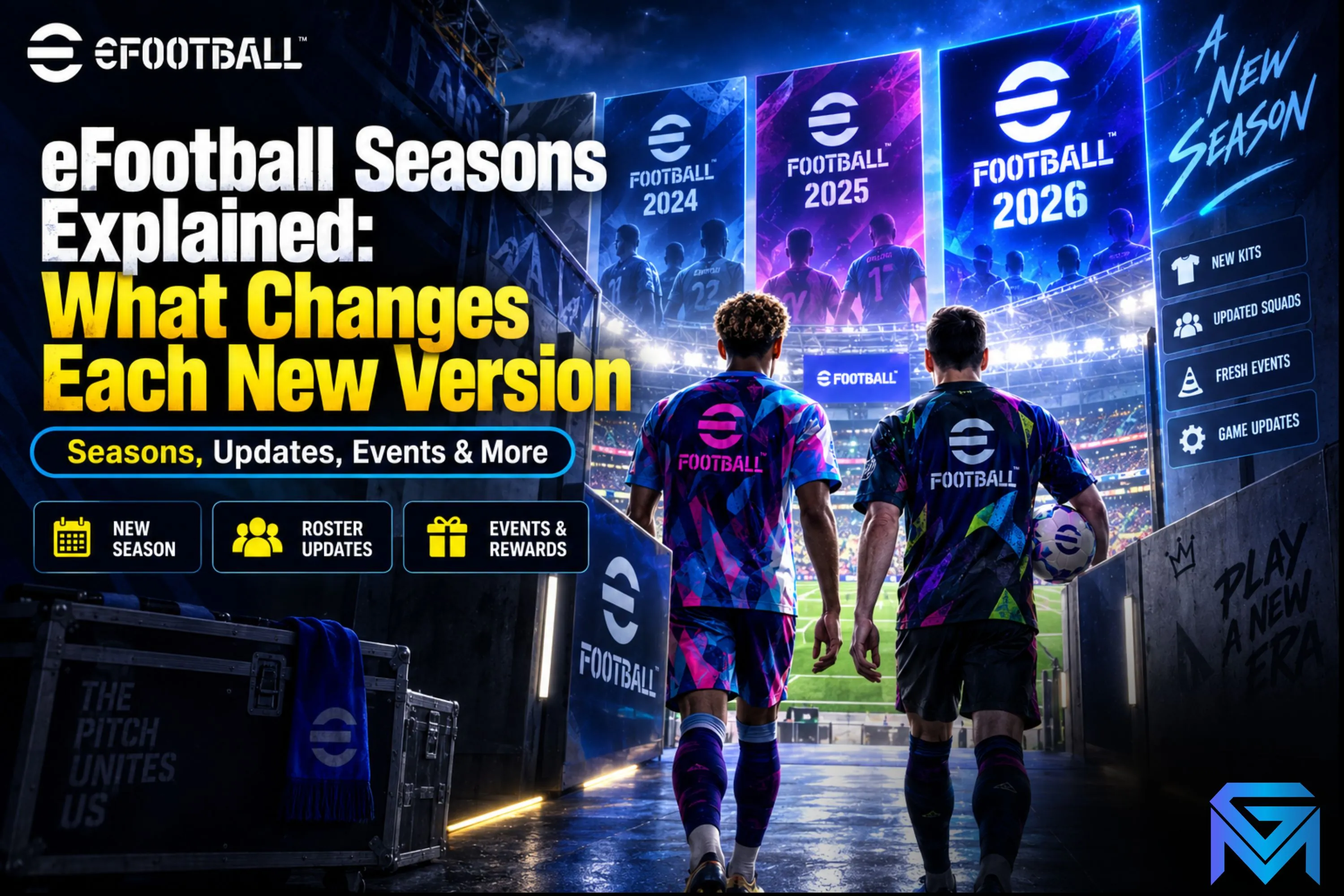
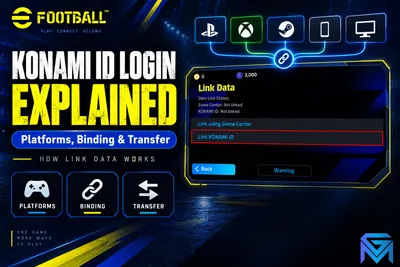
An eFootball "season" is the yearly game version cycle — the period between one major numbered update (like a new "v.2XX" release) and the next — during which rosters, kits, and the in-season event calendar (Featured Player campaigns, Chance Deals, Live Events) all run before the next version resets the baseline. Squad-building progress and owned player cards carry over; only real-world-tied data (kits, ratings, transfers) refreshes. There is a fuller breakdown in EFootball KONAMI ID Login Explained.
What Is an eFootball "Season" in the First Place?
In eFootball, a season lines up with a real-world football year: it starts around the summer transfer window with a major numbered version update and runs until the next one. Konami uses the term loosely — there's no season countdown timer like in a battle-pass game — but the version boundary functions the same way, resetting the game's baseline data.
Everything that happens between two version updates (weekly Featured Player campaigns, Chance Deals, Live Events, cup competitions) is "in-season" content layered on top of that baseline. The baseline itself is what changes at the season boundary: player ratings, team kits, transfer-window squad updates, and sometimes new licensed leagues or competitions.
What Actually Resets When a New Season Starts?
Three things reset at a new eFootball season/version: player overall ratings (recalculated from real-world form), club rosters (transfers applied so squads match real-world teams), and kits plus stadium/competition licenses. Your owned cards, Coins, GP, and Dream Team squad are not wiped.
Division rank and online-match rating are handled separately from the version cycle — those follow their own weekly or monthly promotion/demotion schedule regardless of when a new season drops (covered in GameMarket's division system guide). A version update doesn't reset division progress by itself; it just changes the player pool everyone is competing with.
What does carry over completely: every player card already owned, training progress, position conversions already applied, and GP/Coins balances. A new season changes the players available to acquire and their current stats — it does not touch a squad already built.
How Do Featured Player Campaigns Follow the Season?
Featured Player campaigns are short, rotating promotions — usually tied to real match weeks, derbies, or competition rounds — that spotlight specific players with a boosted or special card version for a limited window. They run continuously throughout a season, layered on top of whatever the current roster and rating baseline is.
Because these campaigns pull from the live football calendar, their pace picks up around major real-world fixtures (continental competition weeks, derbies, cup finals) and slows during off-weeks. A card earned or pulled during one Featured Player campaign keeps its stats after the campaign ends — only the availability of acquiring that specific card version is time-limited, not the card's usability afterward.
What Are Data Pack Updates and Roster Refreshes?
Data Pack updates are the smaller, more frequent patches (separate from the yearly version update) that adjust individual player ratings, fix club rosters after a transfer window closes, or patch gameplay balance. Several Data Packs typically release within a single season, each one a smaller correction rather than a full baseline reset.
This is the main source of "my card's rating changed" surprises: a player who moves clubs mid-season, has a strong run of real-world form, or gets injured can see their in-game rating adjusted in the next Data Pack without a new version being required. Checking a card's current rating in-game rather than relying on a screenshot from a few weeks earlier avoids confusion here, since Data Packs apply retroactively to cards already owned.
How Does Dream Team Progress Carry Between Seasons?
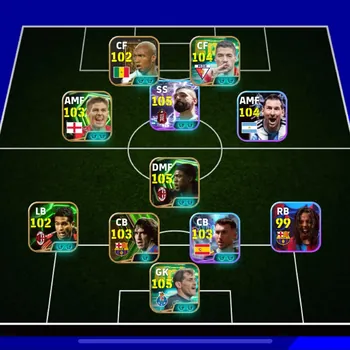
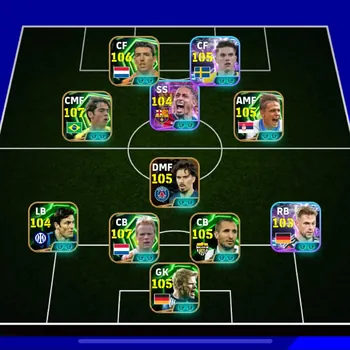
Dream Team milestones, unlocked formation slots, and the players already placed in a Dream Team squad all carry forward into the next season unchanged. What resets is the pool of players eligible to fill new or still-open Dream Team slots, since that pool follows the current roster and rating baseline.
Because Dream Team is a long-term collection goal rather than a seasonal ladder, there's no penalty for building it gradually across multiple seasons — a slot filled two seasons ago with a since-retired campaign card stays filled and contributes its stats exactly as it did the day it was placed.
How Do Chance Deals and Live Events Fit Into a Season?
Chance Deals and Live Events are both in-season systems layered on the current baseline rather than season-defining events themselves — Chance Deals let you nominate and lock in specific contract offers, while Live Events are ticket-based challenge modes with their own reward tracks. Both reset their individual offers and tracks on their own schedules, independent of the yearly version boundary. GameMarket's eFootball Chance Deals guide covers how nominating contracts works in detail.
Player contracts — the renewable, expiring resource attached to every card — follow a similar independent rhythm: they run down with use regardless of season boundaries and need renewing with GP or Coins to keep a card in your matchday squad. GameMarket's eFootball player contracts guide breaks down renewal costs and loan options.
How Do Kit and License Updates Affect a Season?
Kit, badge, and stadium license updates apply at the season boundary and occasionally mid-season when a club changes sponsor or a competition renews its licensing deal, swapping the visual presentation of a team without touching any player's card stats. These updates are cosmetic at the club level, but they matter for recognizing which season's assets a screenshot or listing is actually showing.
Newly licensed leagues or competitions, when Konami adds them, typically arrive with a version update rather than mid-season, since integrating a new competition's teams, kits, and rules needs the same baseline rebuild as the yearly roster refresh. A season that adds a new competition usually also opens new Featured Player campaigns tied to that competition's early fixtures, giving squads built around those leagues an earlier-than-usual card pool to pull from.
None of this affects a squad's actual match performance — a kit or badge update is purely cosmetic, and a newly added competition only expands what's available going forward rather than changing anything already owned. It's still useful context when comparing an older guide, video, or account listing against the current season, since visually outdated kits or missing competitions are a quick way to tell which season's snapshot you're actually looking at.
What Should You Check Before Buying an Account Mid-Season?
Before buying an eFootball account mid-season, check the squad's current ratings against the latest Data Pack (not an older screenshot), confirm which Featured Player and Dream Team cards are actually usable rather than retired campaign duplicates, and verify GP/Coin balances plus any pending contract renewals on key players. A squad that looks strong on paper can still need immediate GP spending to keep its best cards match-ready.
Contract status is easy to overlook but directly affects playability: a card with an expired or nearly-expired contract can't be fielded until renewed, so an account listing showing a high Squad Strength number is only as useful as the contracts backing it up. Checking contract counters on the account's key players before finalizing a purchase avoids an unpleasant surprise right after taking it over.
Finally, it's worth checking whether the account's strongest cards came from campaigns still relevant to the current season or from several seasons back — a card's stats don't decay, but an account built entirely around long-retired campaign cards may be harder to keep competitive against squads refreshed with the current season's Featured Player pulls.
How Do You Check What's Currently Active in Your Season?
The in-game news feed and the campaign/event tab are the reliable places to check what's currently running, since they reflect the live server state rather than anything that can go stale in a written guide. Checking there before making Coin or GP-spending decisions avoids acting on outdated Featured Player or Chance Deal information.
Squad Strength and card ratings shown in the club/squad screen also always reflect the latest applied Data Pack, so a quick check there before a big match or before comparing your squad to a purchase listing is the fastest way to confirm you're looking at current numbers rather than a snapshot from before the last patch.
FAQ
Does a new eFootball season wipe your owned player cards? No. Every card already owned stays in your collection with its stats intact; only the pool of players currently available to acquire and their ratings baseline changes at a new version.
Do Data Pack updates change cards you already own? Yes, retroactively. A Data Pack can adjust the overall rating of a player card you already own if that real-world player's form, club, or fitness changed, without requiring a full version update.
Does division rank reset when a new season starts? Not automatically from the version update itself. Division promotion and demotion follow their own separate schedule; a new season changes the player pool you're competing with, not your current division standing.
Where to Find eFootball Accounts and Coins
Players tracking how a new season's roster and rating changes affect their squad's value often also check what's available on the open market: GameMarket's eFootball accounts listings show current squad strength, owned player cards, and Dream Team progress for each account, while the eFootball Coins top-up section covers currency options for players building toward the current season's Featured Player campaigns. The eFootball market hub ties both together with the game's full catalog in one place.
If you're comparing squads before or after a season's Data Pack update, browsing GameMarket's current eFootball account listings is a straightforward way to see squad strength and card collections side by side before deciding.
GameMarket.gg is a trusted digital marketplace for everything gaming-related. We serve the gaming community by providing secure access that enhances every gaming journey.