How to Buy a Wuthering Waves Account Safely: Full Checklist
By Sir Ayup 4 October 2026, 12:00 WIB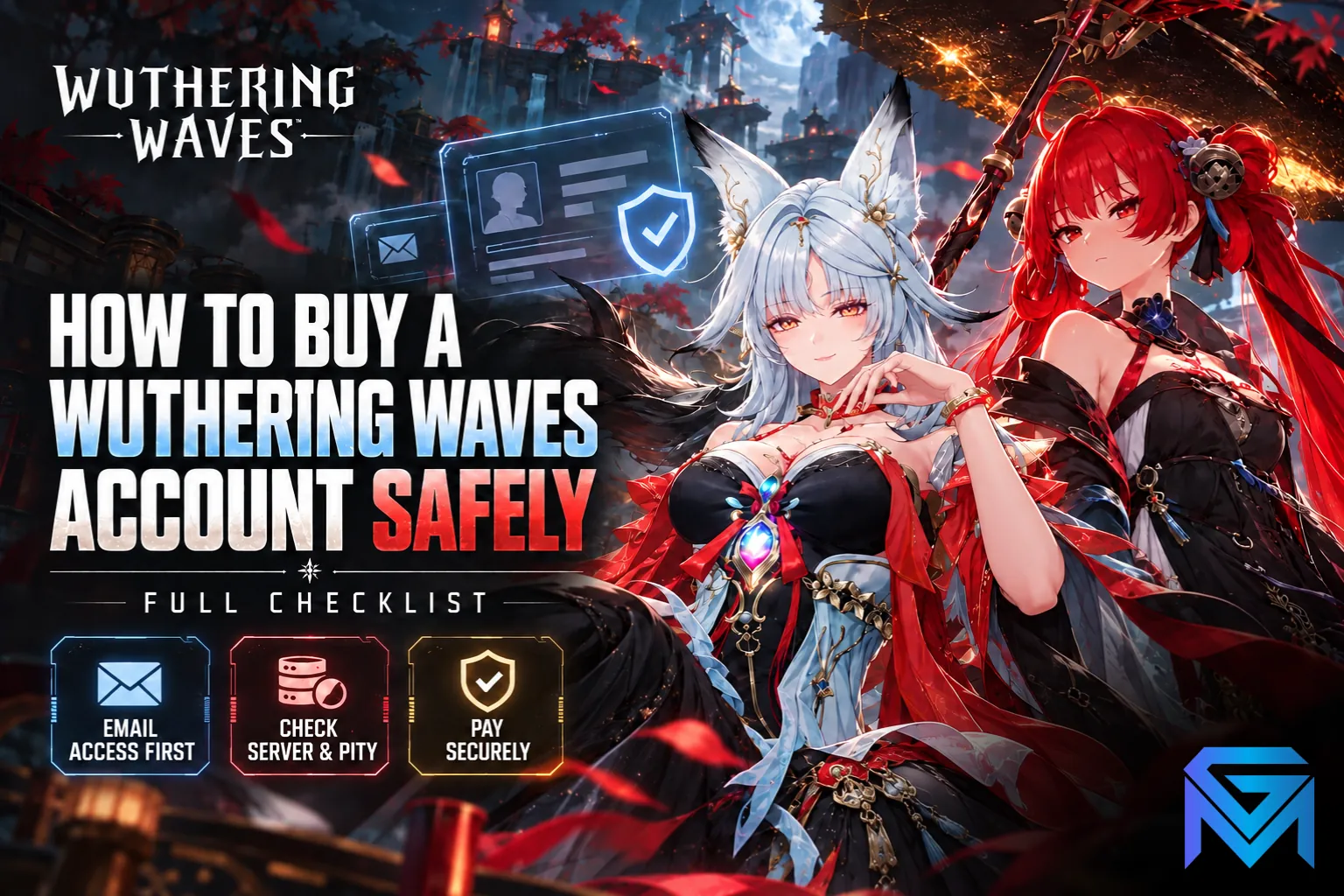
Buying a Wuthering Waves account safely comes down to one question: will you control the email it is bound to? Wuthering Waves has no self-service option to change that email, password resets go to it, and Kuro Games does not settle disputes that come from account trades. So whoever holds the inbox can take the account back. Every other check on this list matters, but it only protects you once that one is settled.
This checklist follows a purchase from start to finish: choosing the server, judging value, checking the listing, paying, and securing the account in the first hour after you get it. Account rules described here are accurate as of 2026.
Why the Bound Email Decides Whether a Wuthering Waves Account Is Really Yours
A Wuthering Waves account is a Kuro Games account, and its recovery path runs through one place: the bound email. If a password is lost or changed, the reset code goes to that inbox. There is no in-game button to swap it for a different address; the only route is a support request through in-game Feedback, where the requester has to prove they are the original owner. On a bought account, the original owner is the seller, not you.
That has a direct consequence for anyone looking at a Wuthering Waves account for sale. If the seller keeps the email, they can reset the password at any time and walk back in, and Kuro's support will not step in on your side, because buying, selling and sharing accounts is against the game's terms. A changed password alone does not make the account yours. Control of the inbox does.
In practice, that leaves three kinds of listings:
- Full access with email: the account comes with its own dedicated email inbox, and you receive the login for both. This is the only setup where you hold the recovery path from day one, and it is the one to prefer.
- Third-party login only: the account signs in through Google, Apple, Facebook, Steam or PlayStation Network. You need control of that third-party account too, and you should check whether an email is also bound underneath it.
- Game login without the email: you get the Kuro Games login but not the inbox. The seller keeps a permanent way back in, so this is the listing type to avoid however good the roster looks.
Think of the bound inbox as the master key: the Kuro Games ID and every platform login hang off it, which is why securing the email and password comes before anything else once the account is yours.
Pick the Server and Platform Before You Look at Listings
Wuthering Waves splits players into 5 regions: America, Europe, Asia, SEA and HMT. A save lives in exactly one region, with its own UID, Union Level, Astrite balance and roster, and progress does not move between regions. A strong account on the wrong server is worth nothing to you, because your friends, your ping and your events all sit somewhere else.
Platform matters less, because a Kuro Games account carries the same save across PC, Android, iOS and PlayStation 5 within one region. PS5 buyers have one extra check: the PlayStation Network account's region has to match the server the character was created on, and a Kuro Games account can only unlink a PSN account once, through a support request. If the seller already attached their own PSN account, ask them to remove it before you pay, not after.
Settle these two details first and you can filter out most listings in seconds, because the region and UID an account sits on never change, whichever platform you play it from.
What Makes a WuWa Account Worth Its Price
Two WuWa accounts with the same headline character can be worth very different amounts, because value comes from the pieces that took the longest to build. Look at these in roughly this order:
- Limited 5-star Resonators and their Resonance Chain: a limited Resonator at a higher sequence costs far more pulls than one at S0. The jump from S0 to S2 or S6 is covered in Resonance Chain Explained.
- Signature weapons: a limited weapon for the account's main damage dealer adds real value, since the weapon banner has its own pity.
- Built Echoes: well-rolled, fully tuned Echo sets are the hardest part of an account to recreate, and many listings skip over them.
- Saved currency and pity: unused Astrite, Lunite and Radiant Tides, plus the pity count. A 5-star is guaranteed by pull 80 and the counter carries over between banners of the same type, so an account sitting at 70 pity, or holding a guarantee after losing a 50/50, is worth more than it looks.
- Union Level and exploration: a higher Union Level unlocks harder content and better rewards, while unexplored regions still hold free Astrite for the new owner.
The budget question is simple. A starter account with one or two strong limited Resonators gives the best value per dollar if you are happy to build the rest yourself. An endgame account costs more because you are paying for months of Echo farming and the progression milestones that come with it. Newer players often find a starter account the better fit anyway, since learning how Resonators, Echoes and Astrite work on a smaller roster makes it easier to judge what a bigger account is really worth later.
Check the Listing Before Any Money Moves
A listing description is a claim, not proof. Before paying, ask the seller for live evidence that ties the account to the listing:
- A screenshot of the profile showing the UID and server, so every other screenshot can be matched to it.
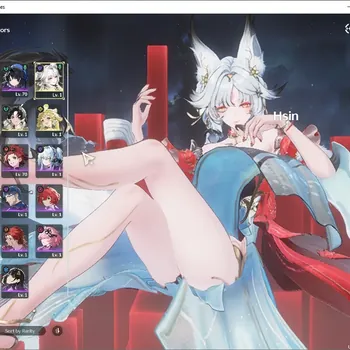
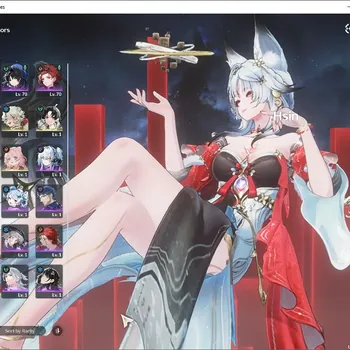
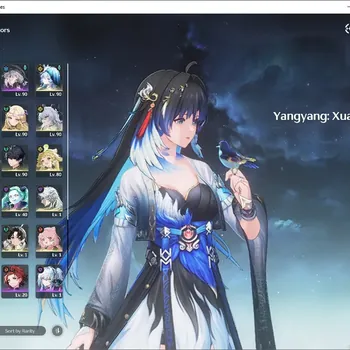
- The Resonator list with sequences visible, the weapon inventory, and the Echo panel of the main characters.
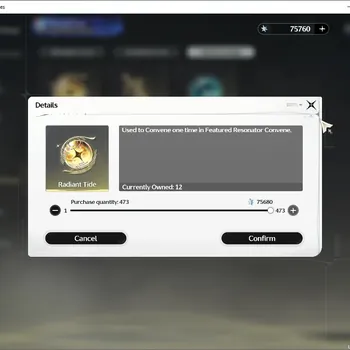
- The current Astrite and Lunite balance, and the Convene screen showing pity on each banner.
- Which logins are attached: email, Google, Apple, Facebook, Steam or PSN.
Red flags are usually easy to spot: screenshots with the UID cropped out, a seller who will not confirm which email type is included, a price far below similar accounts on the same server, or pressure to finish the deal outside the marketplace. Any one of these is a reason to walk away, and the same goes for quieter problems like top-up disputes or a roster that does not match the listing, which only show up when you check the account properly.
Pay in a Way That Leaves You Recourse
Because the game's support will not step into an account trade, the payment method is your only protection if something goes wrong. That rules out the most common mistake: paying a stranger directly by bank transfer, gift card or crypto. Once that money is sent, there is no one to appeal to if the email never arrives or the roster does not match.
The safer pattern is a protected checkout that holds your payment until you have logged in, checked everything against the listing and confirmed the handover yourself. Keep every message and every file inside the same marketplace, too. If a dispute does happen, the chat history is the evidence, and a conversation moved to a private app is one you cannot use.
The First Hour After You Buy a Wuthering Waves Account
The first hour is when a seller can still undo the sale, so work through these steps before you spend a single Astrite:
- Log in to the email inbox first and change its password, then turn on the inbox's own two-step verification and remove any recovery phone or backup address you do not own.
- Change the Kuro Games account password, which now sends its reset code to the inbox only you control.
- Check the third-party logins. If a Google, Apple, Facebook, Steam or PSN account you do not control is still linked, ask the seller to remove it or hand it over before you release payment.
- Log in on your own device and match the UID, server, roster, weapons, Echoes and currency against the screenshots.
- Only then confirm the handover so the payment is released.
Hold off on pulling or spending until every step is done. If something does not match, it is far easier to sort out an untouched account than one where you have already used the seller's saved Astrite.
The Full Checklist, in Order
Put together, a safe purchase follows the same twelve checks every time:
- Choose your region: America, Europe, Asia, SEA or HMT.
- On PS5, confirm your PSN region matches that server.
- Filter for listings that include the bound email inbox.
- Set a budget and decide between a starter and an endgame account.
- Rank value by limited Resonators, sequences, signature weapons and built Echoes.
- Factor in saved Astrite, Lunite and current pity.
- Ask for screenshots that all show the same UID.
- Confirm which third-party logins are attached.
- Pay only through a checkout that holds funds until you confirm.
- Secure the inbox, then the game password.
- Verify everything in-game on your own device.
- Release payment only after all of the above match.
If you only remember one item, make it number three. A great roster without its email is a loan, not a purchase.
Once that checklist is clear, the hard part is finding a listing that passes all twelve on the right server, and then deciding what to do with what is still missing. You can compare Wuthering Waves Accounts that state their server, roster and email access up front, hand the Waveplate and Echo farming on your new account to an experienced player through Wuthering Waves Hourly Services, or clear the Tower of Adversity and other endgame goals with Wuthering Waves Boosting.
GameMarket.gg is a trusted digital marketplace for everything gaming-related. We serve the gaming community by providing secure access that enhances every gaming journey.



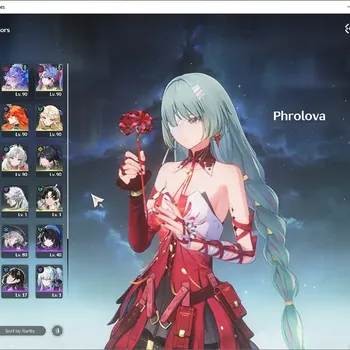
![Wuthering Waves Accounts Mid-Game SEA|UL 48|Rank 5|4 Char Limited [Hsin R2,Chisa]+Sign,Suisui,Rebecca|Mc Female|Check SS](https://img.gamemarket.gg/products/ihw1rdhx/wuthering-waves-accounts-sea-ul-48-rank-5-4-char-limited-hsin-r2-chisa-si-itq-thumbnail.webp "SEA|UL 48|Rank 5|4 Char Limited [Hsin R2,Chisa]+Sign,Suisui,Rebecca|Mc Female|Check SS WW510B")