eFootball Daily and Weekly Objectives Guide: Rewards and Resets
By John Ganang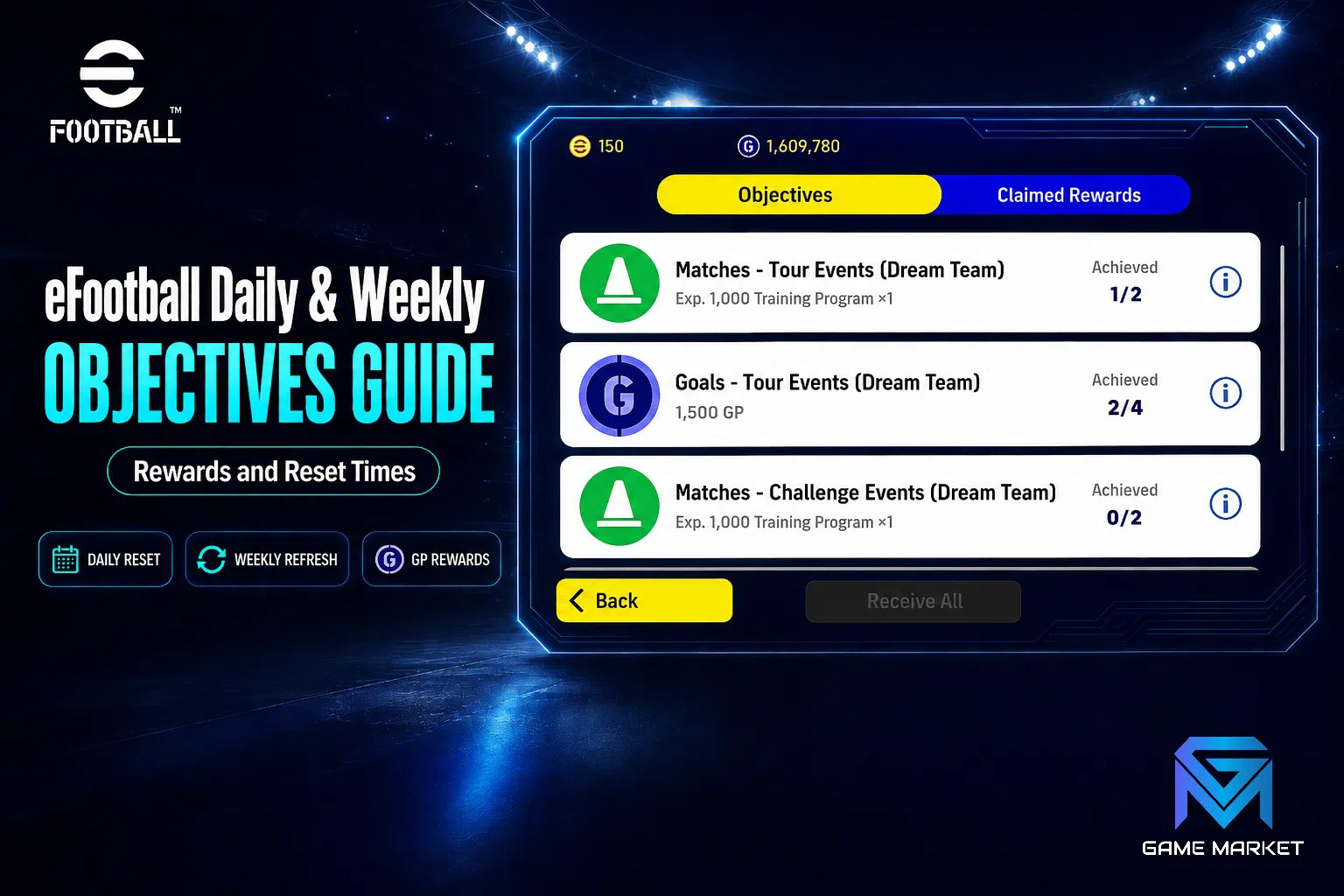
eFootball's objectives are a rotating checklist of in-game tasks that pay out GP, Coins, contract tickets and event points, refreshing on a daily and weekly cycle. Clearing the daily set takes only a few matches, while the weekly set carries the heavier rewards and expires if you leave it until the last day. Understanding when each tier resets, which tasks actually stack, and how event objectives layer on top of the permanent ones is the difference between a squad that grows every week and one that stalls at the same team strength for a month. This guide breaks down the objective system in Konami's free-to-play football title, the reset rhythm behind it, and the routines that let a casual player collect nearly everything without grinding all evening. There is a fuller breakdown in EFootball Attacking Guide.
What are eFootball objectives and why do they matter?
Objectives are structured task lists inside eFootball that reward you for playing normally — completing matches, scoring goals, training players, or logging in. They matter because they are the single largest source of free GP and event currency for players who do not spend, and they refresh on a predictable schedule.
Konami built eFootball around a live-service loop. Rather than paying out a flat daily bonus, the game funnels rewards through an objective board that nudges you toward the modes it wants populated: Event matches, Online Divisions, Tour mode and Training. Each entry states a condition ("win 1 match in Event mode", "train any player 3 times", "score 5 goals with a Standard player") and a payout attached to that condition.
The payouts are deliberately small individually and meaningful in aggregate. A single daily task might be worth a few hundred GP. A full daily sweep across a week, plus the weekly capstone rewards, adds up to a contract-tier sum — enough to sign a solid player or roll a Chance Deal without touching your Coin balance. That is why experienced players treat objectives as their baseline income and treat everything else as bonus.
There is a second, less obvious reason objectives matter: they gate event progression. During limited-time campaigns, the event's own currency is almost always distributed through event objectives rather than dropped from matches. If you ignore the objective board during an event window, you cannot buy the event's exchange rewards later — the currency simply is not obtainable any other way once the campaign closes.
How do daily objectives differ from weekly objectives?
Daily objectives are short, low-value tasks that reset every 24 hours and are designed to be cleared in two or three matches. Weekly objectives are longer, higher-value goals that reset once per week and often require cumulative progress — a number of wins, goals, or matches played across the full seven-day window.
The practical difference is tolerance for missed days. A daily objective you skip is gone permanently; there is no catch-up. A weekly objective, by contrast, tracks a running total, so a player who cannot log in Monday through Wednesday can still finish the week's requirements with a concentrated session on the weekend. This asymmetry should shape how you plan your week.
Daily tasks also tend to be mode-agnostic or very lightly restricted — "play 1 match" in almost anything counts. Weekly tasks are usually mode-specific and often tied to competitive play, meaning they push you into Online Divisions or the current event rather than letting you farm them against easy offline opposition.
Typical daily objective shapes
- Login — awarded for opening the game; no match required.
- Play N matches — usually one to three, any supported mode.
- Score N goals — often with a constraint like a specific player type.
- Train a player — consumes a Training Program but pays back in GP and progression.
- Win a match — the one daily that can genuinely fail; leave time for a retry.
Typical weekly objective shapes
- Cumulative wins — commonly in Online Divisions or the featured event.
- Cumulative goals or assists — tracked across every qualifying match.
- Event participation — play a set number of matches inside the active campaign.
- Squad milestones — reach a team-strength or progression threshold.
When do eFootball objectives reset?
Daily objectives reset on a fixed server clock rather than on your local midnight, and weekly objectives reset once per week on the same server clock. Konami operates eFootball's live schedule on a global server time, so the reset lands at a different local hour depending on where you play.
The practical consequence is that "daily" does not mean "before you go to bed". If your local reset falls at, say, mid-afternoon, then a session on Tuesday evening and another on Wednesday morning both count toward the same daily set — you have effectively wasted one of the two days. The fix is simple: check the countdown timer displayed on the objective board itself rather than reasoning from the calendar. eFootball shows a live "time remaining" on each objective group, and that timer is the only reliable source.
Weekly resets follow the same principle at a larger scale. The board shows days-and-hours remaining, and that number is what should drive your planning. A useful habit is to look at the weekly timer on your first session of the week and decide immediately whether the remaining requirements are realistic. If a weekly task needs eight competitive wins and you have two days left, it is better to abandon it and concentrate on the achievable ones than to spread effort across everything and finish none.
Event objectives run on their own clocks entirely. A campaign's objective set may open mid-week and close mid-week, independent of the daily and weekly cycles. Treat each event board as a separate deadline.
What rewards do objectives actually pay out?
Objectives pay in GP, Coins, contract items, Training Programs, event currency and occasionally player picks. GP is by far the most common payout; Coins appear rarely and usually only in campaign or milestone objectives, which is what makes them worth prioritising when they do show up.
Knowing the currencies is essential to prioritising correctly. In eFootball, GP is the freely earnable soft currency used for most standard contracts and squad upkeep. Coins are the premium currency used for featured signings and packs. Training Programs are consumable items that raise a player's level. Event currency is campaign-specific and expires with the campaign.
Because these have wildly different replacement costs, a 1,000 GP objective and a 10-Coin objective are not remotely comparable, even though the numbers look similar on the board. GP accumulates steadily from ordinary play; Coins do not. When two objectives compete for the same limited playtime, the Coin objective almost always wins. For the detail behind that, see Set Piece Guide Free Kicks, Corners and Penalties.
Event currency sits in a third category: it has a hard expiry. Currency you fail to convert into rewards before the campaign closes is destroyed, not carried over. During an active event, event objectives should generally outrank both GP and Coin objectives on the same board, because everything else remains earnable next week while event rewards do not.
Priority order when time is short
- Expiring event objectives — the rewards vanish permanently.
- Coin and player-pick objectives — hardest currencies to replace.
- Weekly objectives near completion — sunk progress you would otherwise waste.
- Training Program objectives — feed directly into squad growth.
- Plain GP dailies — the easiest to make up later.
Which game modes clear objectives fastest?
Offline modes clear volume-based objectives fastest because match outcomes are controllable and matches are short, while Online Divisions is unavoidable for objectives that specifically require competitive wins. The efficient approach is to sort objectives by whether they name a mode, then batch them.
Tour and other offline modes let you pick opposition difficulty. For "play N matches", "score N goals" or "use a specific player type" objectives, this is enormously faster than queueing online, where match length is longer, opposition is unpredictable, and a loss can leave a goal-scoring objective unfinished. Lower the difficulty, run short matches, and treat these as a chore to be batched.
Online Divisions objectives cannot be shortcut. If the board says "win in Online Divisions", offline results do not register. The saving here comes from stacking: before you queue, read every online objective on the board and make sure your squad and tactics satisfy all of them at once. A single online win that simultaneously completes a daily win, feeds a weekly win counter, and progresses an event participation task is worth three separate matches played carelessly.
Event mode sits in between. Event matches usually count toward event objectives, general "play a match" dailies, and sometimes goal counters — making it the highest-stacking mode during an active campaign. If an event is running, defaulting to event matches is usually correct.
How do you stack objectives so one match counts several times?
Stacking means choosing a single match setup that satisfies multiple open objectives simultaneously. It works because eFootball evaluates most objective conditions independently — one match can tick a mode requirement, a goal requirement, a player-type requirement and an event counter at the same time.
The routine is mechanical. Open the objective board first, before you play anything. Write down or mentally group the open conditions by what they constrain: mode, player type, goal count, win requirement. Then build one squad and pick one mode that satisfies the largest intersection.
A worked example: suppose your board shows "score 3 goals with a Standard player", "play 2 Event matches", "win 1 match" and a weekly "score 10 goals in Event mode". Every one of those can be served by two Event matches with a Standard striker leading the line. Played without planning, the same four objectives might take five or six matches.
The main constraint on stacking is player-type restrictions that conflict — an objective demanding a Standard player and another demanding an Epic in the same role cannot both be served by one match. When that happens, split them across the two matches you were going to play anyway rather than adding a third. Our guide breaks down Division Climb Guide Match Tactics That Win Points.
How do objectives shape squad and contract decisions?
Objectives reward breadth of squad rather than a single strong eleven, because player-type conditions rotate. Keeping at least one usable player of each common card type on the roster means you can satisfy restricted objectives without an emergency signing.
This runs against the instinct to release every card that is not in your first team. In practice, a bench of one Standard, one Featured and one high-level trained player covers the overwhelming majority of player-type conditions the objective board throws at you. Releasing them for a small GP refund tends to cost more later, when a restricted objective goes unclaimed.
Contract upkeep interacts here too. Players consume contract renewals over time, and a squad kept deliberately wide costs more GP to maintain than a lean one. The balance point most players settle on is a core eleven plus five or six utility cards held specifically for objective coverage — wide enough to cover conditions, narrow enough that renewals do not eat the GP the objectives are paying you.
Training Programs deserve a specific mention. Several recurring objectives reward you for training players, and training is itself the main route to raising individual player level and team strength. Objectives that ask you to train are therefore double-counted value: you get the listed reward and the squad progression at the same time. These are rarely worth skipping.
What are the most common objective mistakes?
The most common mistakes are playing before reading the board, misjudging the reset clock, and spreading effort thinly across weekly objectives that cannot all be finished. All three waste matches that would otherwise have paid out.
Playing first and checking later is the single largest source of wasted time. Matches already played do not retroactively count toward objectives that were sitting unread — progress is tracked from when the objective is active, and a session spent in the wrong mode simply does not register. Thirty seconds on the board before queueing pays for itself.
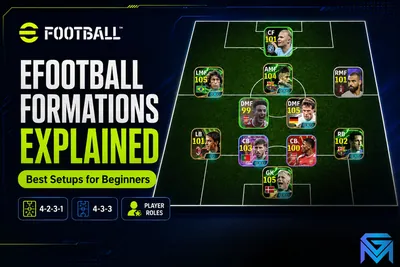
Misreading the reset clock costs a full daily set. Because the reset is on server time, players who assume local midnight regularly lose a day per week. The countdown on the board removes all ambiguity. It is worth knowing Formations Explained Best Setups for Beginners.
Spreading effort is subtler. Weekly boards typically list more work than a casual schedule can absorb. A player who puts two wins into each of four weekly objectives finishes none of them and collects nothing; a player who puts eight wins into the two most valuable finishes both. Partial progress on a weekly objective pays zero.
A fourth mistake worth naming: letting event currency expire unspent. Players often bank event currency waiting for a better exchange option, then miss the closing date. Convert it before the campaign's final day, not on it.
What does an efficient weekly routine look like?
An efficient routine front-loads the weekly objectives early in the cycle, then uses short daily sessions to clear the dailies while the weekly counters accumulate in the background. Two focused sessions plus five short ones will clear most boards.
On the first day of the weekly cycle, read the full weekly board and decide which objectives you are committing to. Rank them by reward scarcity — event and Coin rewards first — and discard anything the remaining days clearly cannot support. This single decision prevents the spreading mistake described above.
On ordinary days, a session of two to four matches is usually enough. Open the board, group the open dailies, choose the mode with the highest stacking overlap, and play. Because weekly counters tick during these matches, the weekly objectives progress without any dedicated effort.
Reserve one longer session for the back half of the week to close out whatever the weekly board still needs. Keeping this session before the final day, rather than on it, leaves room for the losses that competitive objectives inevitably produce.
Finally, sweep event exchanges before the cycle closes. Spend event currency, claim finished objectives — payouts are not always automatic — and confirm nothing is sitting unclaimed on the board.
How much progression do objectives realistically deliver?
Consistently cleared objectives supply the bulk of a non-spending player's GP income and most of their event rewards, which over a full campaign cycle is typically the difference between a mid-strength squad and a competitive one.
The maths is straightforward. Daily payouts are small but compound across seven days; weekly capstones add a larger lump; event objectives add currency that converts to players and items you cannot buy with GP at all. A player who clears dailies most days and finishes two or three weeklies per cycle will accumulate meaningfully faster than one who plays the same number of matches without reference to the board.
What objectives will not do is replace time. They reward playing efficiently, not playing less — the ceiling is set by how many matches you can fit in. What the system changes is the return on each of those matches, and that return roughly doubles when the board is read first.
If your schedule genuinely cannot absorb the weekly competitive requirements, the honest answer is to optimise for dailies and event participation and treat the weekly board as optional. Dailies are cheap, repeatable, and never require a win streak.
Where to Find eFootball Boosting and Hourly Services
On GameMarket.gg you can browse other eFootball listings, the eFootball market hub.
If you want to grow an eFootball squad without carving out hours every evening, browse the eFootball hourly services listings on GameMarket.gg to see what experienced players offer, and read the eFootball beginner's guide to player cards, coins and squads for the fundamentals behind every objective on the board.
GameMarket.gg is a trusted digital marketplace for everything gaming-related. We serve the gaming community by providing secure access that enhances every gaming journey.