Blood Strike Account Binding Explained: Logins, Linking and Recovery
By John Ganang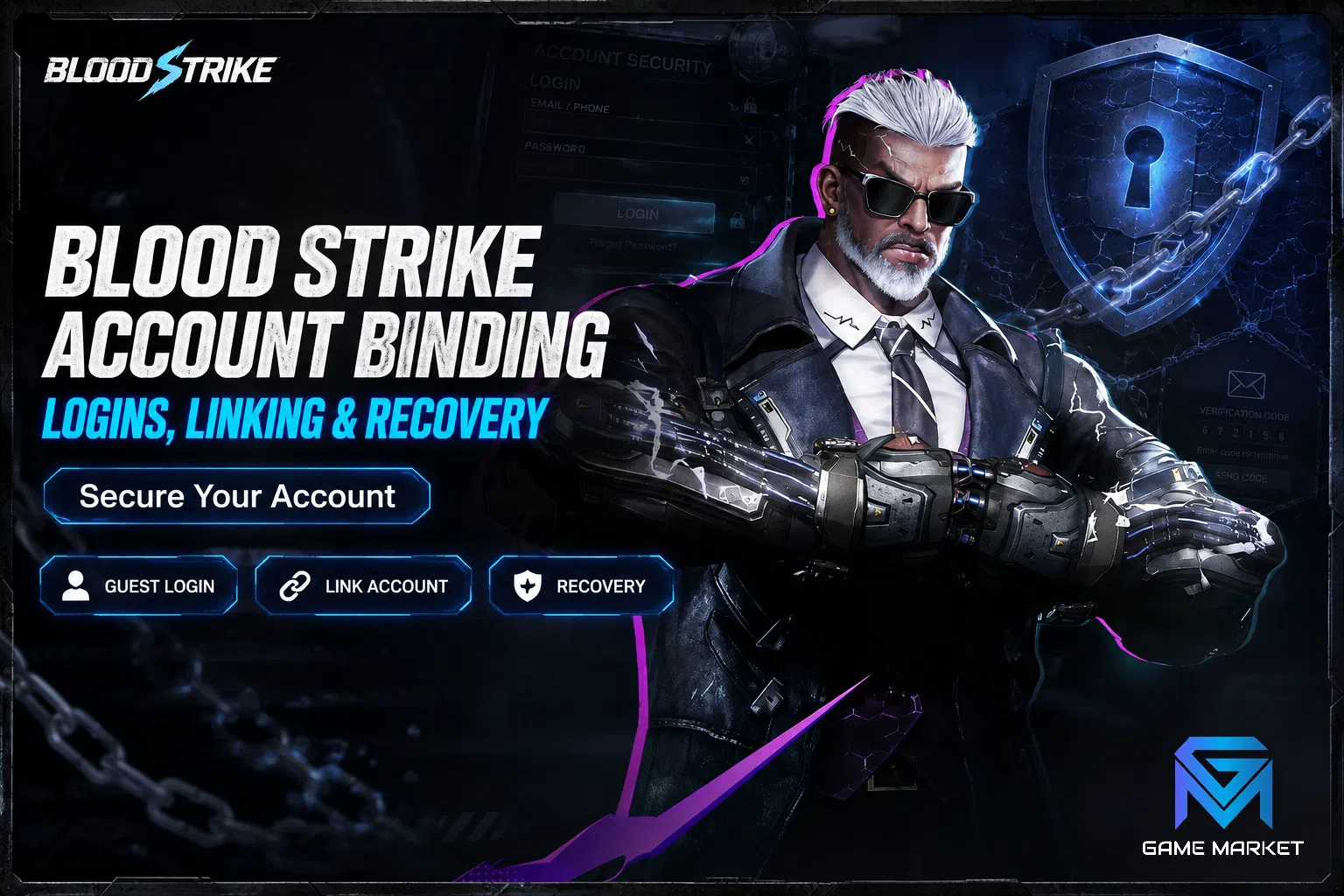
Binding a Blood Strike account means attaching your in-game progress to an external login such as Google, Facebook or a NetEase account, so that progress lives on a server profile instead of on one phone. An unbound guest profile exists only on that device, and losing the device usually means losing the account. Your in-game name is separate from that login, and changing your Blood Strike name works the same whichever login you use.
That single distinction decides how safe every hour you put into Blood Strike really is. Strike Gold spent on a Lucky Draw, an Ultra skin pulled on a lucky night, a rank climbed across a whole season: all of it sits behind whatever login the account is attached to. Players who understand binding treat their account like a bank record they can open anywhere, while players who never bind it are effectively storing that record in one pocket. This guide explains what binding does inside NetEase's login system, how to read what an account is currently attached to, how to move a profile between devices, and which mistakes actually cause lockouts.
What does binding a Blood Strike account actually do?
Binding links the progress stored on NetEase's servers to an external identity you control. Once bound, you sign in on any supported device with that identity and your Strikers, skins, Strike Gold balance and rank come back. Without a binding, the profile stays anchored to local device data.
It helps to separate two things that beginners tend to blur together. The first is the game profile: account level, unlocked Strikers, weapon mastery, skin inventory, currency balances and ranked record. That data is held server-side, on the region server your profile was created on. The second is the key that opens it. A guest profile uses a key generated on the device itself, which is why reinstalling the game, wiping the phone or switching to a new handset can leave you staring at a fresh tutorial. Binding replaces that fragile local key with a durable one, an account you can sign into from anywhere.
Because the profile itself never moves, binding does not migrate, merge or duplicate anything. It simply gives an existing profile a second, portable door. That is also why binding only helps before something goes wrong: it is a preventative step, not a recovery tool you can apply after the device is gone.
Which login methods can a Blood Strike account use?
Blood Strike offers guest play plus external logins, and the exact menu depends on your platform, store and region. Mobile builds commonly expose Google, Facebook and a NetEase account option, while PC builds route through the NetEase launcher. The buttons on your own login screen are the authoritative list.
The practical differences between them matter more than the branding:
- 🟢 Google or platform login — smoothest on Android, because the identity already sits on the device and recovery falls back to Google's own account tools.
- 🟡 Facebook login — convenient and portable across phones, but it inherits every risk of the social account behind it. If that account is disabled for reasons unrelated to gaming, the door it opens closes with it.
- 🟢 NetEase account — the publisher-native identity, which keeps the game login inside the same ecosystem that hosts the profile and behaves consistently between mobile and PC clients.
- 🔴 Guest — fastest to start, and the only one with no recovery path worth the name.
NetEase's own account help pages describe the third-party options as links to an existing profile rather than as separate accounts, which is why signing in with a different provider on the same phone can surface a completely different profile. That behaviour is not a bug; it is the login system doing exactly what it says.
How do you check what an account is currently bound to?
Open the in-game settings or profile panel and look for the account, binding or link section. It lists the providers already attached and offers the ones still available. A profile showing only guest status, or an untouched row of link buttons, is unbound no matter how much progress it holds.
Run that check before you assume an account is safe, because binding status is invisible from the outside. A high-level profile with a full skin collection looks identical to a fresh one in the lobby, so the account screen is the only place the difference shows.
Two extra details are worth reading while you are in there. The first is which provider is attached, since that tells you where recovery would actually happen. The second is the region or server your profile lives on, which affects matchmaking, event timing and who you can squad with. That second point has enough moving parts to deserve its own walkthrough, and our guide on how to check the server on a Blood Strike account covers the exact panels to look at. For the detail behind that, see Collab Skins Explained Events, Rarity & Returns.
How do you move a Blood Strike account to a new device?
Bind the account on the old device first, then install Blood Strike on the new one and sign in with the same provider. The profile loads from the server with progress intact. Do not uninstall from the old device until the new device has successfully loaded that profile.
The order matters because each step removes a safety net:
- On the old device, open the account panel and attach a login you fully control.
- Confirm the binding is listed as active rather than merely offered.
- Install the game on the new device and choose that same login at the very first screen, before tapping through as a guest.
- Verify that account level, Striker roster and skin inventory match what you had.
- Only then clear the old install.
Step three catches most of the disasters. If you play as a guest even once on the new device, you create a second local profile, and the game may keep launching into that empty profile until you explicitly log out of it. Nothing is lost when this happens, because the bound profile is still on the server, but panicking and reinstalling repeatedly is how players convince themselves an account is gone when it is simply behind the wrong login button.
What happens to a guest account if the device is lost?
In most cases it is unrecoverable. Guest progress is tied to device-side data, and support teams generally cannot restore a profile with no verified owner. Purchase receipts sometimes strengthen a claim, but nothing about the outcome should be treated as guaranteed.
This is the most expensive habit in the game, because the loss scales with how well you have played. A month-old guest account is an annoyance. A guest account carrying a season of ranked progress, a weapon mastery grind and limited-time collab skins is a real loss, and those skins are period-limited: some return through reruns, but a return is never promised. If you want the full picture of what a mature profile contains, Blood Strike accounts explained breaks the components down piece by piece.
The fix costs about thirty seconds, which is why the advice is so blunt: bind before your next match, not after your next milestone.
What is tied to the account rather than the device?
Everything that matters: account level, unlocked and upgraded Strikers, weapon mastery levels and camos, skin inventory, Strike Gold and Cash balances, Battle Pass progress from daily and weekly missions and ranked tier. Settings such as sensitivity and control layout are usually device-side, so expect to rebuild those after a switch.
Understanding that split saves a lot of confusion during a device move. Players often report that half the account is missing when what actually happened is that their control layout and sensitivity reset while the profile itself arrived perfectly intact. Rebuilding a layout takes a match or two, whereas rebuilding a roster takes months.
It is also why account standing is discussed in terms of inventory and rank rather than hardware. A profile's value comes from what the server records against it, which is exactly what our breakdown of Blood Strike account tiers uses to separate a starter profile from a high-end one, and why cosmetic depth carries so much weight in the rare skins and collab guide.
How do you recover access when you are locked out?
Recovery runs through whichever identity holds the binding. If the game login is fine but the provider is not, fix the provider first: reset the Google or Facebook credentials, or restore the NetEase account. Escalate to in-game customer support only when the provider side is genuinely healthy.
Working in that order matters because the two systems fail differently. A provider failure looks like a login that never completes, an authentication error, or a sign-in loop that returns you to the same screen. A game-side failure looks like a successful login that lands on the wrong profile, or an account flagged inside the client. Sending a support ticket about the first kind wastes days, since the publisher cannot reset a password it does not hold.
Before contacting support at all, gather what you can prove: approximate creation date, region server, account level and rank, the Strikers and skins you own, and any purchase receipts tied to the profile. Account services weigh verifiable ownership detail heavily, so a ticket full of specifics moves faster than one that only asserts the account is yours.
Which binding mistakes actually cost players their progress?
Four recur constantly: never binding at all, binding to an email nobody controls anymore, signing in as a guest on a new phone and overwriting the launch profile, and treating a bound account as though the provider identity behind it were somehow separate from it.
- ❌ Playing unbound "for now." The window between installing and binding is where nearly all permanent losses happen.
- ❌ Binding to a dead identity. An old school email or a social account you no longer open is not a recovery path. Use something you sign into monthly.
- ❌ Guest-tapping on a new device. Choose the login on the first screen, every time.
- ❌ Assuming a bound account cannot be handed away. Anyone who can open the provider identity can open the profile, which is the whole security model, and it is why account credentials should never travel through casual chat.
- ❌ Skipping the verification match. After a move, load into the lobby and confirm the roster before deleting anything.
Read the list again and the pattern is obvious: none of these are gameplay problems. They are record-keeping problems, so they respond to a checklist rather than to skill. If account structure is still unfamiliar territory, the Blood Strike beginner's guide sets the wider context of ranks, Strikers and Strike Gold that binding exists to protect.
What does a healthy account routine look like?
Bind on day one, keep the provider identity secured with its own recovery options, note your region server, and re-check the binding panel after every major client update or device change. Five minutes of maintenance protects everything the profile has accumulated.
A workable rhythm is quarterly. Open the account panel, confirm the listed provider is still one you can sign into, confirm the email behind that provider still receives mail, and confirm the region server matches the squad you actually play with. Do the same check immediately after buying a new phone, because that is the moment the old device stops being a fallback.
Everything else, from rank to mastery to cosmetics, is progress you could rebuild in theory. Access is the one thing that no amount of playtime brings back once it is gone.
Frequently asked questions
Can one Blood Strike profile be bound to more than one login? The account panel shows which providers are attached and which remain available, so multiple links are possible where the client offers them. Treat every attached identity as a full key to the profile.
Does binding move my progress to another region server? No. Binding changes how you sign in, not where the profile lives. Region is set when the profile is created.
Will I lose skins or Strike Gold when switching phones? Not if the account is bound and you sign in with the same provider. Inventory and currency are server-side, and only local settings reset.
Is a guest account worth binding after months of play? Yes, and urgently. Binding works at any point while you still have access to the device holding the profile.
Where to Find Blood Strike Accounts and Top Up
On GameMarket.gg you can browse Blood Strike top-up options, the Blood Strike market hub.
If you want to see how binding status, region and inventory line up in practice, browse the current Blood Strike accounts on GameMarket.gg and compare a properly documented profile against the checklist above.
GameMarket.gg is a trusted digital marketplace for everything gaming-related. We serve the gaming community by providing secure access that enhances every gaming journey.