HSR Account Security Explained: Linking, 2FA & Device Access
By John Ganang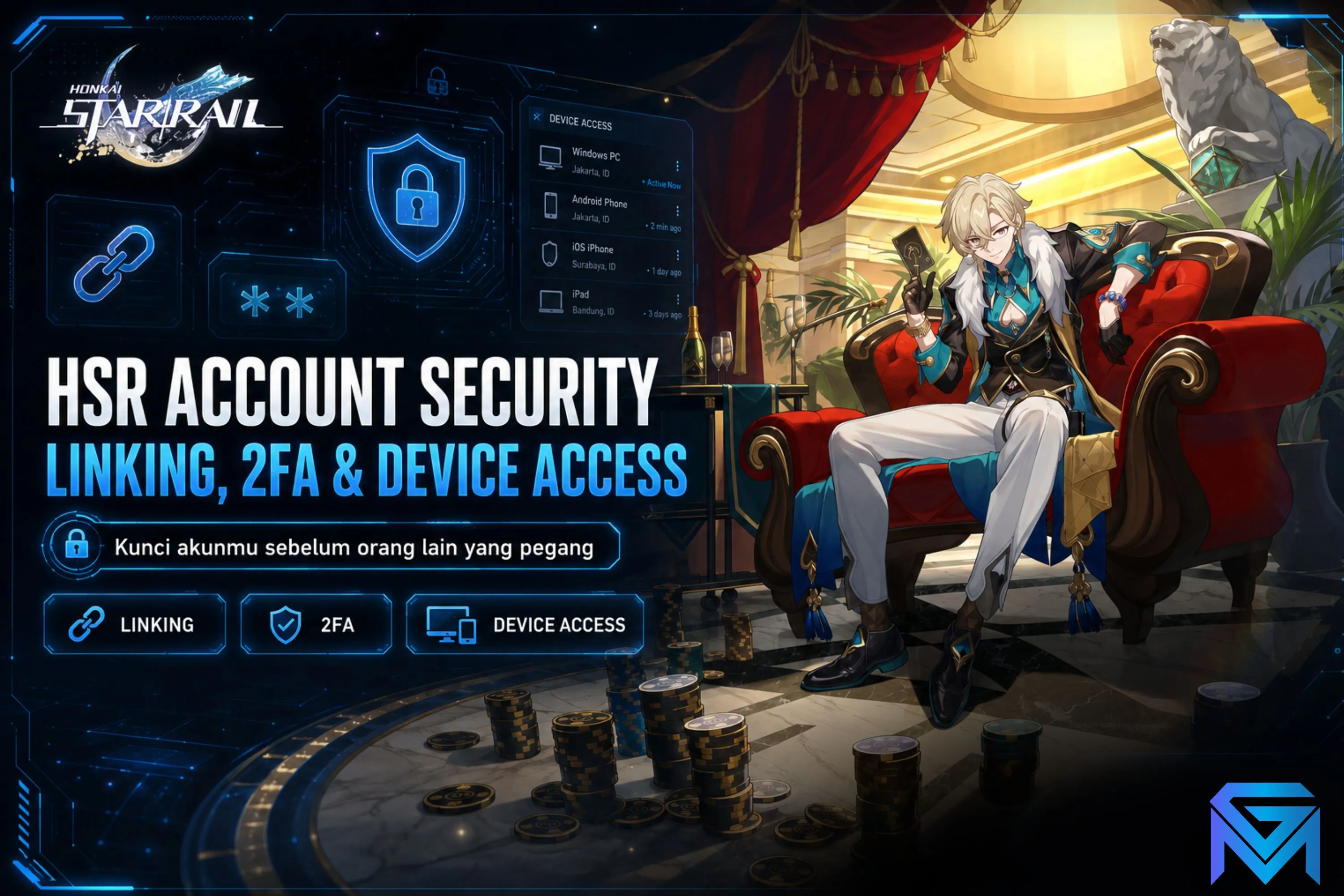
Honkai: Star Rail account security rests on three layers you control directly: the HoYoverse account the game data is bound to, the login method used to reach it, and the device sessions that stay authorized after you sign in. Harden all three and the Trailblazer progress on that account stays reachable only by you.
Most players never look at their account settings until something goes wrong — a phone is replaced, a guest login disappears, a password is reused somewhere it should not have been. Honkai: Star Rail is a live service title from HoYoverse, and the save data lives entirely on their servers, tied to a HoYoverse account (called miHoYo account on the Chinese client) rather than to the handset in your pocket. That architecture is what makes cross-device play possible, and it is also what makes the account credentials the single most valuable thing a Trailblazer owns. This guide walks through how the binding actually works, what each login method does differently, how two-factor verification and device sessions behave, and the specific habits that keep an account recoverable.
What is actually bound to a Honkai: Star Rail account?
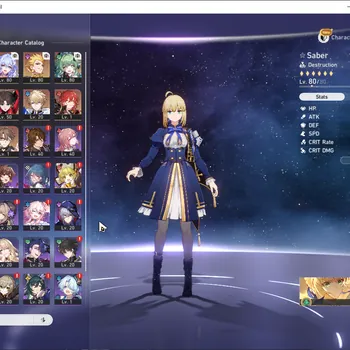
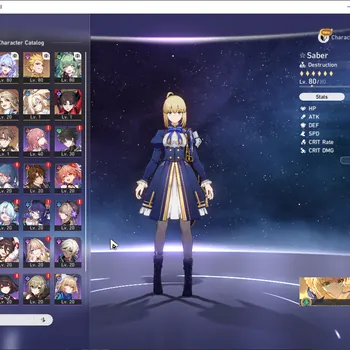
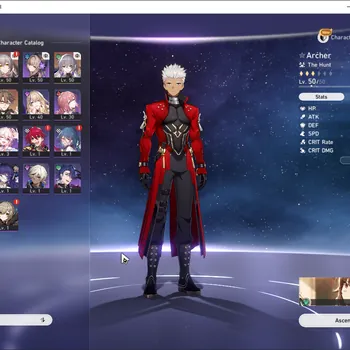
Everything persistent is bound to the HoYoverse account, not the device: Trailblaze Level, Equilibrium Level, every character and Eidolon, Light Cones, Relics, Stellar Jade, Trailblaze Power, achievement progress and Warp history. The device only holds a cached session token.
This distinction matters more than it first appears. When you install the game on a second phone and log in, nothing is transferred — the client simply authenticates and streams your existing profile down from the server region your account lives in. Uninstalling the game deletes no progress. Losing a phone deletes no progress. The only thing that can genuinely separate you from a Star Rail profile is losing the ability to authenticate as the HoYoverse account holder.
There is one important qualifier: the account is also bound to a server region chosen at first login (America, Europe, Asia, or TW/HK/MO on the global client). Region is a property of the game profile, not of the login credential, and HoYoverse does not offer a self-service region transfer. A single HoYoverse account can hold a separate, independent Star Rail profile on each region — same email, four separate sets of characters and Jade. If you have ever wondered why a friend's roster vanished after they tapped a different region flag, that is the reason. The mechanics of this are covered in more depth in our guide to HSR servers and cross-progression.
How do the different login methods change your security posture?
Honkai: Star Rail accepts several sign-in paths, and they are not equivalent. An email-and-password HoYoverse account is the most portable and the most recoverable. Third-party sign-in (Google, Apple, Facebook) delegates authentication outward. Guest or device-bound login is the fragile one.
Email + password HoYoverse account. This is the reference implementation and the one HoYoverse's own support flow is built around. It gives you a verifiable owner-of-record: the email inbox. Password resets, verification codes and support tickets all route through it. If you only do one thing after reading this article, make sure your Star Rail profile sits on an email-based HoYoverse account whose inbox you still control.
Google, Apple or Facebook sign-in. These create a HoYoverse account behind the scenes, but authentication is delegated to the third party. The security of your Star Rail account becomes exactly as strong as the security of that Google or Apple account — no stronger. The upside is that those providers generally have excellent recovery tooling and mature two-factor support. The downside is a second point of failure: lose access to the Google account, and the recovery conversation now involves two companies instead of one. It is also worth knowing that Apple's "Hide My Email" relay addresses work fine at sign-up but can complicate a support ticket later, because the address in HoYoverse's records is a relay rather than a mailbox you obviously own.
Guest / device login. On some platforms the game will let you start playing immediately without binding anything. This creates a profile anchored to a device identifier. There is no email, no password and no verification code — and therefore no realistic recovery path if the device is wiped, replaced or the app data is cleared. HoYoverse support has no way to prove the profile was yours. Every guide on this subject reaches the same conclusion for the same reason: bind a guest profile to a real account before you invest a single Warp in it.
How does two-factor verification work on a HoYoverse account?
HoYoverse's verification model is primarily email-based: when a login arrives from an unrecognized device or an unusual location, the service emails a one-time code to the address on file and holds the session until that code is entered. Some regions and platforms additionally support phone-number binding. For the detail behind that, see How to Buy an HSR Account Safely.
The practical effect is that your email inbox is your second factor. That has a consequence people routinely miss — if the email account protecting your Star Rail profile is itself secured only by a reused password, then your "two-factor" is really one factor wearing a hat. The strongest configuration available to most players is: a HoYoverse account on an email address that has its own app-based two-factor authentication enabled, with a password unique to that inbox.
A few behaviours worth knowing:
- Codes are time-limited. Verification codes expire, typically within minutes. A code that arrives and is not used quickly will simply fail; request a fresh one rather than re-entering the old one repeatedly.
- Codes are rate-limited. Requesting several in quick succession can trigger a cooldown. This is a defence against code-flooding, not a bug.
- A code you did not request is a signal. If a HoYoverse verification email arrives out of nowhere, someone has your email address and is attempting a login. Change the HoYoverse password and the email password, in that order, immediately.
- Phone binding is regional. Availability of SMS verification varies by client and region; the global launcher and the mobile client do not always expose identical options. Check what your account actually offers rather than assuming.
What are device sessions, and why should you review them?
After a successful login, the client stores a session token so you are not asked to authenticate every launch. Those tokens persist independently on every device that has ever signed in, which means an old phone you sold last year may still hold a live session unless it was signed out.
This is the quietest of the three security layers and the one most often ignored. A session token is not a password, but it is a valid key. The right habits are straightforward: sign out of the game explicitly before selling, trading in or handing on a device, rather than only deleting the app; and after any password change, look for the option to invalidate other sessions so old tokens stop working. HoYoverse exposes account and security settings through the HoYoLAB companion app and the account management page reached from the game's in-game settings menu — that is where binding, password and linked-login options live.
Public and shared devices deserve a special mention. Signing into Star Rail on a friend's console or a shared PC leaves a session behind on hardware you do not control. If you do it, sign out deliberately afterwards. The same goes for the launcher on a shared Windows machine, which caches credentials separately from the mobile client.
Which threats actually target Honkai: Star Rail accounts?
Almost every real-world compromise traces back to one of four things: credential reuse, phishing, third-party tools that ask for your login, and social engineering aimed at support staff. Server-side breaches of the game itself are not the common failure mode — the human layer is.
Credential reuse. If the password on your HoYoverse account also protects a forum you signed up to in 2018, then any breach of that forum is a breach of your Star Rail account. Credential-stuffing is automated and cheap. A unique password per account, kept in a password manager, closes this entirely. Our guide breaks down Endgame Modes Explained Memory of Chaos & Pure Fiction.
Phishing. The Star Rail flavour usually arrives as a "free Stellar Jade", "beta tester selection" or "account violation appeal" message, pointing to a login page that is a pixel-perfect copy of the HoYoverse one. Two defences: never reach a login page from a link in a message, and check the domain before typing anything. HoYoverse's official communications come through their published channels — the in-game mailbox, HoYoLAB and their official social accounts — and legitimate giveaways are redeemed with codes entered inside the game, never by handing over a password.
Third-party tools. Damage calculators, Warp trackers and account-stat sites vary enormously in trustworthiness. A tool that only ingests your Warp history URL or a public UID is a different proposition from one asking for your HoYoverse password. Nothing legitimate needs your password. Treat that request as disqualifying, without exception.
Social engineering. Attackers sometimes go around you and target support directly, attempting to answer ownership questions on your behalf. The counter is documentation: keep the original registration email, the first-purchase receipt if you have ever topped up, your UID and your rough creation date somewhere retrievable. HoYoverse's account-recovery process asks for exactly this kind of evidence, and the player who can produce it wins the exchange.
What does account recovery actually look like?
Recovery runs through HoYoverse customer support and is evidence-driven. You submit a ticket describing the situation and supporting your claim to the account, and the burden of proof sits with you. The more verifiable detail you supply, the faster and more likely a successful outcome.
The evidence that carries weight is consistent and worth assembling before you need it:
- UID. Your nine-digit Star Rail UID, visible in the bottom-right of the in-game menu. Write it down.
- Registration details. The email address originally used, and the approximate date the account was created.
- Purchase records. If you have ever bought an Express Supply Pass or a Stellar Jade bundle, the store receipt (Google Play, App Store or the HoYoverse top-up page) is the single strongest ownership proof available, because it ties a payment instrument to the account.
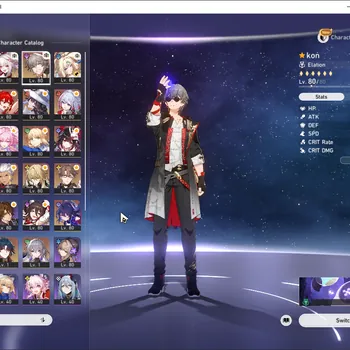
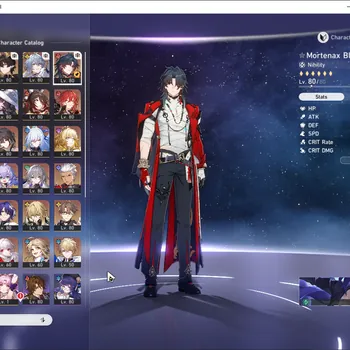
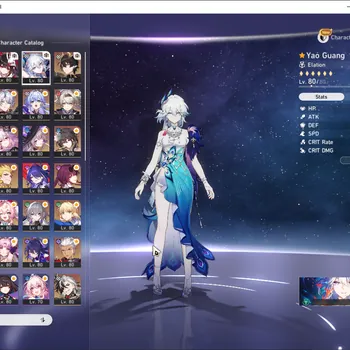
- Character roster snapshot. A screenshot showing your team, Trailblaze Level and Equilibrium Level, taken while you still have access.
- Login history context. The device and region you normally play from.
Guest-login profiles are the hard case. With no email, no receipt and no binding, there is often nothing to submit, and the honest answer is that such an account may not be recoverable at all. That asymmetry — a two-minute binding step now versus a permanent loss later — is the whole argument for binding early.
What is a practical security checklist for a Star Rail account?
A hardened account takes about ten minutes to set up and needs almost no maintenance afterwards. Work through the list once, then revisit it whenever you change phones, change email providers or change passwords.
- Bind to a real email. Move any guest or device-anchored profile onto an email-based HoYoverse account today.
- Use a unique password. Generated, stored in a password manager, used nowhere else.
- Secure the inbox. Enable app-based two-factor authentication on the email account itself — it is the recovery root for everything above it.
- Record your UID and creation details. Somewhere outside the phone that runs the game.
- Keep purchase receipts. Archive the confirmation emails rather than deleting them.
- Sign out of devices you no longer own. Explicitly, before the hardware leaves your hands.
- Never enter credentials outside the official client, launcher or HoYoLAB. No exceptions for tools, giveaways or "verification" pages.
- Treat unexpected verification codes as an alarm. Change passwords immediately when one arrives unrequested.
Security discipline pairs naturally with understanding what you are protecting. If you are still mapping out how the account systems fit together, our HSR progression guide covering levels, Warp and characters explains what accumulates on a profile over time, the HSR characters and team-building guide covers the roster side, and the complete Honkai: Star Rail beginner's guide is the starting point for everything else. More HSR walkthroughs are collected on the Honkai: Star Rail news hub.
Frequently asked questions
Does uninstalling Honkai: Star Rail delete my progress?
No. All progress lives on HoYoverse's servers against your account. Reinstalling and signing in with the same credentials and the same server region restores everything.
Can I change my Star Rail server region and keep my characters?
No. Region is fixed per profile and HoYoverse offers no self-service transfer. Switching regions creates a separate, empty profile under the same login.
Is it safe to link my Google or Apple account instead of using a password?
It is reasonable, provided that Google or Apple account is itself protected with two-factor authentication. You are inheriting its security, so it must be at least as strong as what you would set on HoYoverse directly.
What should I do if I get a verification email I did not request?
Treat it as an active login attempt. Do not enter the code anywhere. Change your HoYoverse password, then change your email password, then review linked logins and active sessions.
Do Warp-tracker and damage-calculator sites put my account at risk?
Only if they ask for credentials. Tools that read a public UID or an exported Warp-history URL do not have login access. Any site requesting your HoYoverse password should be closed immediately.
Where to Find Honkai: Star Rail Accounts and Top Up
On GameMarket.gg you can browse Honkai: Star Rail top-up options, the Honkai: Star Rail market hub.
Once your account is locked down and you are ready to expand the roster behind it, explore the Honkai: Star Rail accounts listings on GameMarket.gg to see what verified sellers currently have available.
GameMarket.gg is a trusted digital marketplace for everything gaming-related. We serve the gaming community by providing secure access that enhances every gaming journey.