Is eFootball Cross-Platform? Crossplay and Data Transfer Rules
By Sir Ayup
Is eFootball crossplay? Yes, on console and PC: PlayStation, Xbox and PC players can be matched together and can play Friend Matches and Co-op across platforms, as long as Cross-Platform is switched on in the settings. Progress is a different matter. Konami does not support moving data directly between platforms: mobile players can share one save between iOS and Android with a KONAMI ID, consoles share within the same family, and mobile and console saves stay separate. eFootball Coins also do not transfer when you move data between platforms.
This guide explains how crossplay works in eFootball, how to turn it on or off, which data can move between devices, and what happens to your Coins.
Is eFootball Cross Platform?
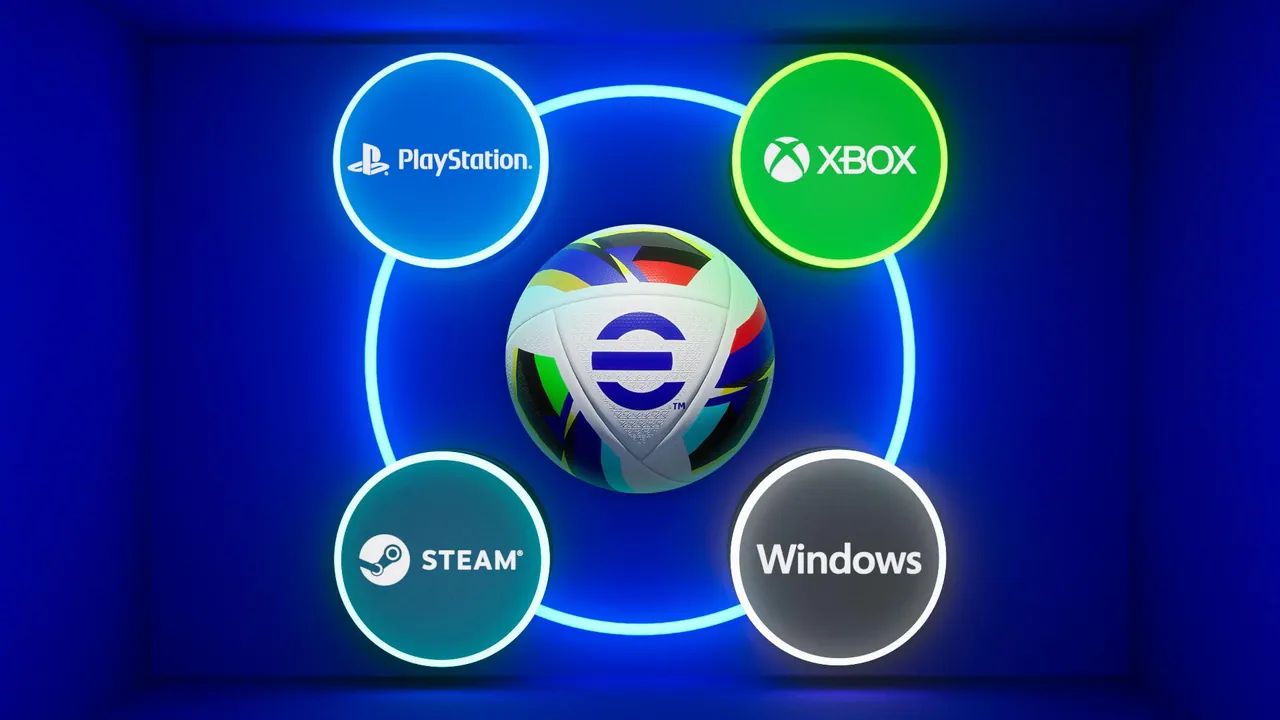
eFootball separates two questions that are easy to mix up:
- Crossplay: who you can play against or with.
- Cross-progression: whether your squad, Coins and GP follow you to another device.
Konami has steadily expanded crossplay. A major update in April 2025 (version 4.4.0) added cross-platform Co-op and Friend Matches between PlayStation, Xbox, Steam and Windows, along with cross-platform matchmaking in events and the main eFootball League. Mobile is handled separately, and the rules for moving data between platforms are much stricter than the rules for playing together.
Which Platforms Play Together
Platform Crossplay PlayStation 5 and PlayStation 4 Yes, with each other and with other consoles and PC when Cross-Platform is on Xbox Series X|S and Xbox One Yes, with each other and with other consoles and PC when cross-network play is allowed PC (Steam and Windows) Yes, with consoles when Cross-Platform is on Mobile (iOS and Android) Plays with other mobile players; check the in-game settings for current cross-platform options
You cannot choose the type of device your opponent uses. When crossplay is on, matchmaking simply draws from a larger pool of players.
How to Turn Crossplay On or Off
- PlayStation and Steam: go to Extras > Game Settings > Cross-Platform and switch it on or off.
- Xbox: cross-network play is controlled in the Xbox privacy settings, under the option that allows joining cross-network play. On Windows, change it through your Xbox account settings.
When Cross-Platform is off, you will not be matched with players from other platforms. That can mean longer waits, and in group modes such as Co-op Events, a mismatch in settings can stop a full match from forming.
Can You Transfer eFootball Data Between Platforms?
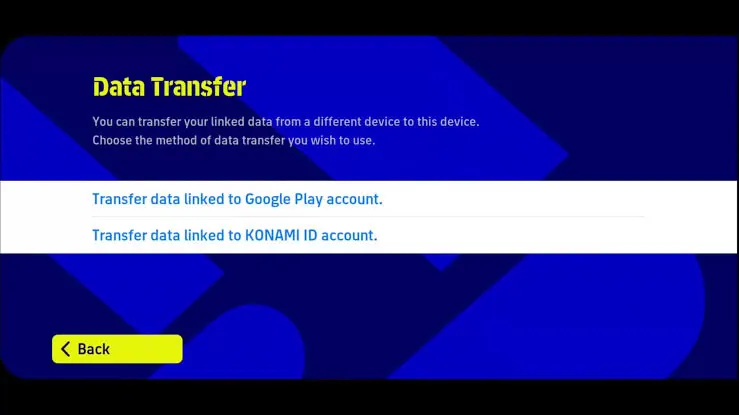
Konami's general rule is that direct data transfer between different platforms is not supported. In practice:
- iOS and Android: you can share the same save by linking a KONAMI ID, then signing in with it on the other phone.
- PS5 and PS4: sign in with the same PlayStation account.
- Xbox Series X|S, Xbox One and Xbox on PC: sign in with the same Xbox account.
- Mobile and console: saves cannot be transferred between them.
So a squad built on your phone stays on mobile, and a squad built on PlayStation stays in the PlayStation family. Linking a KONAMI ID is still worth doing on every device, since it protects your save and is required to move between iOS and Android. It helps to understand how a KONAMI ID handles login, binding and platforms before you switch phones.
What Happens to Your eFootball Coins
eFootball Coins do not transfer between platforms, whether they were bought or earned for free. Konami's rules say:
- Coins stay on the platform where you got them when you move data, for example from iOS to Android.
- They are not lost. If you return to the original platform, the Coins are still there.
This matters if you plan to switch phones. Spend Coins on the device where you have them, or keep that platform for spending. Knowing what Coins are best used for helps you avoid leaving a balance stranded.
Can You Change the Linked KONAMI ID?
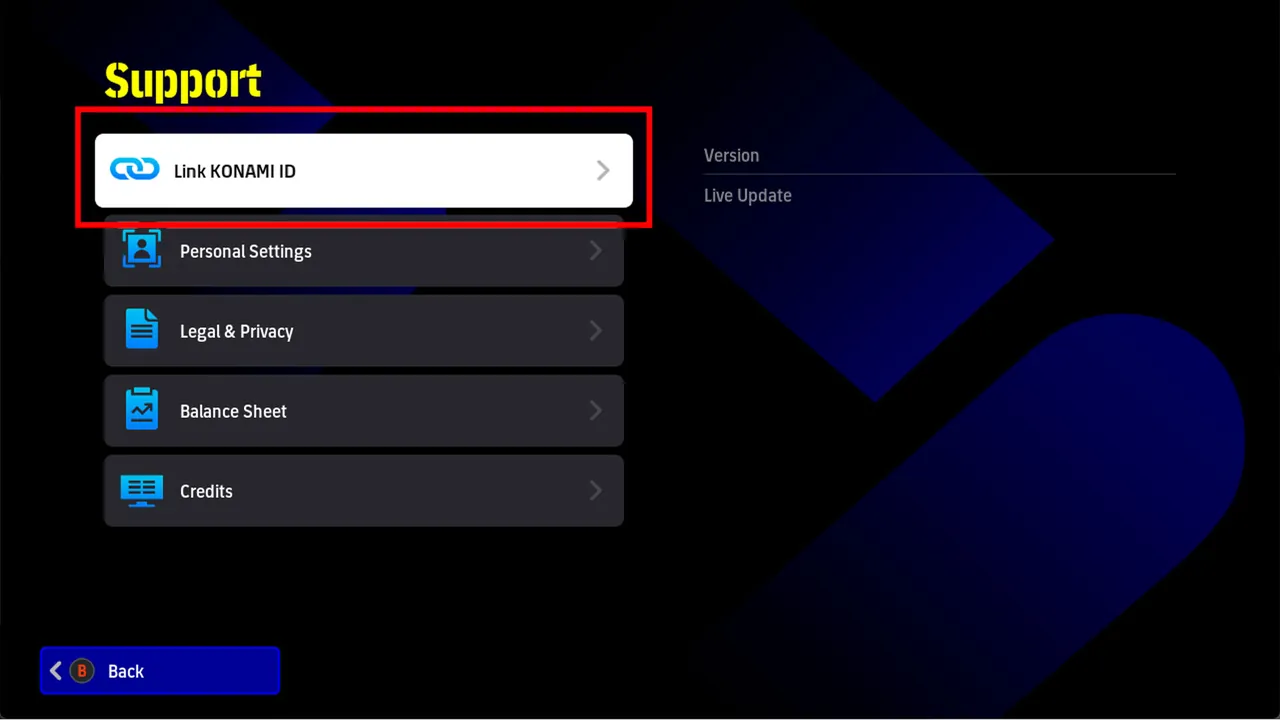
No. Once a save is linked to a KONAMI ID, it cannot be switched to a different one. That makes it important to:
- Use a KONAMI ID with an email you will keep long term.
- Keep the password safe and use the reminder function if you forget it.
- Recover lost Google Play or Game Center accounts through Google or Apple directly.
Keeping that ID secure protects everything on the account, and the main ways to protect and recover a KONAMI ID are worth setting up before anything goes wrong.
Tips for Playing Across Platforms
- Keep Cross-Platform on for faster matchmaking, unless you have a specific reason to turn it off.
- Match settings with friends before inviting them to Co-op or Friend Matches.
- Pick one main platform for your squad and Coin spending, since progress does not move between console and mobile.
- Link a KONAMI ID on mobile before changing phones.
- Check the in-game notices after major updates, since Konami adjusts crossplay features over time.
Building a Squad on Your Main Platform
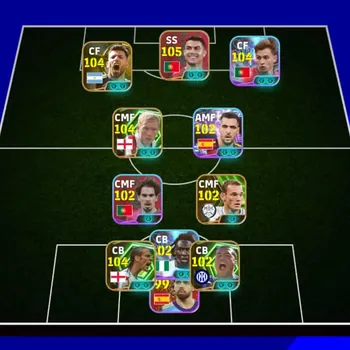
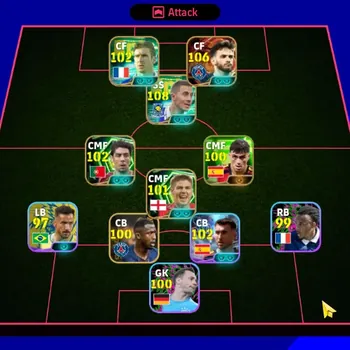
Because progress stays on one platform family, your squad is a long-term investment wherever you play. If you are starting fresh, understanding how player cards, Coins and squads work together helps you build efficiently from day one, and the eFootball market brings accounts, Coins and services for the game together in one place.
If you would rather start with a stronger squad, you can browse eFootball Accounts for the platform you play on, hand events and campaigns to a player through eFootball Hourly Services, or reach division goals faster with eFootball Boosting.
GameMarket.gg is a trusted digital marketplace for everything gaming-related. We serve the gaming community by providing secure access that enhances every gaming journey.