eFootball on Mobile: Storage, Data Usage and Device Requirements
By Sir Ayup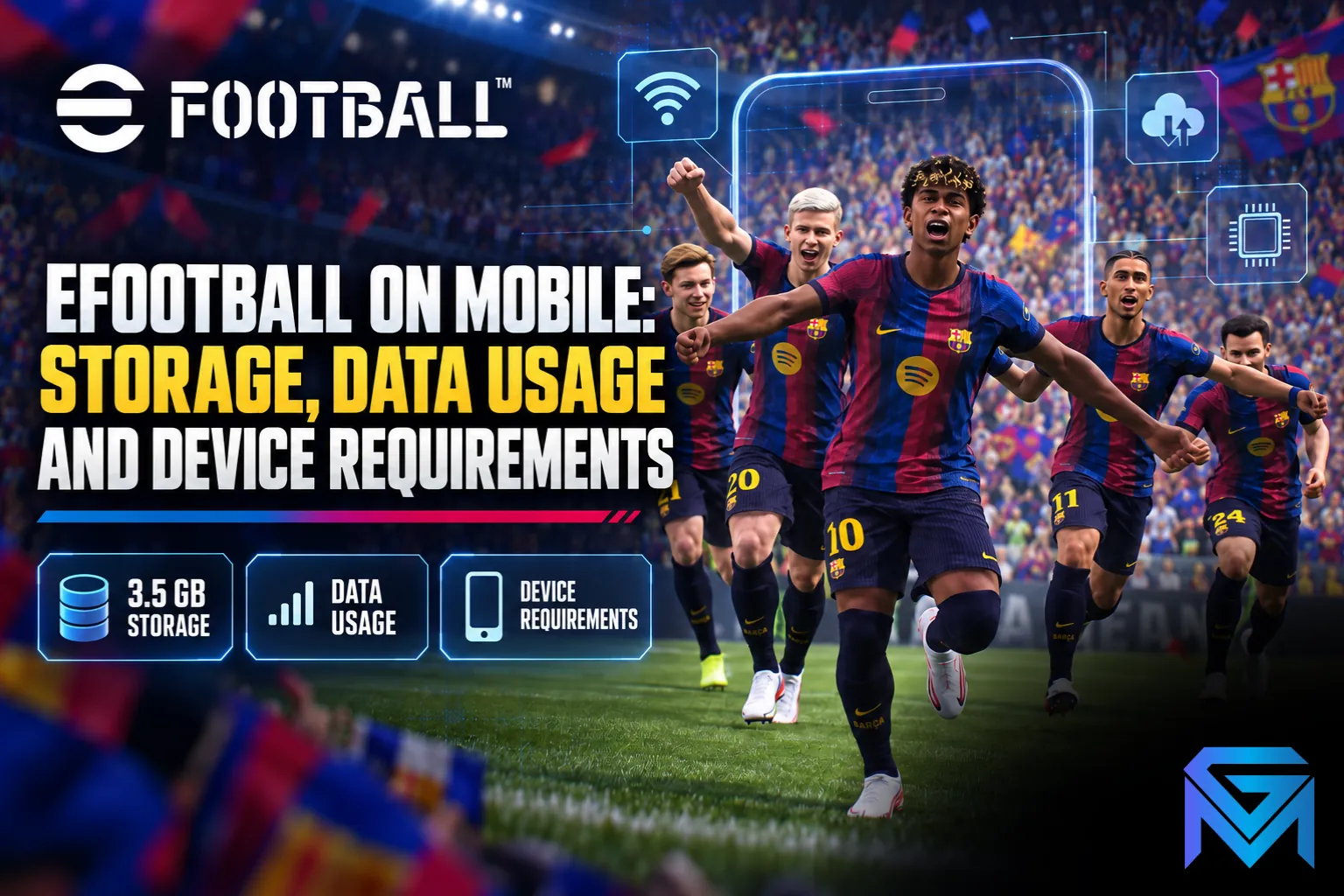
eFootball mobile needs around 3.5 GB of free space just to install on iPhone, with more needed for updates and optional content, and the App Store lists iOS 15 or later as the minimum. The game is online-only, so every match uses data, but gameplay itself is light compared with the large downloads for installs and updates. Konami does not publish an official data-per-hour figure, so the most reliable way to know how much data eFootball uses per hour on your connection is to check your phone's data usage after a few matches.
This guide explains how much storage eFootball needs on mobile, where your data actually goes, how to check and reduce data usage, and what device setup gives the smoothest experience.

How Much Storage eFootball Mobile Needs
- Install size: the App Store lists about 3.5 GB of free space to download and install eFootball on iPhone and iPad.
- Updates: major updates and new seasons add more data, and an update cannot finish if your phone runs out of space.
- Optional content: some licensed stadiums are offered as extra downloadable content.
- Android: sizes are similar, but check the Google Play listing for your device, since builds vary.
Plan for more free space than the install size, ideally several gigabytes extra, so updates can download and unpack without problems. On Android, Konami notes that game data cannot be saved outside the device, such as to an SD card, so internal storage is what counts.
Device Requirements
- iPhone and iPad: iOS or iPadOS 15 or later.
- Android: a reasonably recent phone with enough free storage and RAM. Requirements change with updates, so check the Play Store listing for compatibility.
- Internet connection: required at all times, since eFootball is online-only.
- Controllers: some controllers are supported for match commands, though wired controllers may not work properly on every device.
Older or low-memory phones can run the game but may struggle with long loading times, frame drops or overheating. Lowering graphics settings helps.
How Much Data Does eFootball Use Per Hour?
eFootball's data use comes from two very different sources:
- Downloads: installing the game and downloading updates use gigabytes at a time. This is by far the biggest data cost.
- Gameplay: online matches send small, frequent packets of match information. This uses far less data than downloading, and much less than video streaming.
Konami does not give an official figure for data per match or per hour, and actual use depends on your connection, game mode and how much time you spend in menus, shops and events. As a rough guide, real-time mobile games like this generally use tens of megabytes per hour of play rather than gigabytes, but measuring it yourself is the only way to be sure.
How to Check Your Own Data Usage
- Note the data used by eFootball in your phone's settings before playing.
- iPhone: Settings > Mobile Data (or Cellular), then find eFootball.
- Android: Settings > Network or Connections > Data Usage, then find eFootball.
- Play for an hour on mobile data.
- Check the figure again and subtract the starting amount.
Reset or note the counter before each test, and avoid downloading updates during it, so you only measure gameplay.
How to Reduce eFootball Data Usage
- Download updates on Wi-Fi only, since they are the biggest data cost.
- Install optional content on Wi-Fi, or skip it if you do not need it.
- Close other apps that use data in the background, which also improves connection stability.
- Avoid long sessions in shops and event menus on mobile data, where images and content load.
Getting a Stable Connection
eFootball depends on a steady connection, and disconnects can cost you matches:
- Play close to your Wi-Fi router when using Wi-Fi.
- Avoid multitasking with apps that use the internet or update automatically.
- Use a strong mobile signal if you play on data, since weak signal causes lag even if data use is low.
Scheduled downtime is a different issue from connection problems. If the game will not connect for everyone, check whether maintenance is running and what compensation it brings.
Switching Phones
If you change phones, link a KONAMI ID before deleting the game, so your squad comes with you. Mobile data can move between iOS and Android this way, and understanding how a KONAMI ID handles login, binding and transfer avoids losing progress. Keep in mind that eFootball Coins stay on the platform where you got them.
Making the Most of Mobile Play
Once the game runs smoothly, the next step is using your time well. Knowing which game modes give the best rewards for your time and how player cards, Coins and squads work helps you progress faster. For accounts, Coins and services in one place, the eFootball market brings them together.
If you would rather start with a strong squad on mobile, you can browse eFootball Accounts, hand events and campaigns to a player through eFootball Hourly Services, or reach division goals faster with eFootball Boosting.
GameMarket.gg is a trusted digital marketplace for everything gaming-related. We serve the gaming community by providing secure access that enhances every gaming journey.