MLBB Advanced Server: How to Join and What You Get
By Sir Ayup 13 October 2026, 20:00 WIB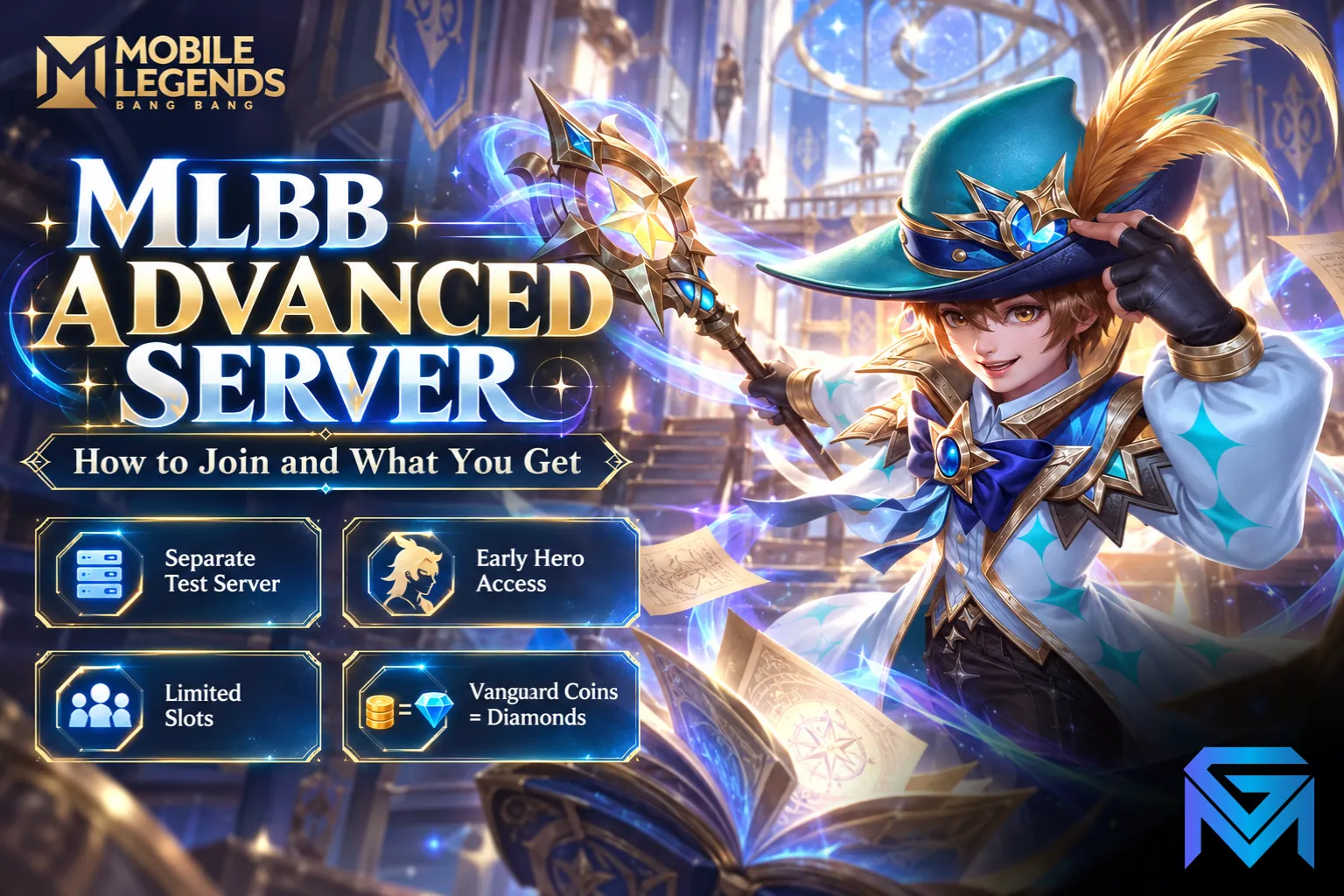
How to make an Advance Server account on MLBB comes down to two routes: on Android, players can join through Moonton's test client when slots open, and eligible players on the main game may also see an Advanced Server option under their account settings. Either way, places are limited, the test server is completely separate from your main account, and testers earn Vanguard Coins that can be turned into Diamonds on their regular account.
This guide explains what the MLBB Advanced Server is, who can join, how each route works, what you get as a tester, and the mistakes to avoid.
What the Advanced Server Is
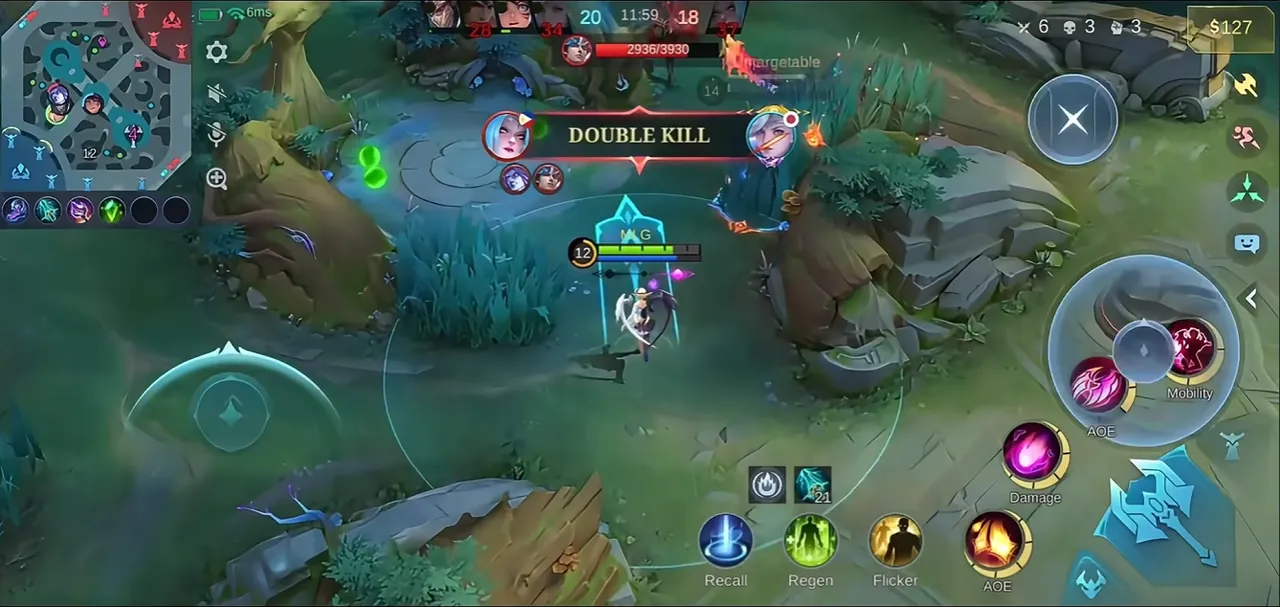
The Advanced Server is the test version of Mobile Legends: Bang Bang. New heroes, revamps, balance changes and features land there before they reach the original server, so Moonton can collect feedback and fix bugs.
Key things to know before joining:
- It is separate from your main account. Heroes, skins, rank, Battle Points and Diamonds on your regular account do not carry over, and nothing you do on the test server affects them.
- Heroes are unlocked for testing. You can try the whole roster, including heroes you do not own on your main account.
- Content is not final. Patch changes on the Advanced Server are tentative, and some never make it to the live game in the same form.
- Matches can feel different. The player pool is smaller, so queues and matchmaking are less predictable than on the original server.
Who Can Join
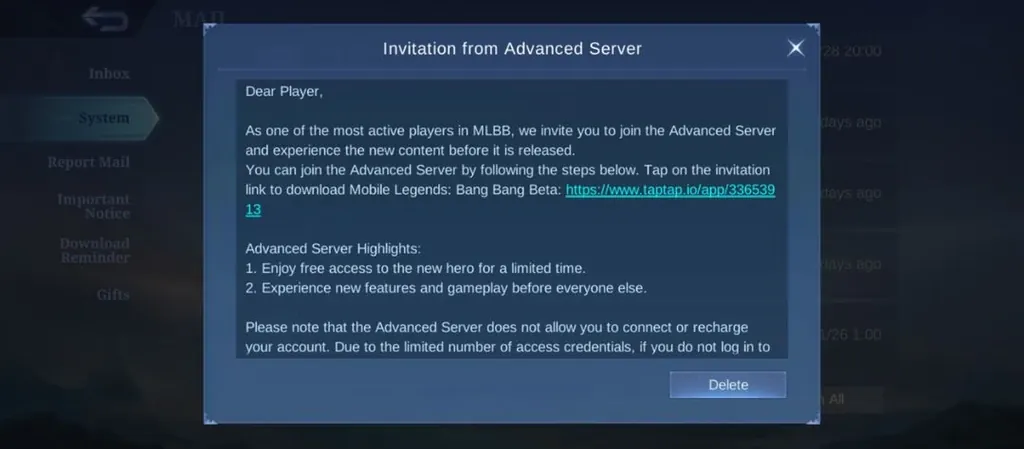
Moonton sets the requirements and can change them, but eligibility usually depends on:
- An account with some history, above a minimum level, rather than a brand-new profile.
- A bound account, linked to a login such as Google, Facebook or TikTok, so your main progress stays safe.
- A stable connection with low ping.
- Region and platform. Access has mostly focused on Southeast Asia and on Android players, with iOS testing limited to direct invitations.
Meeting all of these does not guarantee a place. Slots are capped and fill quickly whenever they open.
Route 1: Through Your Account Settings
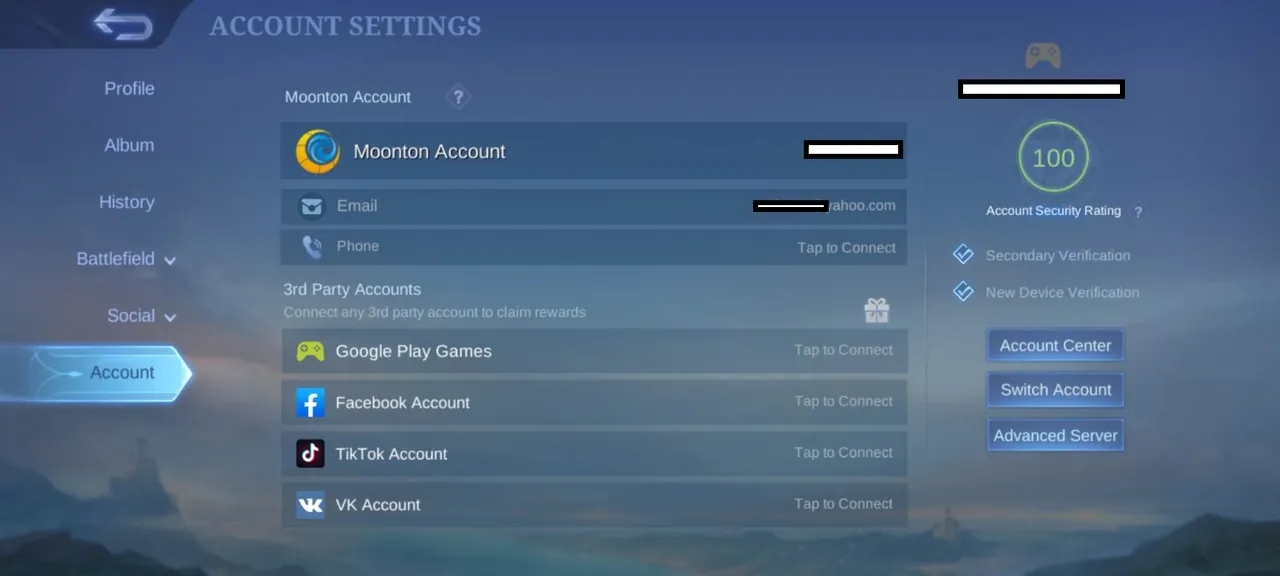
Some eligible players can reach the Advanced Server directly from the main game:
- Open Mobile Legends and tap your profile in the top-left corner.
- Go to Account.
- Look for the Advanced Server or server switch option.
- If it is available, select it and download the extra resources when prompted.
If the option is greyed out or missing, the server is either full or your account has not been selected yet. Check again later, since slots open up when inactive testers are removed.
Route 2: The Android Test Client
On Android, Moonton has also distributed the test build as a separate beta app through an official partner store. When downloads are open, you can install the beta client, create a new tester account and play without touching your main game.
A few points to keep in mind:
- It is a separate app, so you keep your regular Mobile Legends install.
- Download windows open and close, often filling within hours. If the download button is unavailable, wait for the next window.
- Only use official sources announced by Moonton. Modified APKs and "unlocked" versions found elsewhere are not the Advanced Server, and they can put your main account at risk.
What You Get as a Tester
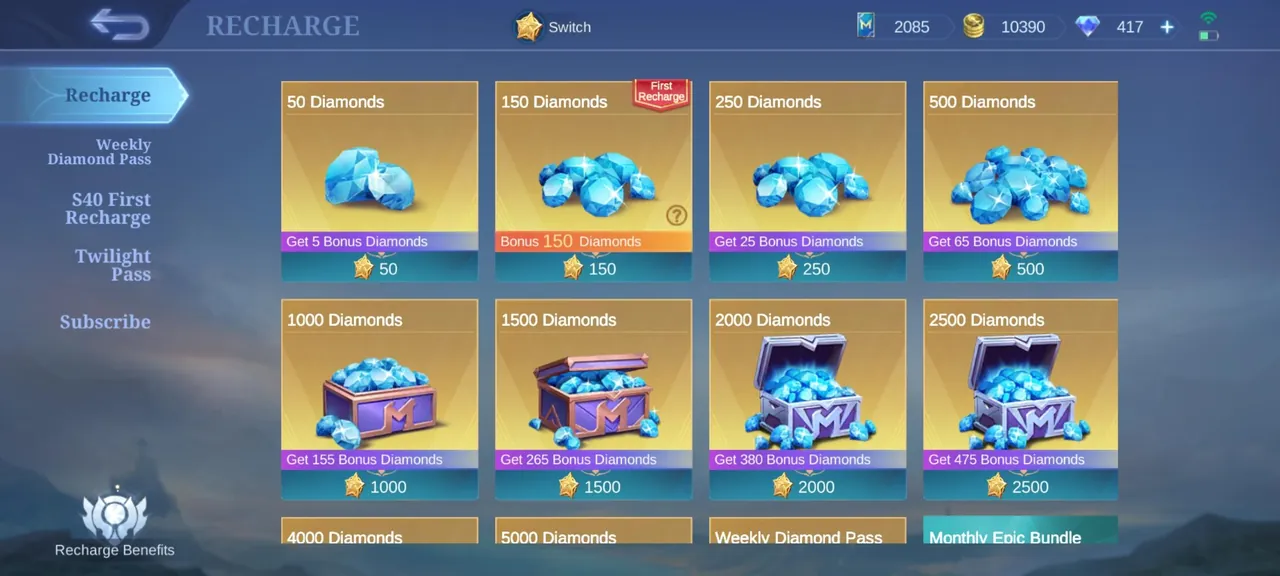
Testing is not just early access. Moonton rewards players who help with Vanguard Coins, the Advanced Server's own currency:
- Vanguard Coins convert to Diamonds on your original server account, currently at one coin to one Diamond, redeemed through the Recharge Center on the test server.
- You earn them through Vanguard events, daily tester tasks and valid bug reports.
- Better reports earn more reliably. Describe the problem, the hero or mode involved and how to repeat it, and attach a screenshot or clip if you can.
Diamonds earned this way go a long way when you know how many Diamonds each skin tier actually costs, and they are a safe alternative to the unofficial top-up shortcuts that put accounts at risk.
Why Players Join
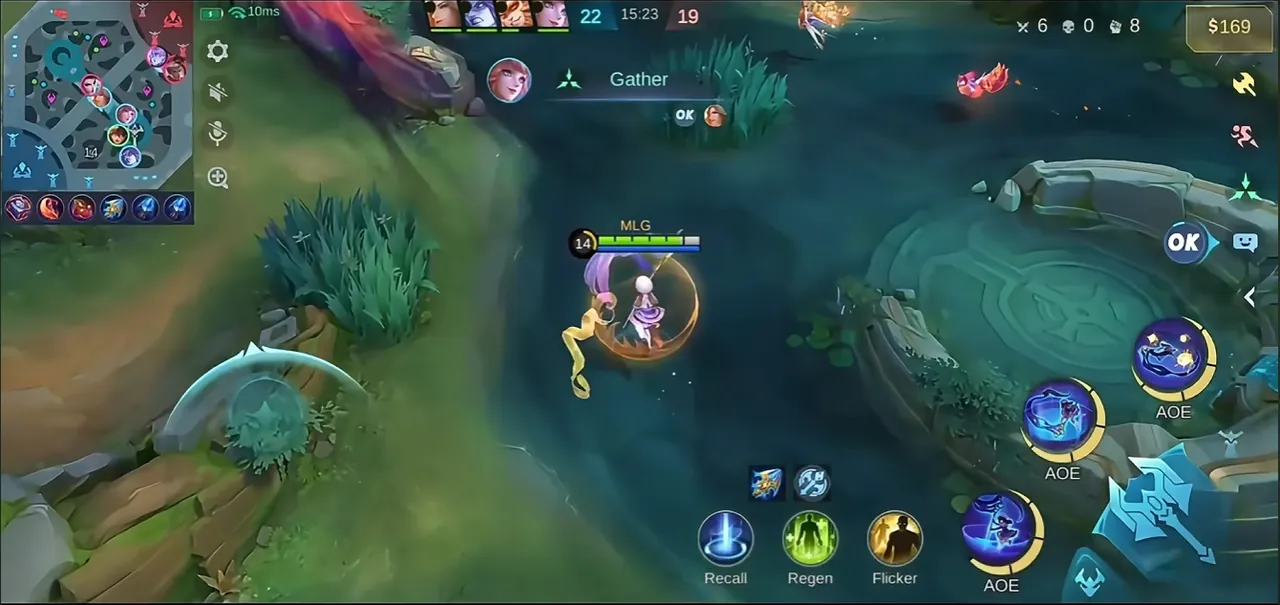
Beyond the rewards, the Advanced Server is useful in a few practical ways:
- Learn new heroes early. You can practise a hero before release and decide whether they are worth buying. On the main server, the closest equivalent is practice mode and custom rooms, which only cover heroes already in the game.
- Prepare for meta shifts. Balance changes show up first, so you can adjust your hero pool before the patch goes live.
- Shape the game. Feedback from testers is the reason the server exists, and bug reports do influence what gets fixed.
Mistakes to Avoid
- Switching without binding your account. Always bind your main account to a login you control before moving between servers.
- Using VPN tricks to get in. Faking your location can cause account problems on both servers. If you need to change region legitimately, use the safe ways to change your MLBB server and region.
- Paying for access. Advanced Server places are never sold. Anyone offering paid access or a "guaranteed" invite is running a scam.
- Expecting test results to stick. Heroes that feel strong on the Advanced Server are often adjusted before release.
Getting the Most From Your Main Account
The Advanced Server is a place to test, but your main account is where your collection and rank live. If you want to strengthen it, you can look at Mobile Legends Accounts with the heroes and skins you want, hand the daily grind to a player through Mobile Legends Hourly Services, or reach your target rank with Mobile Legends Boosting.
GameMarket.gg is a trusted digital marketplace for everything gaming-related. We serve the gaming community by providing secure access that enhances every gaming journey.