MLBB Account Recovery: How to Get Back a Lost or Hacked Account
By Sir Ayup 12 October 2026, 14:00 WIB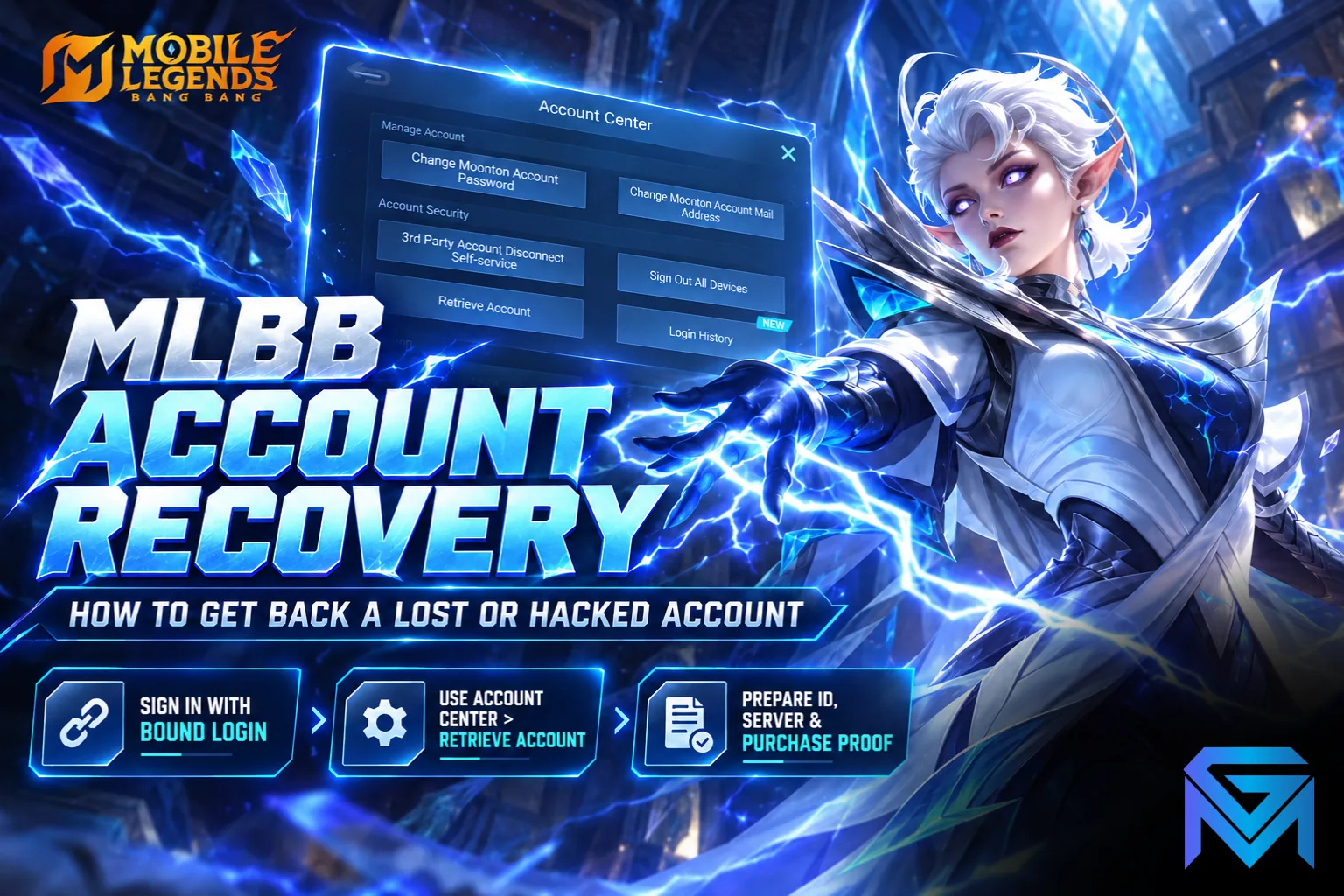
MLBB account recovery works through Moonton's own tools: if you still know the bound login, you simply sign in with it on any device, and if you do not, you can use Account Center > Retrieve Account from inside the game to verify ownership with your account details. Hacked accounts, and cases the retrieval tool cannot solve, usually need a ticket with Moonton's customer service, backed by proof such as purchase records. The more evidence you can give, the better your chances.
This guide explains why Mobile Legends accounts get lost, which recovery route fits your situation, what information to prepare, and how to protect the account once you have it back.
Why Mobile Legends Accounts Get Lost
Most lost accounts fall into a few groups:
- Guest accounts that were never bound. Progress is tied to the device, so a factory reset, a new phone or an uninstall can leave you with no way to sign back in.
- Forgotten logins. The account is bound, but you no longer remember which login it used, or the password to your Moonton account.
- Lost access to the bound email or social account. If the email or social login behind the account is gone, signing in normally is no longer possible.
- Hacked accounts. Someone else signed in, often after a phishing link or a shared password, and changed the bindings so you cannot get back in.
Which group you are in decides the route. Start by working out how the account was bound, if it was bound at all.
Find Your Account ID and Server ID First
Every recovery route asks for your account ID and server ID. In Mobile Legends, the ID shows on your profile, with the server ID as the four-digit number in brackets after it.
If you can no longer open the account, you can still find these details:
- Sign in with any other account, even a new one.
- Search for your old account by its in-game name through the friend search.
- Open its profile to note the account ID and server ID.
Write down your in-game name exactly as it appears as well, since it is often asked for alongside the ID.
Route 1: You Remember the Bound Login
If the account was bound to a Moonton account or a third-party login such as Google, Facebook, VK or Apple ID, recovery is usually quick:
- Open the game and go to your profile, then Account.
- Choose to switch accounts.
- Sign in with the same login the old account was bound to.
If you bound a Moonton account but forgot its password, choose the Moonton login and use the forgotten password option. A verification code goes to the email on that Moonton account, so you need access to that inbox.
Route 2: Retrieve Account Through Account Center
When the account was never bound, or you cannot use the bound login, the in-game retrieval tool is the next step:
- Sign in with any account that can reach the main menu.
- Open your profile, go to Account, then Account Center.
- Tap Retrieve Account. This opens Moonton's retrieval page.
- Choose verification by in-game information and enter the old account's ID, server ID and in-game name.
- Answer the questions about the account, such as heroes, skins and achievements it owns.
Correct, specific answers are what restore access. Before you start, write down everything you remember about the account: rare skins, your highest rank, emblems, when you started playing and roughly when you last played. Take your time on these questions, since vague or wrong answers make verification harder.
Route 3: Contact Customer Service for Hacked Accounts
If someone changed the bindings or the email, or the retrieval tool does not work, contact Moonton through the in-game Customer Service chat, found from the settings or the main screen. You can do this from another account if needed. Choose the account or security category and give clear, factual details.
Moonton looks at ownership evidence, so gather as much as you can before you write:
- Account ID, server ID and in-game name.
- Purchase records. Order IDs, receipts or payment confirmations for diamond top-ups are some of the strongest proof, which is one more reason to buy diamonds only through official top-up channels.
- Device details. The phone brand or model you first played on.
- Account history. Roughly when you created the account, which logins it was bound to, and your usual region.
- In-game details. Heroes, skins, rank, squad and a few friends' names.
Write one clear request and wait for a reply rather than opening several tickets at once. Duplicate tickets do not speed up review and can make your case harder to follow.
Recovering a Hacked Account That Was Banned
Sometimes a hacked account comes back with a penalty, because whoever used it broke the rules. Recovery and penalties are separate issues, so recover the account first, then appeal the ban with a short explanation of the takeover and any proof that someone else was using the account.
What to Expect After You Submit
Moonton reviews recovery requests manually, so replies can take days rather than minutes. While you wait:
- Keep checking the ticket and your email for questions or extra verification requests.
- Follow up once, politely, if a long time passes without an answer.
- Do not pay third-party "recovery services". Nobody outside Moonton can restore an account, and these offers are usually scams that ask for your details.
Not every request succeeds. Accounts with little history, no purchases and no binding are the hardest to prove, which is exactly why prevention matters.
Keep Your Account Safe After Recovery
Once you are back in, secure the account straight away:
- Bind at least one login you control, ideally a Moonton account plus a social login, so you have a backup if one is lost.
- Use a strong, unique password for the Moonton account and for the email behind it.
- Check the bindings in your account settings and remove anything you do not recognise.
- Never share your login, and ignore links that promise free diamonds or skins.
- Be careful with region tricks. Using a VPN to switch region can cause account problems, so stick to the safe ways to change your server and region.
If recovery fails and you would rather not rebuild your collection from zero, you can look at Mobile Legends Accounts that list their heroes, skins and login type up front, hand the daily grind on a fresh account to a player through Mobile Legends Hourly Services, or get back to your old rank faster with Mobile Legends Boosting.
GameMarket.gg is a trusted digital marketplace for everything gaming-related. We serve the gaming community by providing secure access that enhances every gaming journey.