How to Find Your MLBB Zone ID and Player ID in Seconds
By Sir Ayup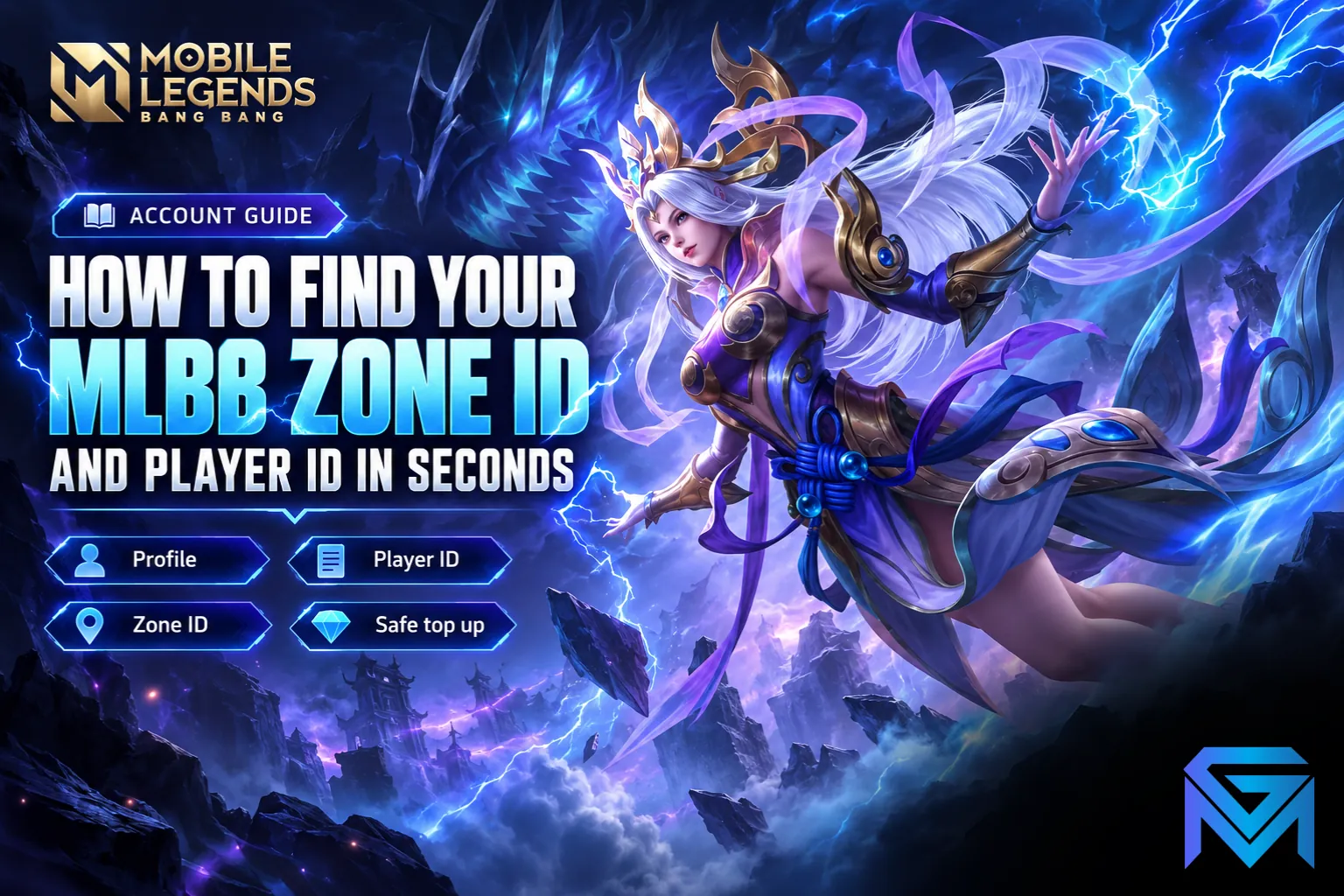
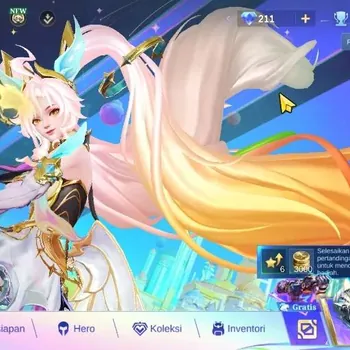
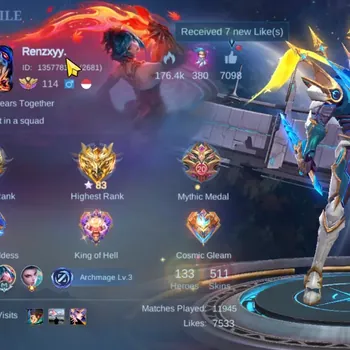
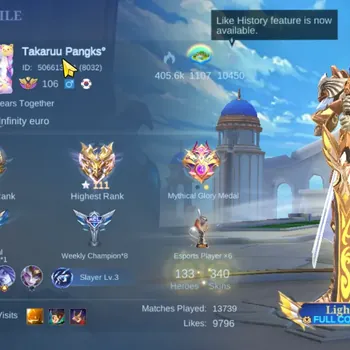
To find your zone ID in Mobile Legends, tap your profile picture in the top-left corner of the main lobby. Your ID appears under your name as a long number followed by a shorter number in brackets, for example 12345678 (1234). The long number is your Player ID (also called User ID), and the number in brackets is your Zone ID, sometimes called Server ID. You need both whenever you top up Diamonds outside the game or ask support for help.
This guide explains where to find both numbers, how to enter them correctly at checkout, and the mistakes that send Diamonds to the wrong account.
Where to Find Your Player ID and Zone ID
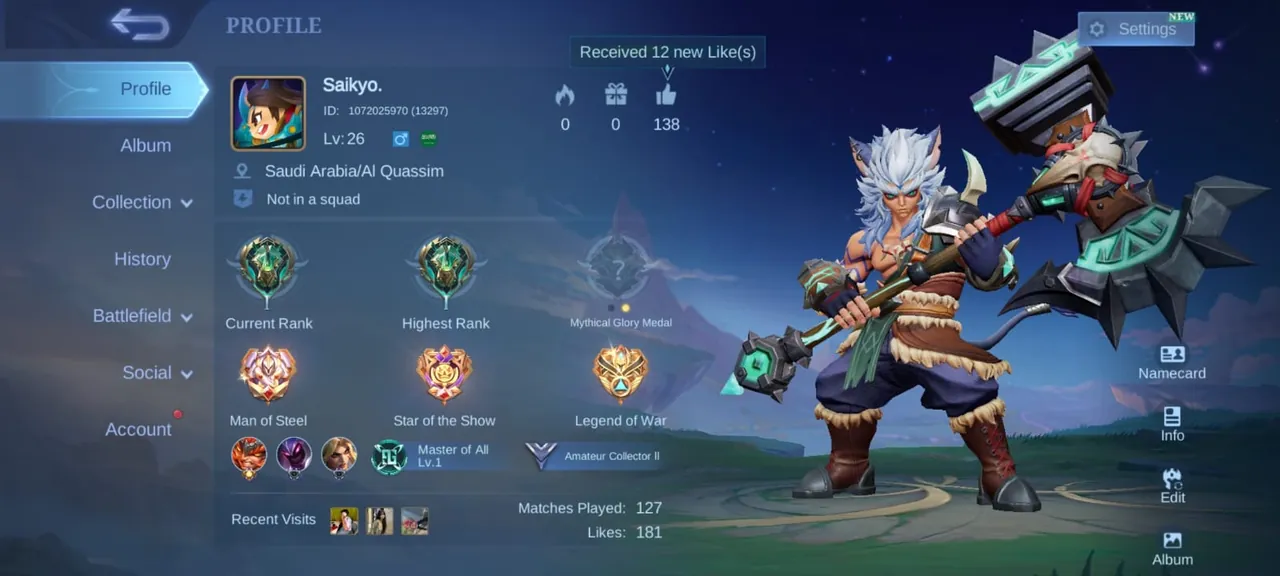
The quickest way takes only a few seconds:
- Open Mobile Legends and wait for the main lobby to load.
- Tap your profile picture in the top-left corner.
- Look under your in-game name for the ID line, shown as a long number with a shorter number in brackets.
- Tap the copy option next to the ID if it appears, or write both numbers down carefully.
That single line holds everything you need: the Player ID before the brackets, and the Zone ID inside them.
What Each Number Means
- Player ID (User ID). The unique number for your account. It never changes, even if you change your in-game name.
- Zone ID (Server ID). The server your account belongs to. It is shown in brackets after your Player ID.
Your nickname is not a reliable identifier. Names can be changed and can be shared by more than one player, so top-ups and support always use the numbers instead. The zone also reflects which server your account sits on, which is why changing your MLBB server or region is a separate process with its own rules.
How to Enter Your IDs When Topping Up
Most web top-up pages and resellers ask for the two numbers separately. To enter them correctly:
- Put the long number in the User ID field. Leave out the brackets, spaces and your name.
- Put the bracketed number in the Zone ID field, without the brackets.
- Check the nickname the page shows after you enter your IDs, if it shows one. If it is not your name, stop and recheck the numbers.
- Confirm the package before paying, and keep the order number and receipt.
If a page only has one box, follow its instructions exactly. Some ask for the full line, others only the Player ID.
Diamonds bought this way go straight to the account that matches those IDs, so a single wrong digit can send them to someone else. Before buying, it helps to know how to buy MLBB Diamonds cheaper and avoid scams, and official sellers on Mobile Legends Top Up use exactly these two fields.
Common Mistakes to Avoid
- Right Player ID, wrong Zone ID. The top-up may fail or reach the wrong account. Always enter both from the same profile screen.
- Pasting the whole line into one box. Putting "12345678 (1234)" into the User ID field usually causes an error.
- Using your nickname. Names are not unique, so they cannot be used for top-ups.
- Trusting old numbers. If you copy your ID from an old chat or a friend's message, check it against your profile first.
- Browser autofill. Saved form data can fill in a previous account's details. Clear the fields before typing.
Is It Safe to Share Your IDs?
Your Player ID and Zone ID are public identifiers. Anyone can see them on your profile, and sharing them for a top-up is normal and safe. They cannot be used to log in to your account.
What you should never share is your password, verification codes or the login for your bound Moonton, Google, Facebook or other accounts. A legitimate top-up only ever needs your IDs. Anyone asking for login details in exchange for Diamonds is running a scam.
When Support Asks for Your IDs
Moonton's customer service also asks for your Player ID and Zone ID when you report a problem, appeal a ban or try to recover an account. If you lose access to your account, you can still find both numbers by searching for your old in-game name from another account and opening its profile, which is one of the first steps in getting back a lost or hacked MLBB account. Writing them down somewhere safe now saves time later.
If Your Diamonds Do Not Arrive
- Restart the game and check your Diamond balance again.
- Check the order status on the site you used, and confirm the IDs you entered.
- Wait before reordering. Placing a second order too early can mean paying twice.
- Contact the seller's support with your order number, Player ID and Zone ID if the Diamonds still do not appear.
Once your Diamonds are sorted, planning what to spend them on helps them go further, since each skin tier costs a very different amount. If you want more than a top-up, you can look at Mobile Legends Accounts with the heroes and skins you want, hand the daily grind to a player through Mobile Legends Hourly Services, or reach your target rank with Mobile Legends Boosting.
GameMarket.gg is a trusted digital marketplace for everything gaming-related. We serve the gaming community by providing secure access that enhances every gaming journey.