How to Buy an MLBB Account Safely: What to Verify Before Paying
By Sir Ayup
Buying a Mobile Legends account safely comes down to three checks before you pay: confirm the account ID and Zone ID, see the skins and emblems on video, and make sure you will control every login bound to it, especially the Moonton account. MLBB accounts can be bound to a Moonton account, Google, Facebook, Apple ID, VK and other logins, and anyone who keeps one of those logins can get back in later. Pay only through a checkout that holds your money until you have logged in, secured the bindings and checked the account matches the listing.
This guide explains how MLBB account binding works, what to verify in a listing, how to judge value, and the steps that keep a Mobile Legends account purchase safe.
How MLBB Accounts Work
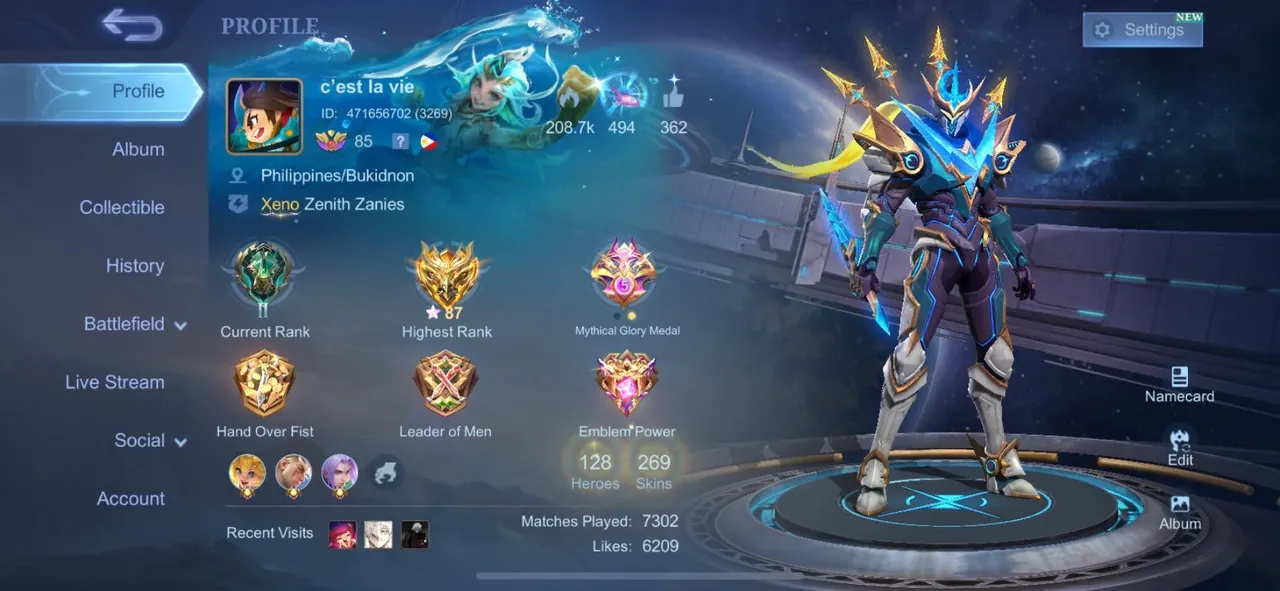
A Mobile Legends account is identified by its Player ID and Zone ID and reached through the logins bound to it:
- Moonton account: an email-based login run by Moonton, and the most recovery-friendly option.
- Social logins: Google, Facebook, Apple ID, VK and others, depending on your region and device.
- More than one binding: an account can have several logins at once.
That last point is the main risk when buying an MLBB account. If the seller keeps even one bound login, they can sign in later, change details or try to recover the account. Moonton also does not allow you to remove a platform from an account that only has one binding, so the order in which you add and remove logins matters.
Verify the Player ID and Zone ID
Every screenshot and video should show the same ID. Ask the seller for the Player ID and Zone ID before anything else, and match them on every screen they send. If you are not sure what to look for, finding your Player ID and Zone ID shows exactly where both numbers appear on the profile.
The Zone ID also tells you the account's server, which cannot be changed. Because server, region and location are separate systems in MLBB, make sure the account suits where you play and who you want to queue with.
Check the Bindings
Ask the seller exactly which logins are bound, and get a screenshot of the binding screen:
- Is there a Moonton account, and will its email and password be handed over?
- Which social logins are bound, and will they be handed over or removed?
- Are the logins dedicated to this account, or tied to the seller's personal email or social media?
The cleanest setup is an account bound to a Moonton account and email created just for it, both handed over in full. You then add your own login, change the passwords and remove the seller's other bindings once you have a second login in place.
What Makes a Mobile Legends Account Valuable
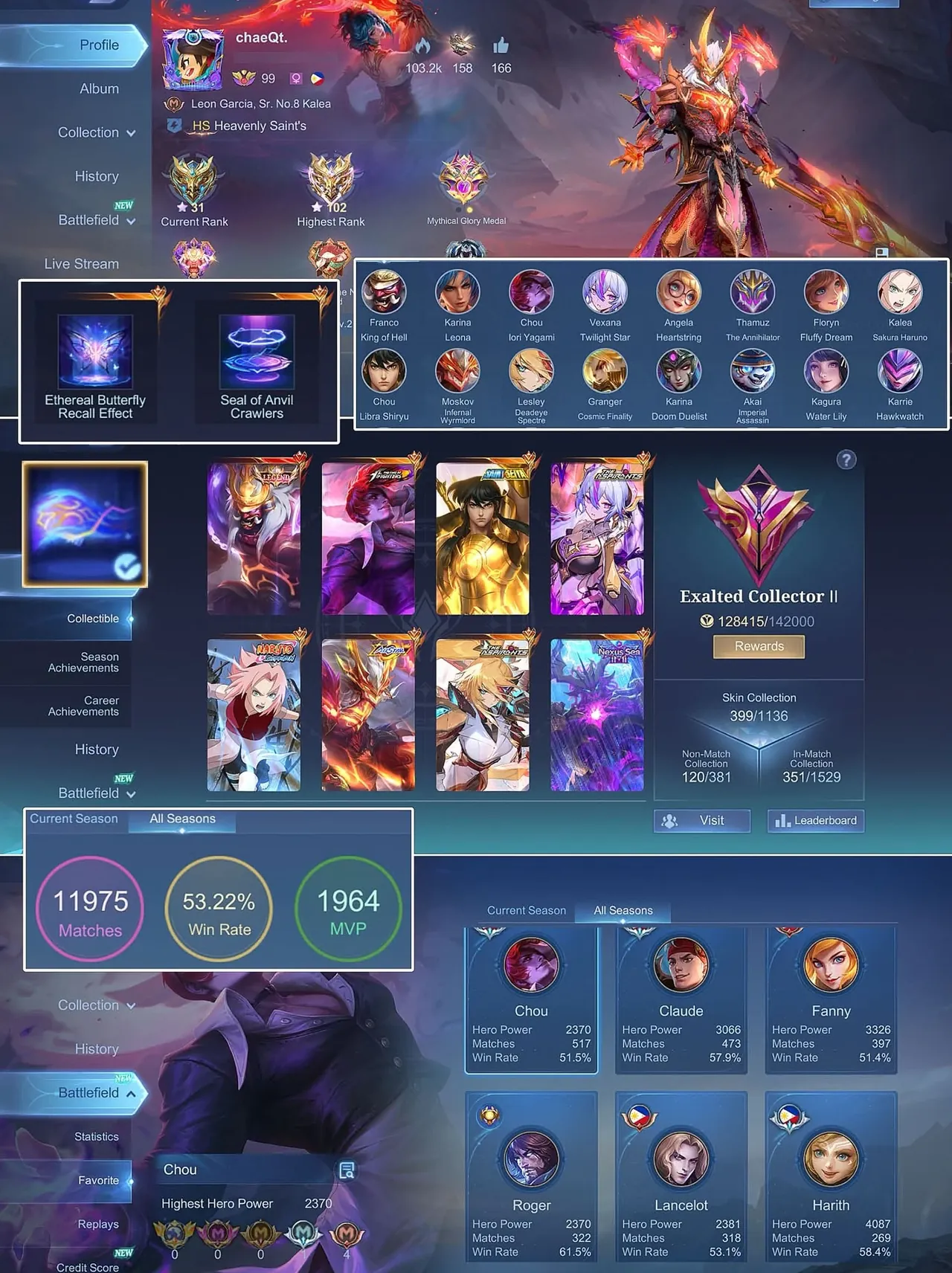
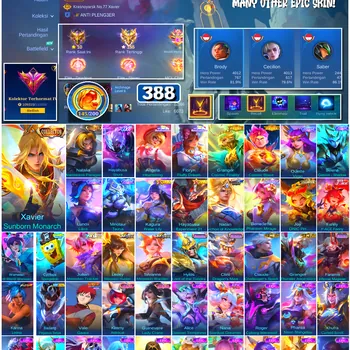
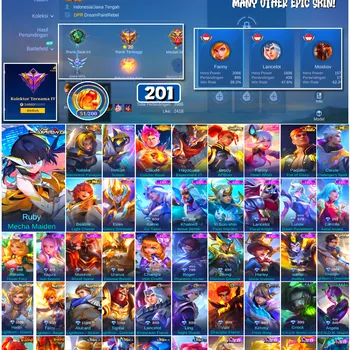
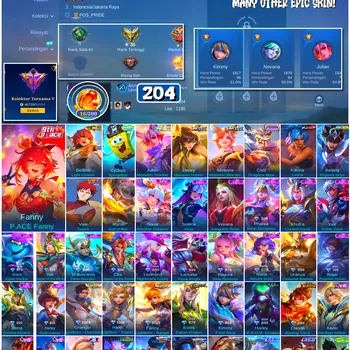
Value comes mostly from skins and collections that are hard or expensive to get again:
- Legend, Collector and limited skins, especially from past events.
- Collaboration and anniversary skins that rarely return.
- Starlight skins from older months.
- Hero count and emblem levels, which save a new owner a lot of time.
- Rank history and Mythic badges, although rank itself resets each season.
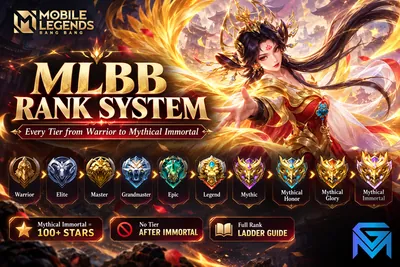
Skins are where the real cost sits. Knowing how many diamonds each skin tier takes helps you judge whether an asking price makes sense for the collection on offer. Rank adds less lasting value, since the tiers from Warrior to Mythical Immortal reset every season.
Ask for Video Proof
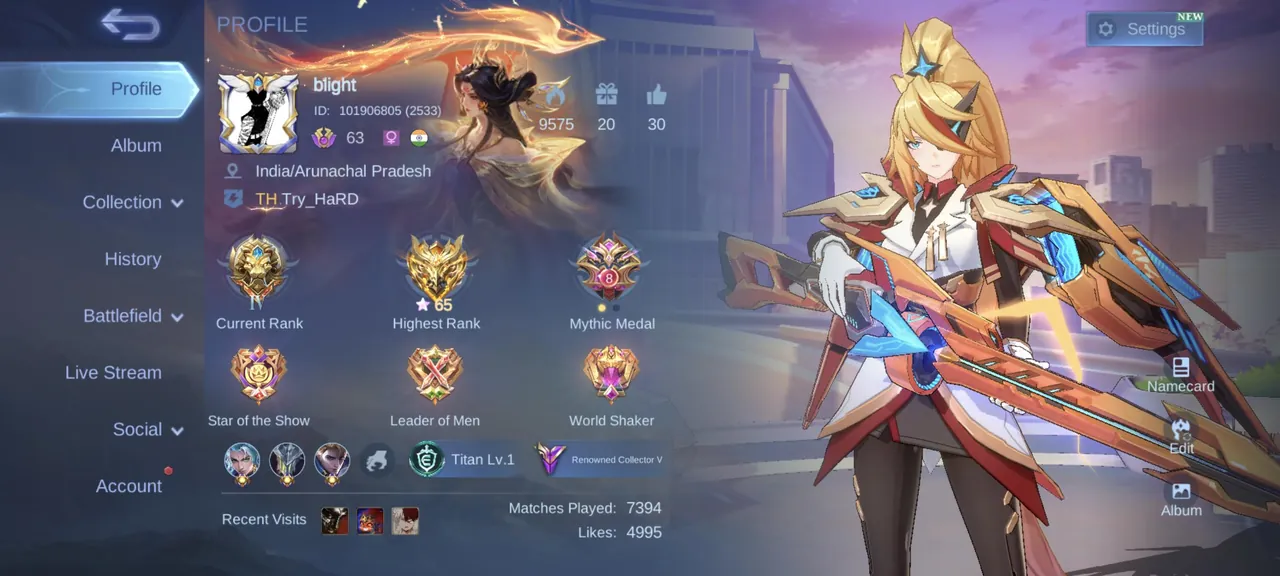
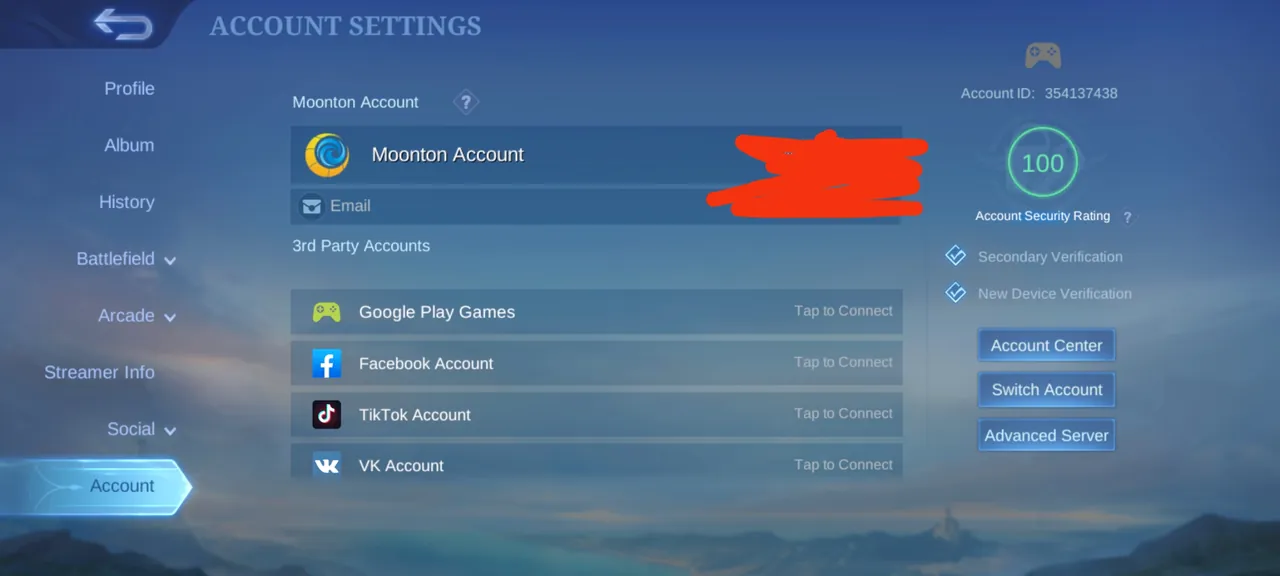
Ask for a short screen recording without cuts that shows:
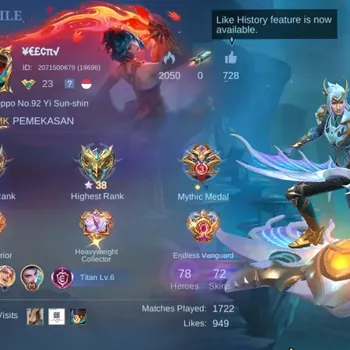
- The profile with the Player ID, Zone ID and level.
- The binding screen in the account settings.
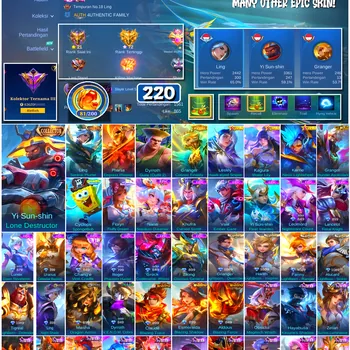
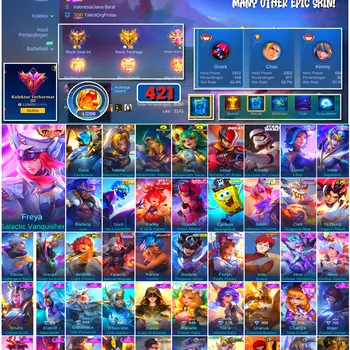
- The skin collection, including Legend and Collector skins.
- The hero list and emblems.
- The diamond balance and any active passes.
If any section is missing or the ID changes between screens, do not buy.
Check the Account's History
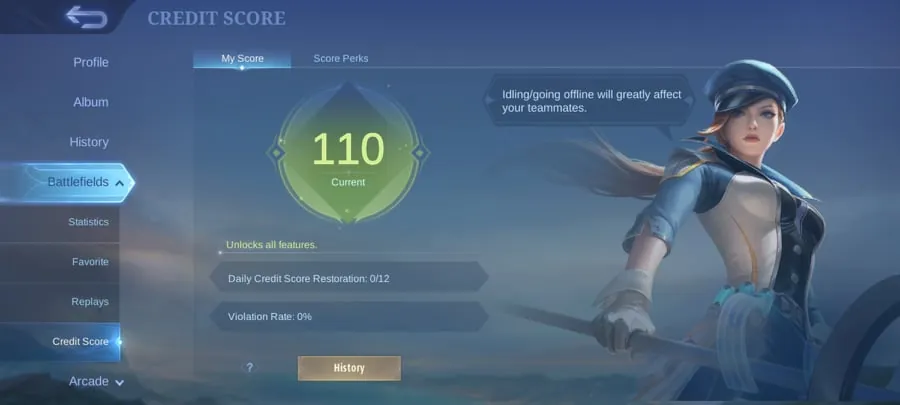
- Ask whether the account has ever been banned or restricted.
- Check the credit score, since a low score can block ranked play.
- Be wary of accounts with very cheap premium skins, which can come from refunded or irregular top-ups.
Banned accounts are rarely restored, and knowing why MLBB accounts get banned helps you spot listings that carry that risk.
Steps for a Safe Purchase
- Check the listing, the IDs, the bindings and the video proof.
- Pay through a protected checkout, so your money is held until you confirm.
- Receive the Moonton account and login details through the order chat.
- Log in and confirm the Player ID and Zone ID.
- Change the Moonton account password and secure its email.
- Add your own login, then remove the seller's other bindings.
- Turn on extra verification, such as new-device verification, if your account offers it.
- Confirm the order only once the account is fully under your control.
Never pay the seller directly, move the deal to an outside app or confirm before logging in. Moonton's terms do not allow account trading, so support will not step in on a buyer's behalf, and protection has to come from how you buy.
Red Flags to Watch For
- The seller will not show the binding screen.
- Only a social login is offered, with the seller keeping the Moonton account.
- The price is far below similar accounts.
- Pressure to pay quickly or move outside the marketplace.
- The Player ID is hidden or changes between screenshots.
After You Buy
Once the account is yours, keep it that way:
- Keep only logins you control bound to the account.
- Never share passwords or verification codes.
- Know how recovery works in case something goes wrong, since getting back a lost or hacked MLBB account is far easier when the Moonton email is yours.
When you are ready to compare listings, Mobile Legends Accounts shows skins, emblems and bindings up front. You can also hand daily tasks and events to a player through Mobile Legends Hourly Services, or reach your target tier this season with Mobile Legends Boosting.
GameMarket.gg is a trusted digital marketplace for everything gaming-related. We serve the gaming community by providing secure access that enhances every gaming journey.