How to Sell a Genshin Account Safely and for a Fair Price
By Sir Ayup
To sell a Genshin account safely, prepare it before you list it: move the HoYoverse account onto a fresh email you can hand over, remove your phone number and personal social logins, record the roster and Primogems on video, and only sell through a checkout that holds the buyer's payment until they have taken over the account. A fair price comes from comparing similar listings on the same server, not from a calculator. Most scams target sellers who hand over the login before the money is secured.
This guide explains how to get a Genshin Impact account ready for sale, how to price it, how to write a listing that sells, and how to hand it over without leaving yourself exposed.
Know the Rules Before You Start
HoYoverse's terms of service do not allow accounts to be sold or transferred, and HoYoverse support will not step in if a private sale goes wrong. That has two practical effects:
- There is no official transfer process. The sale is really a handover of the login and the email behind it.
- Protection has to come from how you sell. A marketplace that holds the buyer's payment and keeps the conversation on record is what protects you if something goes wrong.
Selling is your decision, and it is worth making it knowing that the account cannot be recovered through HoYoverse once you have handed over the email.
Step 1: Prepare the Login
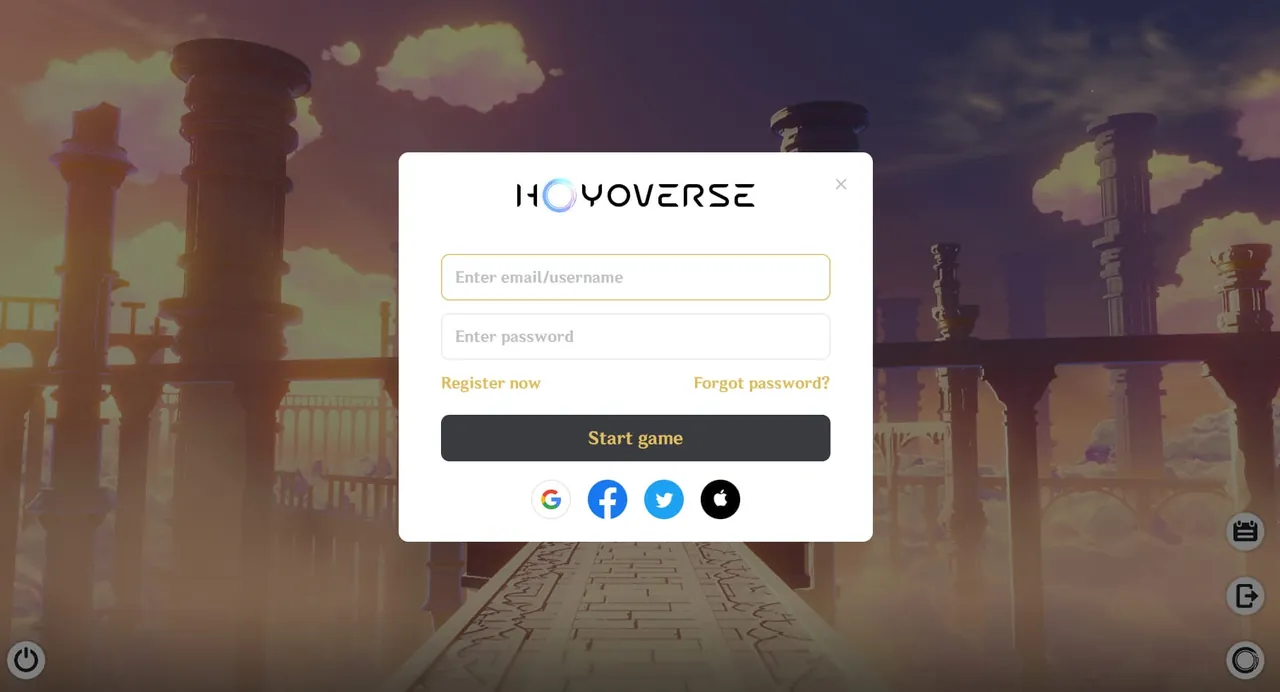
Buyers pay more for an account they can fully take over, so the login is the first thing to sort out.
- Create a fresh email address used for nothing else.
- Change the account's bound email to that new address. This is done in the HoYoverse account settings, and it needs a verification code from your current email, then a second code sent to the new one.
- Remove your phone number from the account.
- Unlink personal third-party logins, such as a Google, Apple, Facebook or X account you use for other things.
- Check for a PlayStation Network link. A PSN link cannot be removed from the normal account settings, so mention it in your listing, since it limits who can use the account on PlayStation.
- Log out of every device, then confirm you can still log in with the new email and password.
After these steps, everything a buyer needs is the email inbox and the account password, and nothing on the account still points back to you.
Step 2: Record What the Account Has
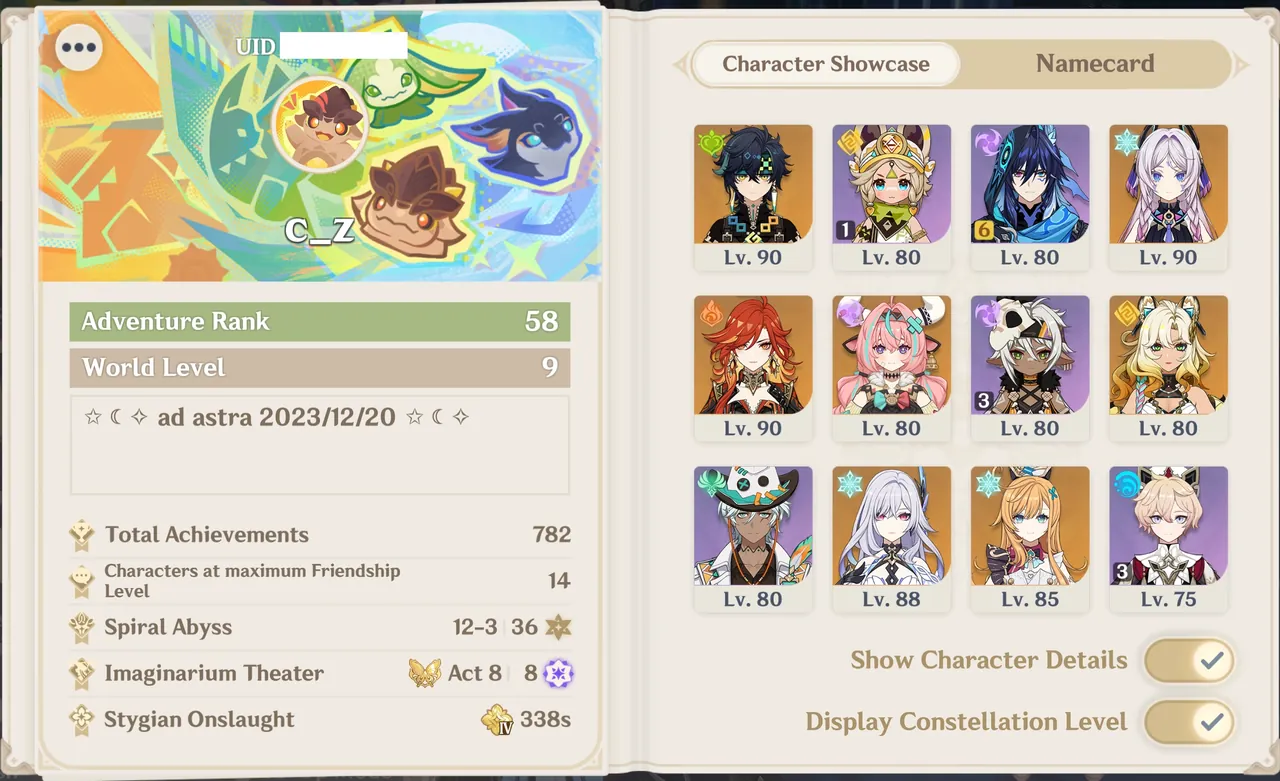
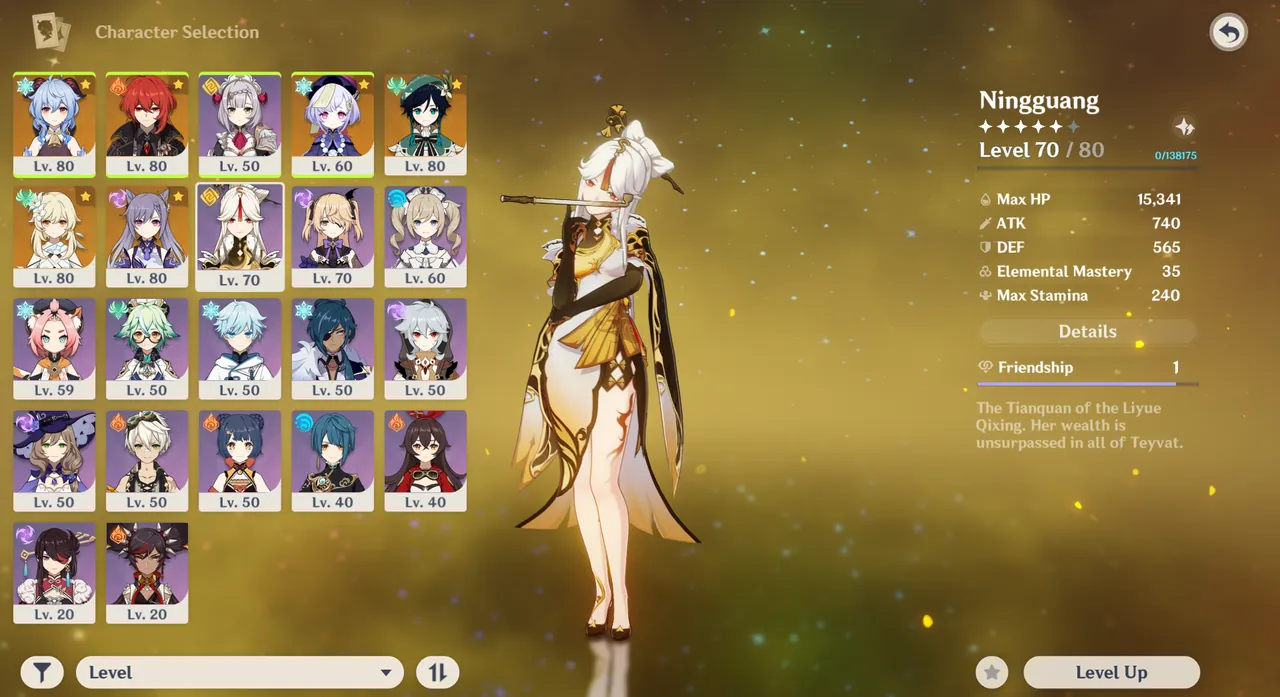
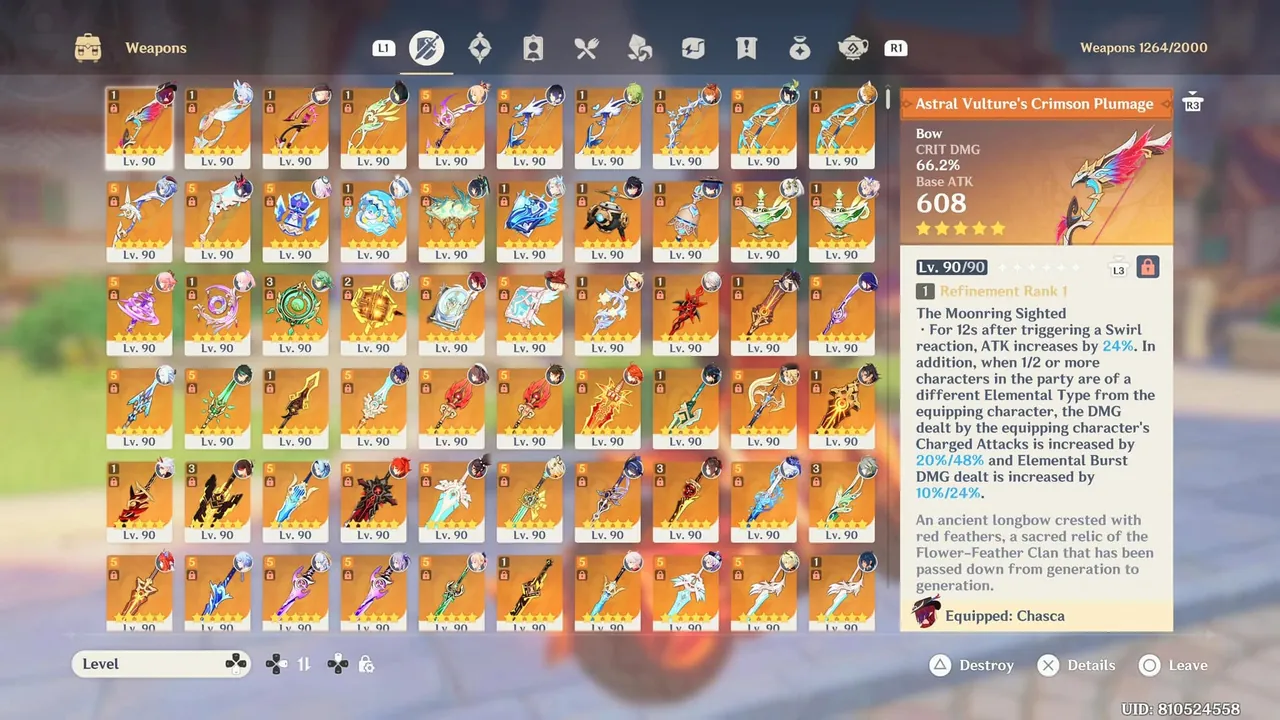
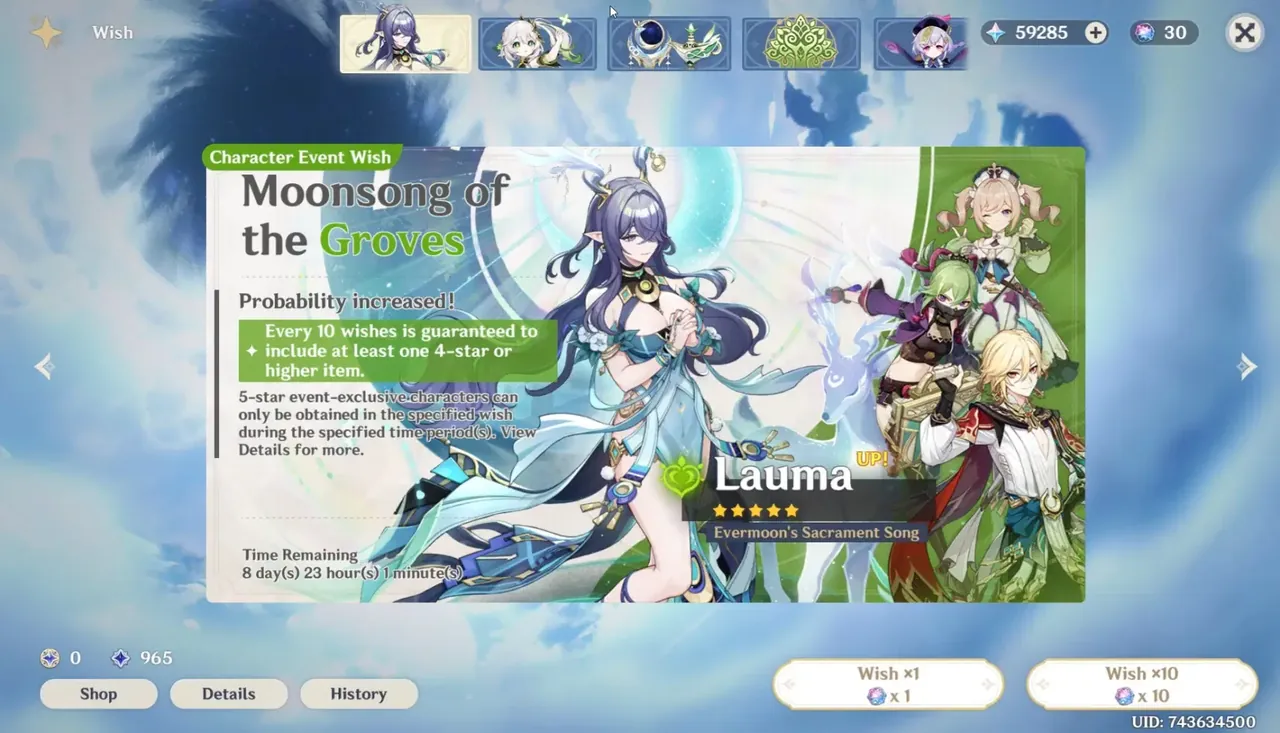
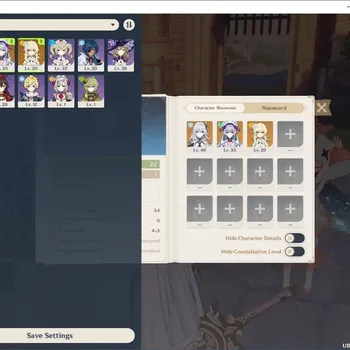
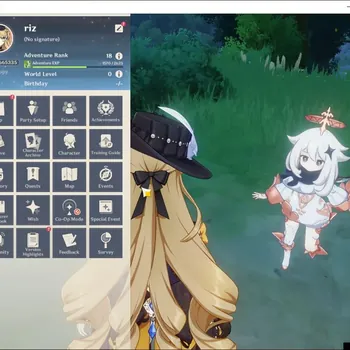
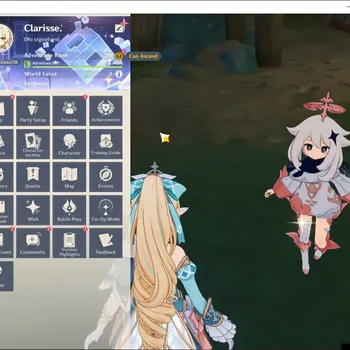
Good evidence protects you from disputes and helps the account sell faster. Record a short screen video, without cuts, showing:
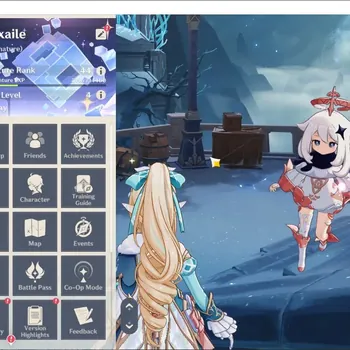
- The profile, with the UID, server and Adventure Rank visible.
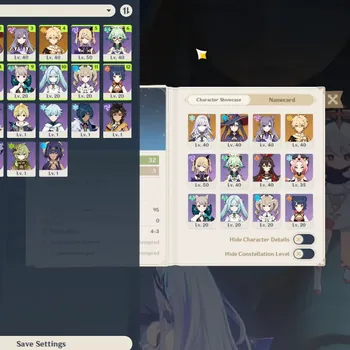
- The full character list, including constellation levels.
- The weapon inventory, with 5-star weapons and refinements.
- Primogems, Intertwined Fates, Masterless Starglitter and Genesis Crystals.
- The wish history, showing current pity and whether the 50/50 guarantee is active.
Keep the video and screenshots after the sale. If a buyer later claims something was missing, this is your proof.
Step 3: Price It Fairly
There is no official Genshin account value calculator, so a fair price comes from comparison. Start with the factors buyers actually pay for: limited 5-star characters and their constellations, signature weapons, saved pulls and pity, the server, and a clean handover. Each of these moves the price differently, so it helps to understand what decides how much a Genshin account is worth before you compare listings.
Then compare:
- Find listings on the same server with similar limited characters and constellations.
- Adjust for what is different, such as signature weapons, refinements or saved Fates.
- Price slightly below the closest match if you want a quick sale, or at the same level if your account has a clear extra, such as an active guarantee.
Avoid pricing on what you spent. Buyers pay for what the account can do today, and a lot of past spending goes into characters that are now easy to get.
Step 4: Write a Listing That Sells
A clear listing gets more serious buyers and fewer arguments later. Include:
- Server and AR at the top, since buyers filter by server first.
- Limited 5-star characters with constellation levels, plus signature weapons and refinements.
- Saved currency and pity, including any active guarantee.
- Login type: fresh email included, with full access, and no phone or personal social links.
- Any limits, such as a PSN link or a past recovery attempt.
Be accurate about everything. Overstating a roster is the fastest route to a dispute, and a precise listing often sells faster than one that oversells.
Buyers will check all of this before paying, much like the steps in how to buy a Genshin account safely, so writing your listing against that checklist answers most questions in advance.
Step 5: Hand It Over Safely
The handover is where most seller scams happen. Follow this order:
- Wait until the buyer's payment is held by the marketplace before you share anything.
- Share the email and password through the marketplace chat, not through outside apps.
- Let the buyer log in and change the passwords for both the email and the HoYoverse account.
- Stay available for a short while in case the buyer needs a verification code.
- Wait for the buyer to confirm, after which the payment is released to you.
Do not:
- Send the login before payment is secured, whatever reason the buyer gives.
- Move the deal to another app or accept direct payment outside the marketplace.
- Accept a payment screenshot as proof. Screenshots are easy to fake.
After the Sale
Once the sale is complete, leave the account alone:
- Do not log in again or keep a copy of the password.
- Do not attempt recovery through HoYoverse support. Beyond breaking the deal, recovering a sold account is the kind of behaviour that gets sellers banned from marketplaces.
- Keep your records of the video, listing and chat in case a dispute comes up later.
Smaller Accounts and Starter Accounts
Not every account is a high-end one. If yours has one or two limited characters and little progress, it competes with reroll and starter accounts, which are cheap and plentiful. Price it close to those, and highlight anything a fresh reroll cannot offer, such as a limited character from a banner that has not rerun in a long time.
When you are ready to list, Genshin Impact Accounts is where buyers compare rosters by server and price. If you are keeping a second account instead, Genshin Impact Hourly Services can keep its Resin and dailies ticking over, and Genshin Impact Boosting can push through Spiral Abyss or other goals that lift its value before you sell.
GameMarket.gg is a trusted digital marketplace for everything gaming-related. We serve the gaming community by providing secure access that enhances every gaming journey.