GM Coins Explained: Refunds, Top-Ups and Seller Withdrawals on GameMarket.gg
By Sir Ayup 4 October 2026, 14:00 WIB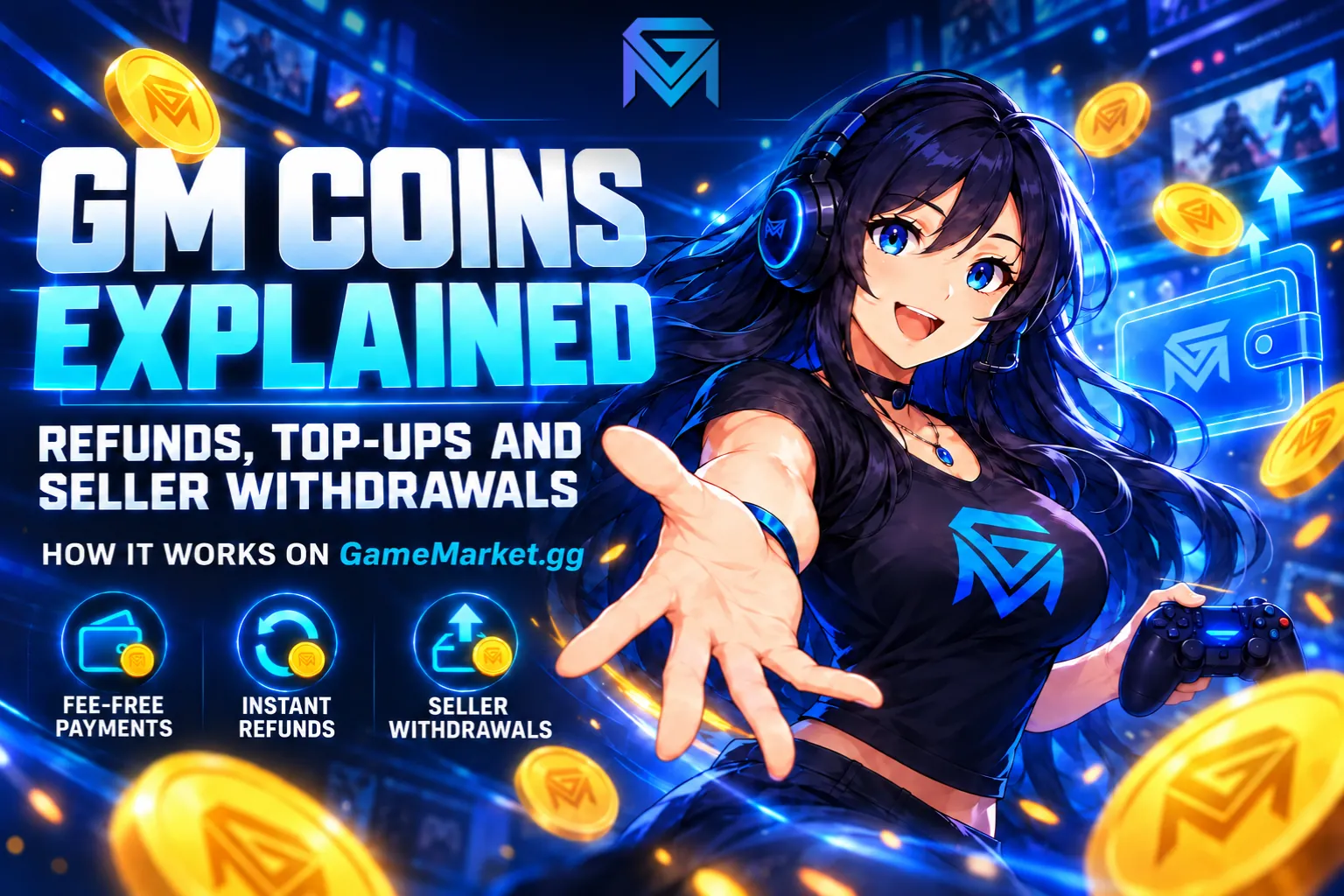
GM Coins is the built-in balance on GameMarket.gg, and it is the reason a canceled order turns back into spendable money within seconds. Say you buy an account, the seller goes quiet, and you cancel the order. The full amount lands straight back in your GM Coins balance, ready for another listing. No refund form, no waiting for a bank, no back-and-forth with a payment provider.
That is only one side of it. You can pay for any listing with GM Coins, there is no transaction fee, and every canceled order refunds into it instantly. There is one rule that matters more than everything else, though: GM Coins cannot be withdrawn or converted back into real money. It exists for purchases on GameMarket.gg only. Keep that in mind and the rest falls into place, because the smart way to treat GM Coins is as a spending balance, not as savings.
This guide follows GM Coins from start to finish: what it is, how money gets into it, what happens at checkout, why refunds land there, how GM Coins Merchants and seller withdrawals fit in, and what to do when a balance does not look right. All platform rules described here are accurate as of October 2026.
What GM Coins Is, and Why It Cannot Be Cashed Out
GM Coins is a special currency built for instant transactions inside GameMarket.gg. It sits in your account and shows up as one more payment option at checkout, right next to the methods supported in your region. The difference is where the money already is. When you pay by bank transfer or QRIS, the order has to wait for the payment provider to confirm the payment. When you pay with GM Coins, the money is already inside the platform, so there is nothing to confirm and the order goes through the moment you pay.
That speed comes with a trade-off. GM Coins only moves in one direction, into purchases. You cannot withdraw it, send it out of the platform, or exchange it for cash. This one-way design is exactly what keeps it instant and fee-free, and it is also the reason you should only top up what you actually plan to spend. Think of it like credit on a gaming store account rather than money in a bank.
Once you see it that way, GM Coins turns out to do three different jobs for you. It is a payment method you can use on any listing in any market. It is the refund destination for every canceled order. And it is a reward currency, since GameMarket.gg can pay rewards in GM Coins, for example to users who report valid bugs.
How GM Coins Gets Into Your Balance
Many users assume the only way to get GM Coins is to top up, but topping up is just one of four routes. In practice, a lot of balances start with a refund rather than a deposit.
- Refunds. Every canceled order returns its funds to GM Coins automatically, without a refund request.
- GM Coins Merchants. Approved partners sell redeemable GM Coins through payment methods that may not be available at the standard checkout.
- Seller withdrawals. Sellers can withdraw their earnings to GM Coins instead of a bank, PayPal or crypto wallet.
- Rewards. The Troubleshooting FAQ points users who find bugs to the Bug Bounty Hunter program, where valid reports can be rewarded with GM Coins.
Each of these routes is covered in more detail below, starting with the one most buyers meet first: checkout.
Paying With GM Coins at Checkout
When you check out, GM Coins appears alongside the regional payment methods: bank transfer through a virtual account from your mobile or internet banking, QRIS that you can scan with your e-wallet or banking app, and cash payment at partner retail outlets. Which regional options you see depends on where you are, which is also why GameMarket.gg added options like QRIS payments over time. GM Coins, on the other hand, is the same for everyone and works on any listing.
Whatever you pick, GameMarket.gg itself does not charge buyers a payment fee. If you ever see a small extra charge, it comes from the payment gateway, not from the platform, a point broken down fully in Do Buyers Pay Fees on GameMarket.gg?. Paying with GM Coins removes even that possibility, because the money never passes through an outside provider. What you gain on top of that is speed, since there is no confirmation step between paying and placing the order.
One thing GM Coins does not change is your protection. An order paid with GM Coins is covered by Buyer Protection exactly like any other order: the seller only receives the money once the order is completed, and you can still raise an Issue Order if the item does not match the listing. If you want to see how the funds are held at each stage of an order, GameMarket's escrow system walks through it step by step.
After paying, the next move is the same no matter which method you used. Open the order and talk to the seller in the order chat to arrange delivery. Keeping that conversation inside the order matters, because the order chat is kept separate from the general chat room and becomes your evidence if anything goes wrong later.
Why Canceled Orders Refund Instantly to GM Coins
This is where GM Coins really earns its place. On many marketplaces, a canceled order means waiting days for money to travel back through a bank or payment provider. On GameMarket.gg, a canceled order never leaves the platform. The funds return to your GM Coins balance the moment the order is canceled, so you can buy the same item from another seller straight away.
There are five ways an order can end up canceled, and every one of them refunds to GM Coins:
- Buyer cancels a New Order. While the order is still in New Order status, you can cancel it instantly, whether the seller is not responding or you simply changed your mind.
- Seller cancels a New Order. The seller can also cancel at this stage, usually because the item is no longer available or cannot be delivered.
- Seller accepts a cancel request. Once the order is Delivering, you can no longer cancel it on your own, but you can send a cancel request. If the seller accepts, the refund lands immediately.
- Automatic cancellation. If the seller does not respond to your cancel request within 24 hours, the system cancels the order for you.
- Seller cancels after an Issue. If you raise an Issue Order and the seller acknowledges the problem, they can cancel instead of waiting for an admin decision.
Every one of these paths ends in the same place, and the Canceled order status is where you can see which type of cancellation happened.
There is one hard limit to keep in mind. Once an order is marked Complete, it can no longer be canceled or disputed, and the money has already gone to the seller. The system can also complete an order automatically if you stay inactive after delivery, and the waiting time differs from market to market for security reasons. For game accounts in particular, check everything before you complete: log in, confirm the items and rank, and make sure the login details work. Completing an order the second it says Delivered is the most common way buyers lose the protection they paid for. What changes when an order reaches that final stage is explained in the Completed order status guide.
GM Coins Merchants: Topping Up Beyond the Standard Checkout
Not every payment method is available in every country, and sometimes the method you prefer simply is not offered at checkout. That is the gap the GM Coins Merchants program fills. Merchants are approved partners who offer redeemable GM Coins through payment options of their own, so you can add balance with a method that the standard checkout does not cover.
There is a second reason to look at the merchant list before topping up. According to the Withdrawals & Earnings FAQ, merchants often offer better deals on GM Coins than a regular top-up. If you buy on GameMarket.gg regularly, comparing merchant rates first can stretch the same budget a little further.
If you run a top-up business yourself and want to become a GM Coins Merchant, you can apply by emailing [email protected]. And if the payment method you need is not covered by checkout or by any merchant, you can request it through GameMarket.gg Support.
Withdrawing Seller Earnings to GM Coins
For sellers, GM Coins plays a slightly different role. GameMarket.gg takes 0% commission on sales, and the only fee a seller pays is charged when money leaves the seller balance. That withdrawal cost has two parts.
The first part is a percentage set by your seller level. Levels are recalculated every month based on your completed sales from the previous month, so a strong month lowers the fee you pay on the next one. Every seller starts at Bronze with a 4.99% withdrawal fee. Reaching $1,000 in monthly sales moves you to Silver at 3.99%, $5,000 unlocks Gold at 2.99%, and $10,000 puts you in Platinum at 1.99%. At the top, Diamond sellers with $50,000 or more in monthly sales pay just 0.99%.
The second part depends on where the money goes. Crypto and Indonesian banks carry a $1 method fee, while GM Coins carries none. GM Coins also has the lowest minimum withdrawal of any method, starting at $5, compared with $10 for PayPal, USDT (TRC20) and Indonesian banks, and $15 for other crypto options.
That combination makes GM Coins the cheapest exit for sellers who also buy on the platform, whether that means restocking accounts, buying items needed for a service, or picking up a good deal from another seller. The money stays on GameMarket.gg, ready to spend. The flip side is just as clear: if you plan to cash out, GM Coins is the wrong destination, because it cannot be converted back into real money later. Choose a bank, PayPal or crypto for anything you want to take home. How levels are calculated and how to climb them is covered in GameMarket's seller ranking system.
Common GM Coins Problems and How to Fix Them
Most balance problems have a simple cause, and most of them can be solved in a few minutes.
The deposit is not showing
Start by checking your transaction history or refreshing your browser. If you paid with a method that needs confirmation from the payment provider, give it a few minutes, since the balance only updates once the provider confirms. If it still has not appeared after that, contact support with your transaction ID and proof of payment so the team can trace it.
The order is already Complete
A completed order cannot be canceled or disputed, so no refund to GM Coins is possible from it anymore. This is why the timing matters so much. If something is wrong with an item, raise an Issue Order while the order is still Delivered, before you complete it.
An admin decided the dispute
When an Issue Order goes to admin review, there are three possible outcomes: a full refund to the buyer, full payment released to the seller, or the funds split between both sides. Some cases are resolved in minutes, while more complex ones can take several days. Screenshots of the order chat, product details and, for accounts or services, a video of the problem make the decision much faster. The whole process is laid out in how GameMarket handles disputes.
A seller asks you to pay outside the platform
Decline, every time. A deal made outside GameMarket.gg is not covered by Buyer Protection, cannot be refunded to GM Coins, and puts both accounts at risk of a permanent ban. Sharing outside contact details to arrange such a deal can lead to a ban on its own. If you want a refresher on the warning signs, these tips to avoid scams when trading game accounts are worth a read.
Using GM Coins Well, From Top-Up to Withdrawal
Put together, getting the most out of GM Coins comes down to a handful of habits, roughly in the order you will need them:
- Treat GM Coins as a spending balance, because it cannot be withdrawn.
- Top up only what you plan to spend on GameMarket.gg.
- Check GM Coins Merchants for better rates or extra payment methods before topping up.
- Pay with GM Coins at checkout for instant orders with no fee.
- Message the seller in the order chat right after buying to arrange delivery.
- Cancel a New Order quickly if the seller does not respond.
- Check account purchases fully before marking the order Complete.
- Raise an Issue Order with screenshots or video if the item does not match the listing.
- Keep every message and every payment inside GameMarket.gg.
- As a seller, withdraw to GM Coins only the earnings you plan to spend on the platform.
If you only remember one of them, make it the first. GM Coins is the fastest money on GameMarket.gg, but only for spending on GameMarket.gg.
With that settled, the fun part is putting the balance to work. You can browse more than 1,700 game markets for accounts, top-ups, boosting and hourly services, or compare GM Coins Merchants first if you want a better rate on your next top-up. And if you sell as well as buy, you can open your store as a seller and send your earnings to GM Coins whenever you are ready to shop.