How to Delete or Recover a Genshin Account, Step by Step
By Sir Ayup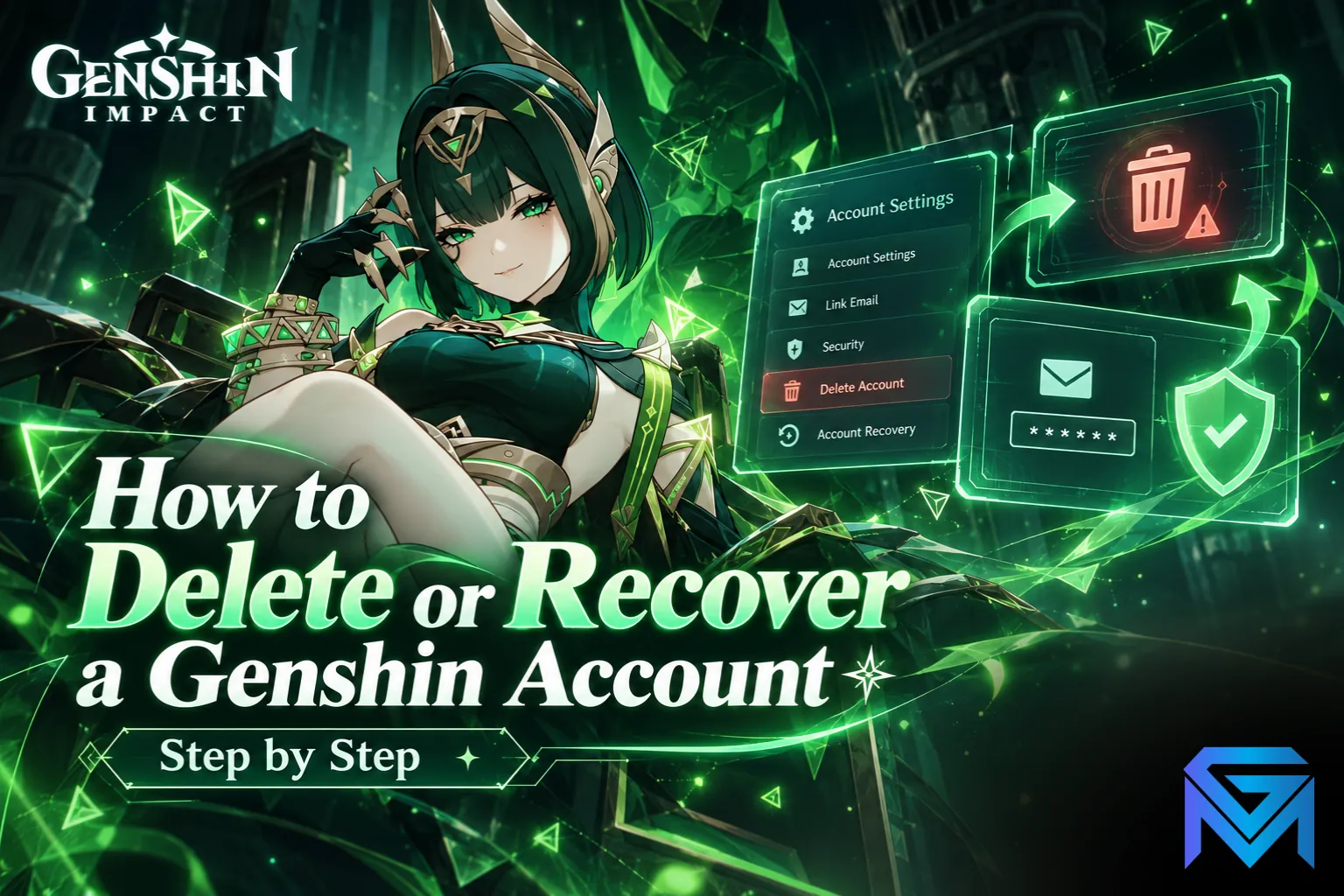
Learning how to delete a Genshin account is simple: sign in to the HoYoverse account center (or open the User Center in the game's settings), go to Account Security Settings, choose Request Account Deletion, verify with the code sent to your email or phone, and confirm. The account is not erased straight away: a cooling-off period of about 30 days follows, during which you can still cancel. Recovering an account works differently, through a password reset or, if you have lost access to the email or been hacked, HoYoverse's customer support.
This guide explains how to delete a Genshin Impact account step by step, what happens during the waiting period, what you lose, and how to recover an account you are locked out of.
Before You Delete: What You Lose
Deleting a Genshin Impact account is permanent once the waiting period ends. Think through what goes with it:
- All characters, weapons and progress on every server tied to that account.
- Primogems, Genesis Crystals and any active Welkin Moon, with no refund for past purchases.
- The account itself, including its UID, friends list and achievements.
- Every HoYoverse game linked to the same account, since deletion removes the whole HoYoverse account rather than one game's save.
If you simply want to stop playing, logging out and uninstalling does the same job without losing anything. If the account has real value, it helps to check what a Genshin account is worth before you remove it for good.
How to Delete a Genshin Account, Step by Step
You can request deletion on the web or from inside the game.
On the web:
- Go to the official HoYoverse account center and log in with your email, phone number or linked login.
- Open Account Security Settings.
- Select Request Account Deletion.
- Read the notice and choose a verification method, such as email.
- Enter the verification code you receive.
- Confirm the request.
In the game:
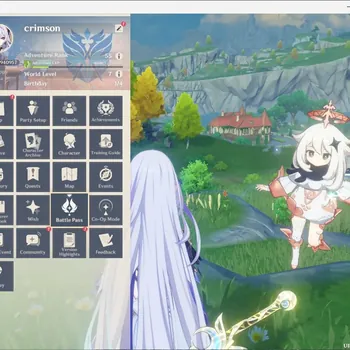
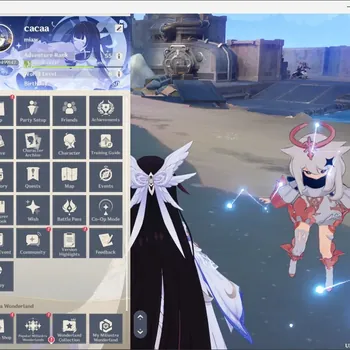
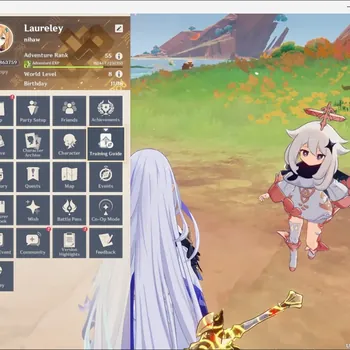
- Open the Paimon menu and go to Settings.
- Select Account, then User Center.
- Open Account Security Settings and follow the same deletion steps.
Menu names can shift slightly between updates, but the path always runs through the account security section of the HoYoverse account.
The 30-Day Cooling-Off Period
After you confirm, the account enters a cooling-off period of roughly 30 days:
- The account is scheduled for deletion, not removed immediately.
- You can cancel the request during this time, usually by logging in and choosing to withdraw the deletion when prompted.
- Once the period ends, the account and all its data are deleted and cannot be restored by anyone, including support.
If you change your mind, act before the 30 days are up. After that, there is no recovery option.
Deleting Through Customer Support
If you cannot reach the account security page, you can contact Genshin Impact customer support through the official website or the in-game feedback option and ask for the account to be deleted. Support will ask you to prove ownership, and the process takes longer than the self-service route. Never send your password to anyone claiming to be support outside the official channels.
Genshin Account Recovery: How to Get Back In
Recovery depends on what went wrong.
If you forgot your password:
- On the login screen, choose Forgot Password.
- Enter the email or phone number linked to the account.
- Use the verification code to set a new password.
If you forgot which email you used:
- Search your inboxes, including spam, for messages from HoYoverse.
- Try the social logins you may have linked, such as Google, Apple, Facebook, X or PlayStation.
If you lost access to the email or the account was hacked:
- Stop retrying logins, which can trigger extra security locks.
- Contact customer support through the official site or in-game feedback, and ask for account recovery.
- Prove ownership with as many details as you can.
What Support Asks For
Genshin account recovery requests are checked against the account's records, so accurate details matter more than speed:
- Your UID and server, such as America, Europe, Asia or TW, HK, MO.
- The original email or phone number used to register.
- Approximate creation date and the device you first played on.
- Purchase receipts, which are often the strongest proof of ownership.
- Login regions and devices you normally use.
- Characters and items on the account.
Submit one detailed request and wait for a reply rather than sending several, since duplicates can slow things down. Reviews often take several days.
Keeping Your Account Secure Afterwards
Once you have your account back, reduce the risk of losing it again:
- Use a unique password that you do not use anywhere else.
- Link both an email and a phone number, so you have two recovery routes.
- Link a social login you control as a backup way in.
- Never share login details or verification codes, and ignore anyone offering free Primogems for your password.
Deleting Versus Selling
Some players delete an account because they no longer play, without realising the time and resources in it still have value to someone else. If that sounds like you, it is worth reading how to sell a Genshin account safely and for a fair price before you confirm a deletion. If you are coming back to the game instead, starter accounts and rerolls are one way to begin again with the characters you want.
When you are ready to start fresh, you can compare Genshin Impact Accounts that already have the characters and progress you want, hand daily commissions and events to a player through Genshin Impact Hourly Services, or push Spiral Abyss and Adventure Rank goals with Genshin Impact Boosting.
GameMarket.gg is a trusted digital marketplace for everything gaming-related. We serve the gaming community by providing secure access that enhances every gaming journey.