How to Find and Check Your Free Fire UID
By Sir Ayup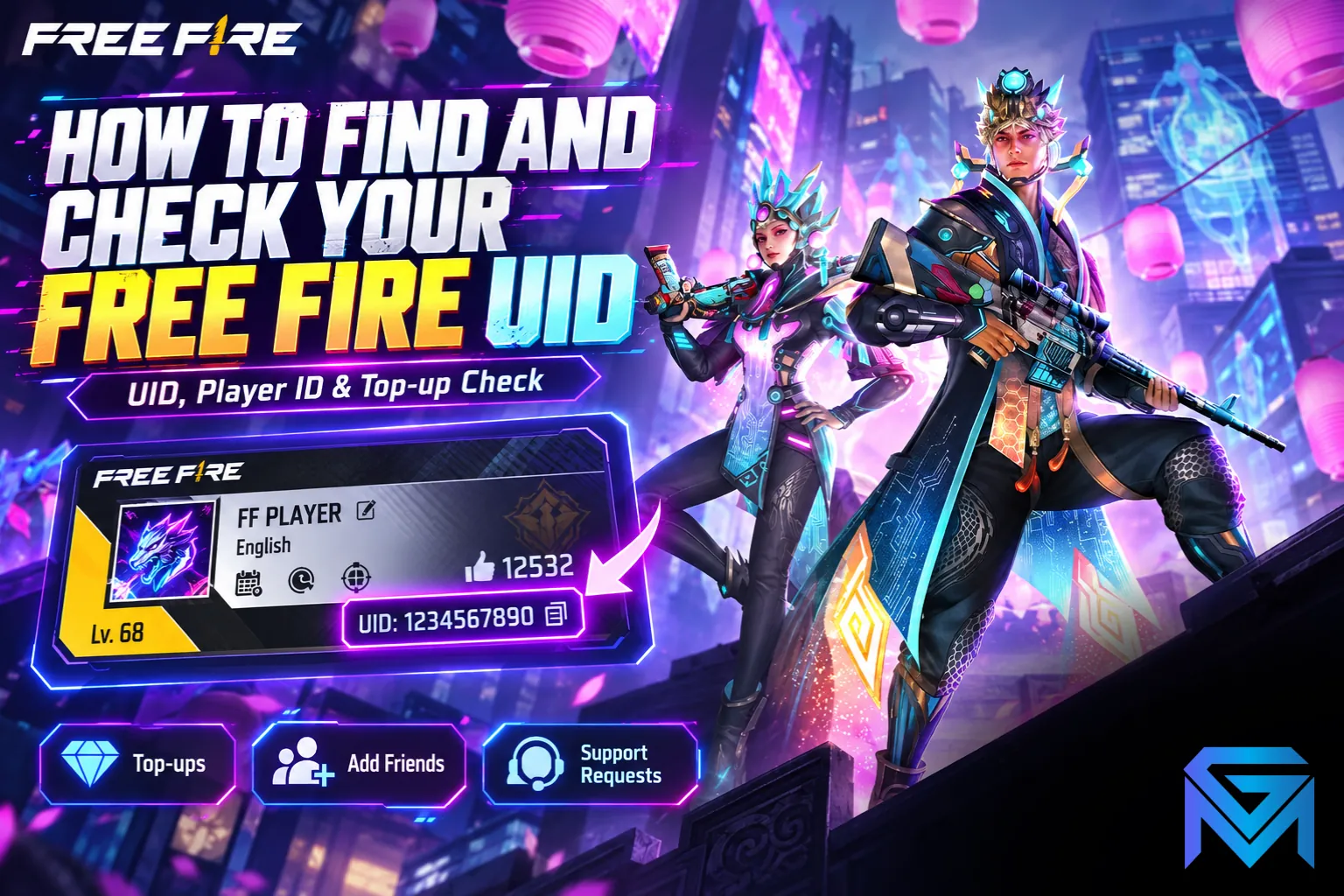
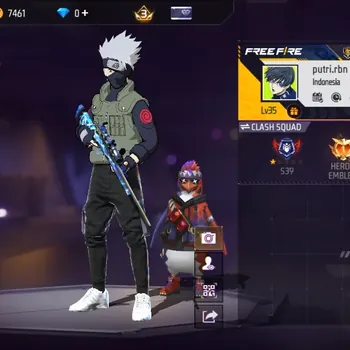
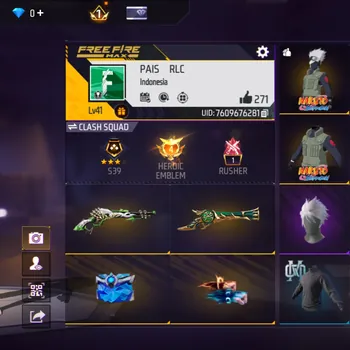
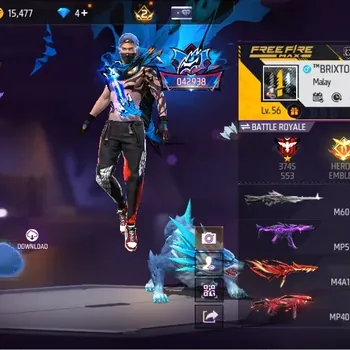
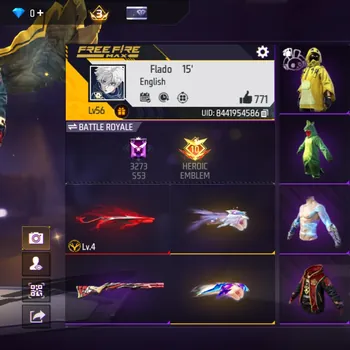
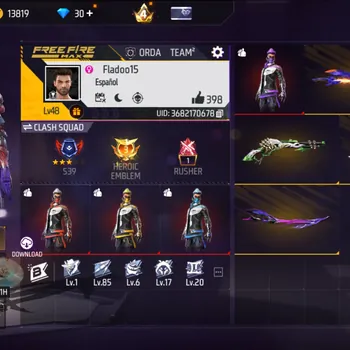
Your Free Fire ID, also called your UID or Player ID, is the unique number attached to your account. To find it, open Free Fire, tap your profile banner in the top-left corner of the lobby, and look below your nickname: the number shown there is your UID, with a copy button next to it. You need it for top-ups, adding friends, events and support requests, and unlike your nickname, it never changes.
This guide explains where to find your UID, how it differs from your nickname, how to check a UID before a top-up, and how to keep your account safe when sharing it.
How to Find Your Free Fire UID
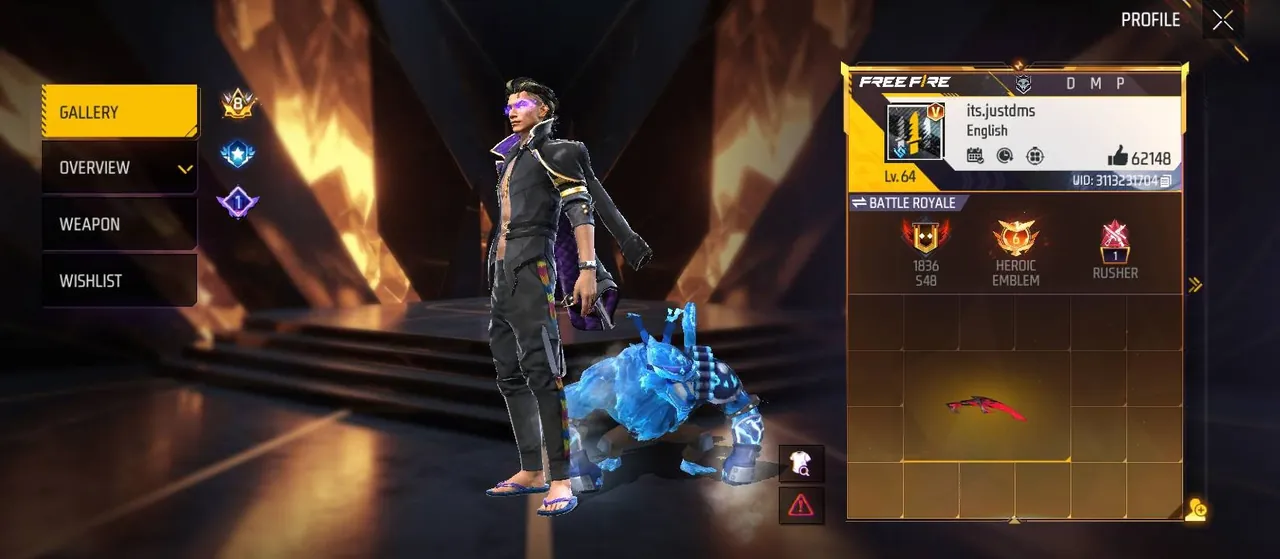
It takes only a few seconds:
- Open Free Fire or Free Fire MAX and wait for the lobby to load.
- Tap your profile banner in the top-left corner of the screen.
- Find the ID number shown below your nickname.
- Tap the copy button next to it to copy the UID to your clipboard.
Free Fire and Free Fire MAX use the same account, so your UID is the same in both versions.
UID vs Nickname: What Is the Difference?
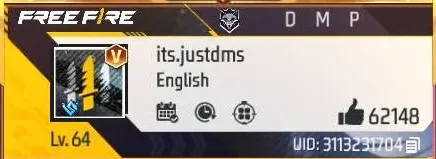
The two are easy to confuse, but they do very different jobs:
- UID (Player ID). A unique number assigned to your account when it is created. It never changes, and no two accounts share one.
- Nickname. The name other players see in matches. You can change it with a name change item, and similar names can belong to different players.
Because nicknames can change or look alike, anything that needs to identify your account reliably, such as top-ups, support requests or event registrations, uses your UID, not your name.
Where You Use Your UID
You will need your UID in a few common situations:
- Topping up Diamonds on official web top-up pages or through authorised resellers.
- Adding friends, by searching their UID in the friends menu.
- Registering for events and programmes, such as Garena's test servers, where the account you register with matters. The Free Fire Advance Server is one example, since rewards for bug reports go to the account linked to your registration.
- Contacting support, where your UID is the first thing Garena asks for.
How to Add a Friend by UID
- Tap the friends icon at the top of the lobby.
- Open the Add tab.
- Paste or type your friend's UID into the search bar.
- Tap the + next to their profile to send a request.
Searching by UID is the most reliable way to find someone, since several players can have similar nicknames.
How to Check a UID Before Topping Up
A UID check is simply confirming that a UID belongs to the account you expect, before any money is spent. The easiest way:
- Enter the UID on the official top-up page or an authorised reseller.
- Look at the nickname the page shows after you enter it. If it matches your account, the UID is correct.
- If the nickname is wrong or missing, stop and recheck every digit against your profile.
- Check the region of the Diamond package. Some packages only work for certain servers.
Official Free Fire top-up sellers only need your UID to deliver Diamonds. One wrong digit can send them to a different account, and Diamonds sent to the wrong account usually cannot be recovered, so the check is worth the extra few seconds.
Common UID Mistakes
- Typing the UID from memory. Always copy it from your profile.
- Using a friend's old screenshot. Check the number on the profile itself.
- Entering a nickname instead of the UID. Top-up pages need the number.
- Placing a second order while the first is pending. Wait for the first to finish or fail, or you may pay twice.
Is It Safe to Share Your UID?
Yes. Your UID is a public identifier. Anyone who views your profile can see it, and it cannot be used to log in to your account.
What you must keep private is your login: the password and verification codes for the Google, Facebook or other account your Free Fire profile is bound to. A legitimate top-up, giveaway or support request never needs your login details. Anyone who asks for them, or for a "verification code" sent to your phone, is trying to take over your account.
Guest Accounts and Your UID
A guest account still has a UID, but it is tied to a single device. If you lose the phone or clear the game data, the UID and everything on it can be lost, and guest accounts cannot use some features, such as redeeming codes. Binding your account to a login such as Google or Facebook keeps your UID and progress safe across devices, and it is one of the first things worth doing while you learn how characters, Diamonds, modes and ranked work in Free Fire.
If Diamonds Do Not Arrive
- Restart the game and check your balance again.
- Check the order status and the UID you entered.
- Wait before reordering to avoid paying twice.
- Contact the seller's support with your order number and UID if the Diamonds still do not appear.
Once your UID is saved somewhere safe, everyday tasks like top-ups and friend requests take seconds. If you want more than a top-up, you can pick up one of the Free Fire Accounts with the characters and skins you want, hand daily missions and events to a player through Free Fire Hourly Services, or climb ranked faster with Free Fire Boosting.
GameMarket.gg is a trusted digital marketplace for everything gaming-related. We serve the gaming community by providing secure access that enhances every gaming journey.