Free Fire Advance Server: How to Register and Get an Activation Code
By Sir Ayup 13 October 2026, 19:00 WIB
The Free Fire Advance Server is Garena's test version of the game, opened shortly before each major OB update so selected players can try new characters, weapons and features early and report bugs. To join, you register on the official Advance Server website with the account you use for Free Fire, and if you are selected, you receive an activation code that lets you log in to the separate Advance Server app. Slots are limited, so registering does not guarantee a code.
This guide explains how the Advance Server works, how registration usually runs each cycle, how activation codes are handed out, and how to report bugs for rewards without risking your account.
What the Advance Server Is
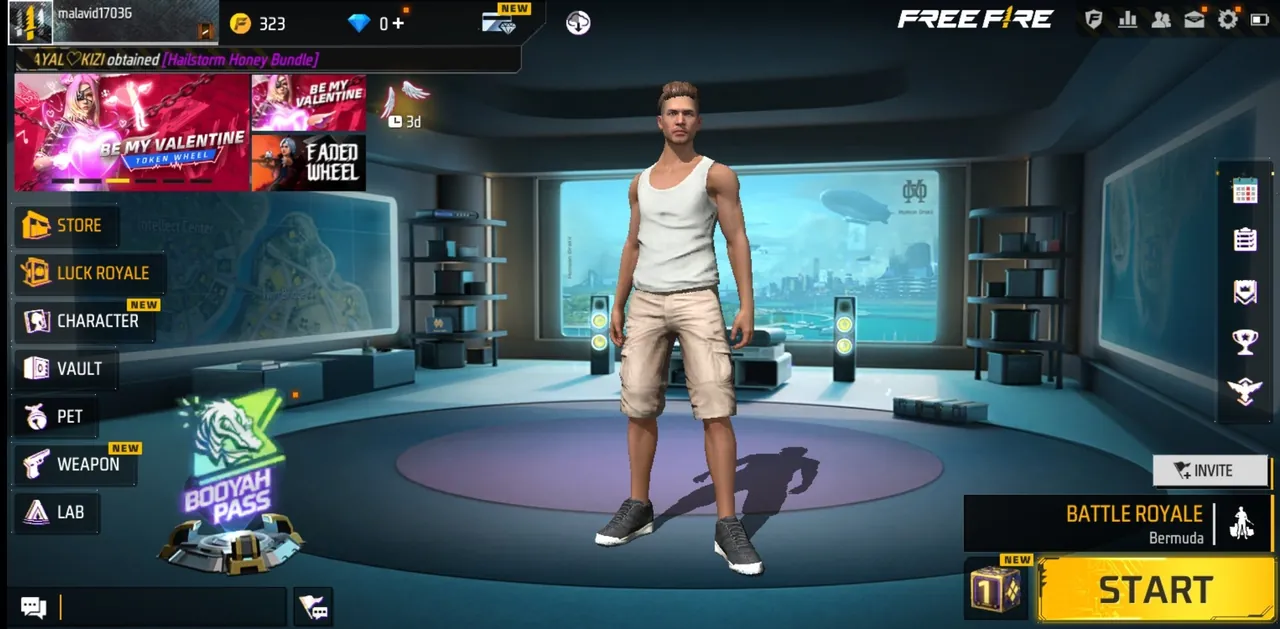
Every few months, Free Fire receives a large OB update with new content and balance changes. Before that update reaches everyone, Garena runs the Advance Server, a separate test build where the new content is playable early.
A few things set it apart from the normal game:
- It is a separate app. You install it alongside the regular game, so there is no need to remove Free Fire or Free Fire MAX.
- Progress does not carry over. Anything you do or unlock on the Advance Server stays there. Your main account is not affected.
- Content is unfinished. Features may change, be delayed or never reach the live game, so treat what you see as a preview, not a promise.
- It is open for a short time. Each test usually runs for one to two weeks before the matching OB update.
New characters and weapons often appear here first. Weapons like the M7, Skorp, RPK and Hawk from OB55 and heroes such as Ray, the Watchman from OB53 are the kind of content players test before launch.
How Registration Works Each Cycle
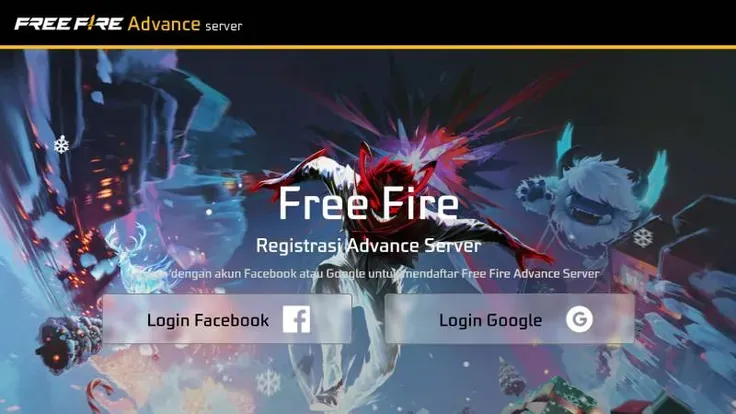
The dates change with every OB update, but the process follows the same pattern each time:
- Registration opens on the official Free Fire Advance Server website, usually a short while before the test begins. Garena announces it on its official channels.
- Log in with the account linked to your Free Fire profile, such as Google or Facebook. Using the same login as your main game account matters, since rewards for bug reports are tied to it.
- Fill in your details, including a working email address, and confirm your registration.
- Wait for selection. Garena reviews registrations and sends activation codes to a limited number of players.
- Download the Advance Server APK from the official site when the download opens.
- Enter your activation code when you first open the app, then log in.
Only use the official Garena website for registration and downloads. Look for it through Free Fire's official social media rather than search results, since copycat sites are common.
Activation Codes Explained
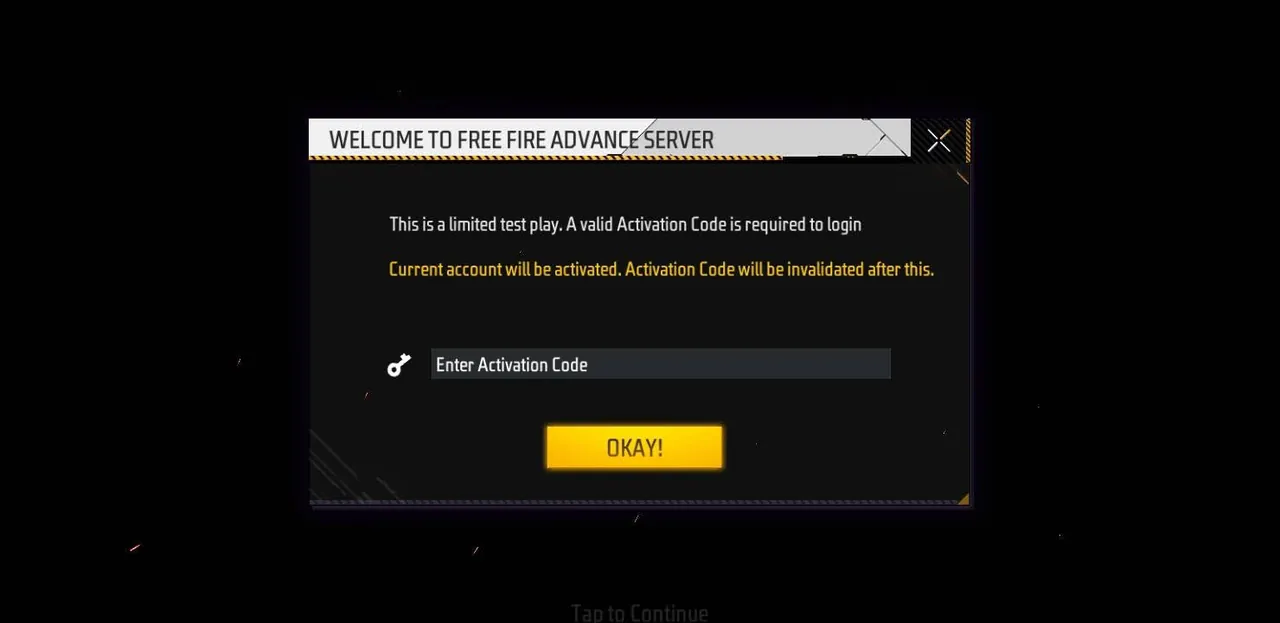
The activation code is what actually gets you in. Without one, the Advance Server app will not let you log in, even if it is installed.
- Codes are limited. Garena gives out a set number per test, so many registered players do not receive one.
- Codes come from Garena only. They are tied to your registration and sent through the official process.
- Codes cannot be bought or generated. Websites and videos that offer free activation codes, code generators or "unlimited" access are not official and are often scams aimed at stealing logins.
- Not getting one is normal. Register again in the next cycle; selection changes every time.
Who Can Join
Requirements can change between cycles, but a few points stay consistent:
- You need an active Free Fire account, registered through a linked login rather than a guest account.
- The Advance Server is for Android. It is distributed as an APK, so iPhone players generally cannot take part.
- Accounts in good standing have the best chance. Players who regularly play and have no history of rule breaking are more likely to be considered.
If you still play as a guest, bind your account before the next registration period. It protects your progress anyway, and it is required to register.
Reporting Bugs and Earning Rewards
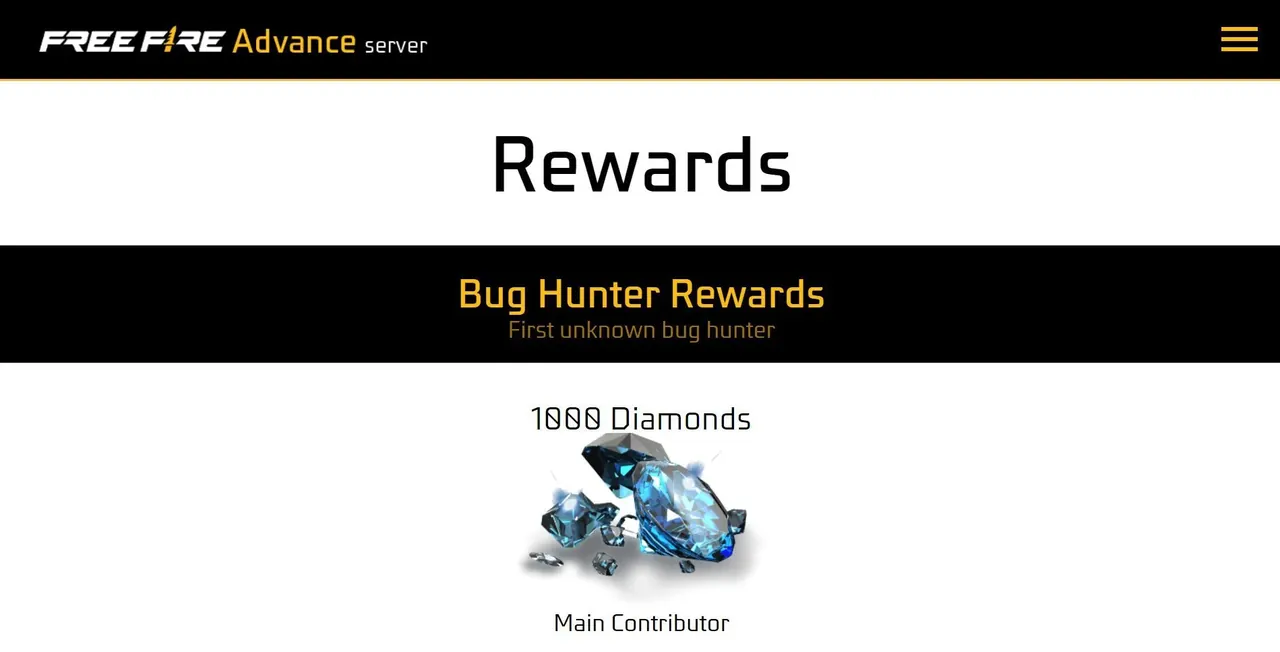
The point of the Advance Server is testing, and Garena rewards players who help. If you find a bug, glitch or balance problem, you can report it through the Advance Server's reporting system.
- Valid reports can earn Diamonds, which are sent to the Free Fire account linked to your registration.
- Clear, detailed reports work best. Describe what happened, where, and how to repeat it. Screenshots or a short video help.
- Report real problems. Vague or duplicate reports are less likely to be rewarded.
Reward amounts and rules are set by Garena for each test, so check the details on the Advance Server site when it opens rather than relying on numbers from previous cycles.
Is It Worth Joining?
For players who follow updates closely, yes. The Advance Server lets you:
- Try new characters and weapons before deciding whether to spend on them.
- Prepare for the meta a week or two before everyone else.
- Earn Diamonds by reporting genuine bugs.
Just remember that changes are common between the test build and the final update. Big balance swings, like those seen in the underwater update patch, can look different on the Advance Server than they do at launch.
Staying Safe Around the Advance Server
Because so many players want access, the Advance Server attracts scams. Keep these rules in mind:
- Never enter your Free Fire, Google or Facebook password on unofficial sites.
- Never pay for an activation code.
- Only install the APK from Garena's official Advance Server page.
- Ignore "modded" or "hacked" Advance Server downloads, which can carry malware and risk a ban on your main account.
Whether or not you get a code this cycle, your main account is where your progress lives. If you want to get ahead there, you can pick up one of the Free Fire Accounts with the characters and skins you want, hand daily missions and events to a player through Free Fire Hourly Services, or climb ranked faster with Free Fire Boosting.
GameMarket.gg is a trusted digital marketplace for everything gaming-related. We serve the gaming community by providing secure access that enhances every gaming journey.