Blood Strike Sensitivity & Settings Optimization Guide: Aim Better Without Aiming Better
By GameMarket Team 4 July 2026, 08:09 WIB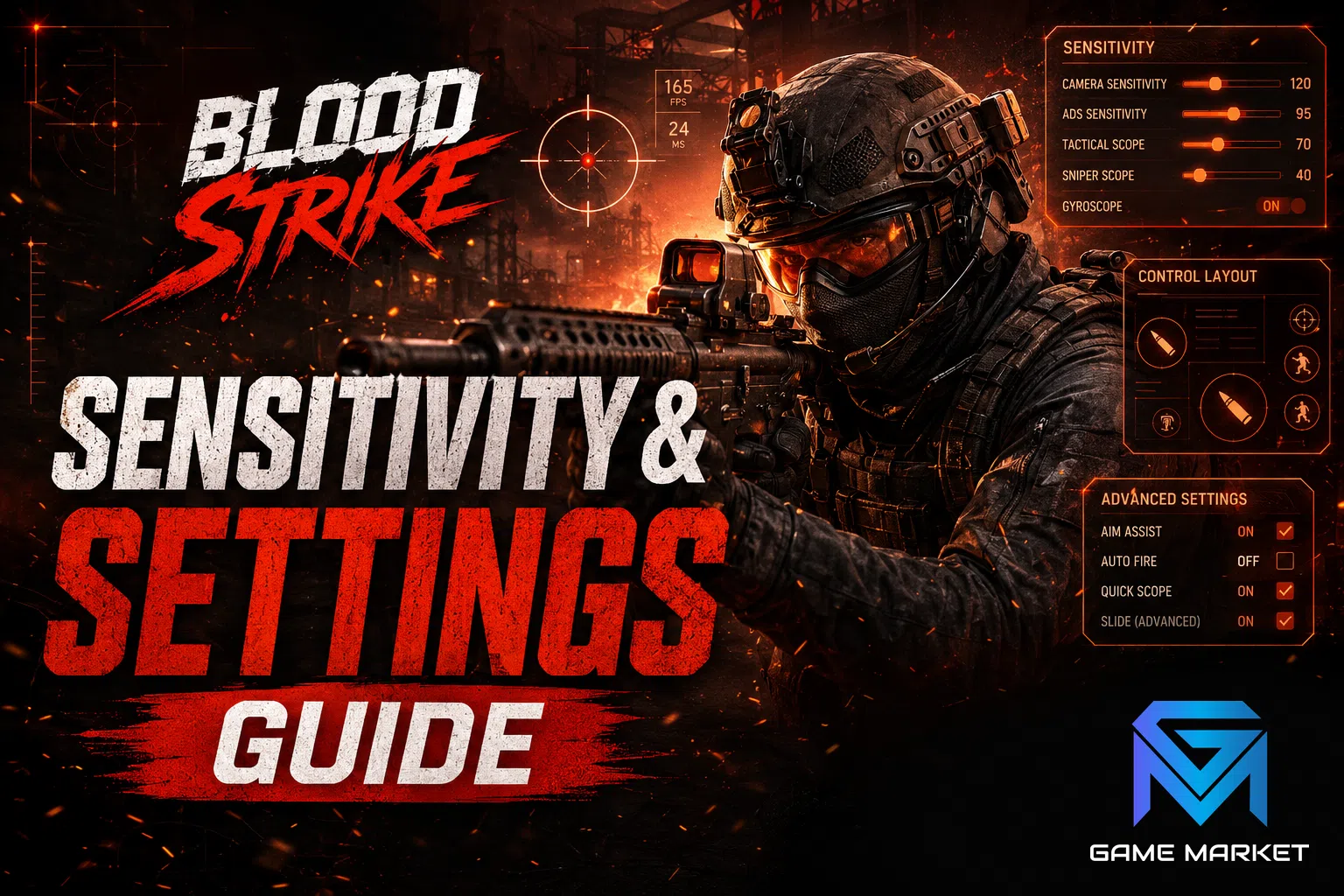
Blood Strike players improve their aim fastest by fixing sensitivity, control layout, and HUD placement first, since these settings cap what your hands can do no matter how much you practice, while a well-tuned setup turns every match into real progress instead of a fight against your own controls. This guide covers hip-fire and ADS sensitivity, claw grip versus two-finger control, HUD customization, gyroscope aiming, frame rate, and aim assist, in the order that produces the biggest gains first, with a simple method for testing whether each change actually helped. Players on higher account tiers often have more Strikers and loadouts to test these changes against, which is where GameMarket.gg's Blood Strike account tiers guide is useful for seeing what each tier unlocks.
What does sensitivity actually control in Blood Strike?
Sensitivity sets how far your view rotates for a given finger swipe, and Blood Strike splits it into several sliders rather than one master value, so a setting that feels perfect in one situation can feel wrong in another. Getting the split right matters more than the raw number you pick. Consistent aim also feeds mission progress: GameMarket.gg's Blood Strike mission objective types guide covers how elimination and weapon-specific missions reward the accuracy built here.
Push sensitivity too high and your crosshair overshoots targets, spinning past enemies before you can settle; push it too low and you cannot turn fast enough to track a strafing opponent or punish someone flanking from the side. Blood Strike's settings menu separates hip-fire (no scope), aim-down-sights (ADS), and scope-specific sensitivity for each zoom tier, typically grouped as red-dot and low-zoom optics, mid-range 3x-4x scopes, and long-range 6x-and-up sniper scopes. Treat each of these as its own variable rather than assuming one slider fixes them all.
How should hip-fire, ADS, and scope sensitivity differ from each other?
Hip-fire sensitivity should sit highest since you need to spin quickly at close range, ADS sensitivity should sit noticeably lower for controlled tracking, and each scope tier should drop further as zoom increases, because more magnification means the same finger movement covers far more distance on screen.
A common and avoidable mistake is leaving ADS sensitivity close to hip-fire sensitivity. The moment you aim down sights, your view moves faster than intended and every shot drifts past the target, especially at range. If you notice your shots consistently landing just behind or beside an enemy the instant you ADS, that is almost always an ADS sensitivity that is set too high relative to your hip-fire value, not a tracking or reflex problem. Lower it in small steps rather than guessing at a large change, since overcorrecting creates the opposite problem of feeling sluggish when you need to flick onto a close target.
How do you find your own sensitivity instead of copying a pro player's settings?
Copying a pro's exact sensitivity numbers rarely transfers well, because their finger count, phone size, and control layout differ from yours; instead, tune by feel using small, repeatable adjustments and judge the result across several matches rather than a single fight.
Start from the default or a moderate value and play matches focused purely on tracking: can you smoothly follow a strafing enemy without your crosshair jerking past them? If you consistently overshoot, lower the relevant slider by around 10 percent. If you cannot keep pace with fast targets or flankers, raise it by a similar amount. Change one slider at a time, not several together, or you will not know which adjustment caused the result. Repeat this over multiple sessions until your crosshair lands close to where you intended without conscious correction. That feeling, not a specific number copied from someone else, is what "correct" sensitivity actually means.
Which control layout should you use - two-finger or claw grip?
Two-finger (thumbs-only) control is the easiest to learn but limits you to two simultaneous inputs, so you cannot move, aim, and fire at the same time; three- or four-finger claw grip frees your index fingers for fire and jump, unlocking techniques two-finger players physically cannot perform.
With claw grip, your thumbs stay dedicated to movement and aiming while one or two index fingers rest on the top edge of the screen to handle firing, jumping, or sliding. This is what makes jump-shots and slide-cancels possible mid-fight, since your thumbs never have to leave the movement stick or the aim area to trigger them. The trade-off is a short adjustment period: claw grip feels awkward for the first few sessions and noticeably raises your mechanical ceiling once it becomes comfortable. If you are already close to the limits of what two-finger play allows, this is the single highest-impact control change available to you.
How should you customize your HUD for faster reactions?
Your HUD layout should place fire, aim, jump, slide, and crouch under whichever fingers you have assigned to claw grip, sized and positioned so you never have to look for a button mid-fight; a cluttered or poorly placed HUD costs reaction time no sensitivity setting can fix. For the detail behind that, see Legend Rank Guide How to Climb from Master.
Enlarge and reposition the fire and aim buttons first, since misfires and delayed aim inputs under pressure usually trace back to buttons that are too small or awkwardly placed rather than to reflexes. Move jump and slide controls to wherever a free finger can reach them without repositioning your whole hand, and remove or shrink HUD elements you rarely use so your thumb has less to search through. If you use an additional fire button for a second shooting finger, place it where it does not compete with your aiming thumb, and make sure your ADS or scope button never forces your aiming hand off the screen to reach it.
Should you turn on gyroscope aiming?
Gyroscope aiming lets you fine-tune your view by tilting your device, adding a second, more precise input on top of touchscreen swipes; most players benefit from a light gyroscope setting used only for the final adjustment onto a target, not as their primary way of turning.
Used well, gyroscope input helps most during ADS, where you are already holding a steady angle and only need a small correction to land a shot rather than a full swipe across the screen. Start with a low gyroscope sensitivity so it only nudges your aim rather than throwing it off when your hands naturally shift, and raise it gradually if you find yourself wanting faster micro-adjustments. If tilting the device to aim feels disorienting or makes your view drift when you do not intend it to, it is fine to leave gyroscope off entirely and rely on touchscreen sensitivity alone; it is a refinement, not a requirement.
Do frame rate and graphics settings really affect your aim?
Yes: a higher, more stable frame rate makes tracking noticeably smoother and your inputs register more consistently, which matters more for aim than higher visual fidelity does; prioritize frame rate over graphics quality whenever your device has to choose between them.
A game rendering at a low or unstable frame rate delivers your swipes and taps in uneven bursts, so even a well-tuned sensitivity feels inconsistent because the game itself is not updating smoothly. If your device can sustain a higher frame-rate mode without overheating or throttling during long sessions, that setting is almost always worth more to your aim than a graphics upgrade. Lowering shadow detail, effects density, or resolution to protect a stable frame rate is a reasonable trade for competitive play, even if the game looks slightly less sharp as a result.
What does aim assist do, and should you rely on it?
Aim assist applies small automatic adjustments, such as slight slowdown or magnetism, when your crosshair passes near an enemy, and its strength and exact behavior are configurable rather than fixed; know what each option changes rather than leaving the defaults untested.
Because aim assist works differently depending on your control scheme and sensitivity, a setting that helps one player can feel intrusive to another, for example fighting your own correction when you are already tracking a target well. Review each aim-assist option individually, test it across a handful of matches, and keep only the behavior that measurably helps rather than assuming more assist is always better. Players relying heavily on claw-grip precision and a well-tuned sensitivity often prefer a lighter assist setting than players still developing manual tracking.
Does audio give you a real edge on top of sensitivity and grip?
Yes: Blood Strike's positional audio tells you an enemy's rough direction and distance before you ever see them, so a setup that lets you hear that clearly gets your crosshair moving earlier, which matters more for reaction time than most players expect from a sound setting.
Footsteps, reloads, and gunfire all carry directional information, but a phone's built-in speaker flattens that positioning compared to stereo headphones, where left-right and near-far cues stay distinct. If you play with music, voice chat, or notification sounds active in the background, they compete with exactly the cues you need to react first, so muting anything unrelated to the match is a free improvement with no setting to tune. Pairing clean audio with the sensitivity and grip work above closes the gap between hearing a threat and actually turning onto it.
How do you know a settings change actually worked?
Treat every settings change as a small experiment: adjust one value, play several matches focused on that specific thing, and honestly judge whether your tracking, misfire rate, or reaction time improved before keeping or reverting the change; settings tuned once and never revisited quietly go stale.
The biggest mistake in this whole process is treating settings as "set once and forget." Your hand size adjusts to a phone, a new device changes your grip, and your skill level changes what sensitivity actually feels controllable. Revisit your settings periodically rather than assuming your first configuration is permanent, and keep a rough note of what you changed and when, so you can tell whether a dip in performance is a settings problem or just a rough session. A few concrete signals are worth tracking across those test matches rather than relying on a general feeling:
- How often your crosshair overshoots a target the instant you ADS, versus settling on it smoothly
- How many misfires or missed jumps happen because a HUD button was out of reach or too small
- Whether you can track a strafing enemy at close range without jerking past them
- Whether long-range scope shots land where you expected, or consistently drift to one side
If one of these signals is clearly worse than the others, it usually points to a specific setting rather than a general lack of skill: overshoot on ADS points at ADS sensitivity, missed HUD inputs point at button size or placement, and drifting scope shots point at that specific zoom tier's sensitivity slider rather than your base sensitivity.
Frequently asked questions
Is there one best sensitivity setting for Blood Strike?
No. The right sensitivity depends on your control layout, finger count, and phone size, so it has to be tuned individually rather than copied from a pro or a guide.
Does turning off aim assist make you better long term?
Not automatically. Aim assist is a tool, not a crutch to remove on principle; whether a lighter or heavier setting helps depends on how developed your manual tracking already is.
Is claw grip worth learning on a smaller phone?
Usually yes, though the adjustment period can be longer since less screen edge is available for extra fingers; even a two-finger-plus-one partial claw setup can unlock jump-shots and slide-cancels.
How often should you revisit your settings?
Any time your device, control layout, or skill level changes noticeably. Outside of that, a periodic check every few weeks is enough to catch settings that have quietly stopped fitting how you play.
Where to Find Blood Strike Hourly Services and the Full Market
If you would rather have your account keep progressing while you spend your own time tuning settings, browse the current Blood Strike hourly services listings on GameMarket.gg for hourly, daily, weekly, or monthly help with grinding and unlocks. You can also see everything available for the game, including accounts and top-up options, from the Blood Strike marketplace hub on GameMarket.gg.
Once your settings, grip, and HUD are dialed in, put the reps into practice with the Blood Strike movement tech and slide-cancel guide, apply it under pressure with the Blood Strike battle royale survival guide, and convert steadier aim into rank with the Blood Strike ranked guide to pushing Legend.
If grinding out hourly tasks or event progress is eating the time you would rather spend practicing, GameMarket.gg's Blood Strike weekly hourly services let skilled players handle that grind while your account keeps moving, with every order backed by buyer protection that holds payment safely until you confirm the work is done as described.
GameMarket.gg is a trusted digital marketplace for everything gaming-related. We serve the gaming community by providing secure access that enhances every gaming journey.