How Does the Official ZZZ Pull Tracker Work? Pity, History and Stats
By Sir Ayup
The official ZZZ pull tracker is finally here. HoYoverse has launched the Signal Search statistical tool for Zenless Zone Zero, and it shows your pity, your 50/50 results and every Signal Search you have made since the day your account was created. At gamemarket.gg, we break down how to open it, what each screen tells you and the small rules that decide whether the numbers match what you expect. So what can this new ZZZ pity tracker actually tell you before your next banner?
What Is the ZZZ Signal Search Statistical Tool?
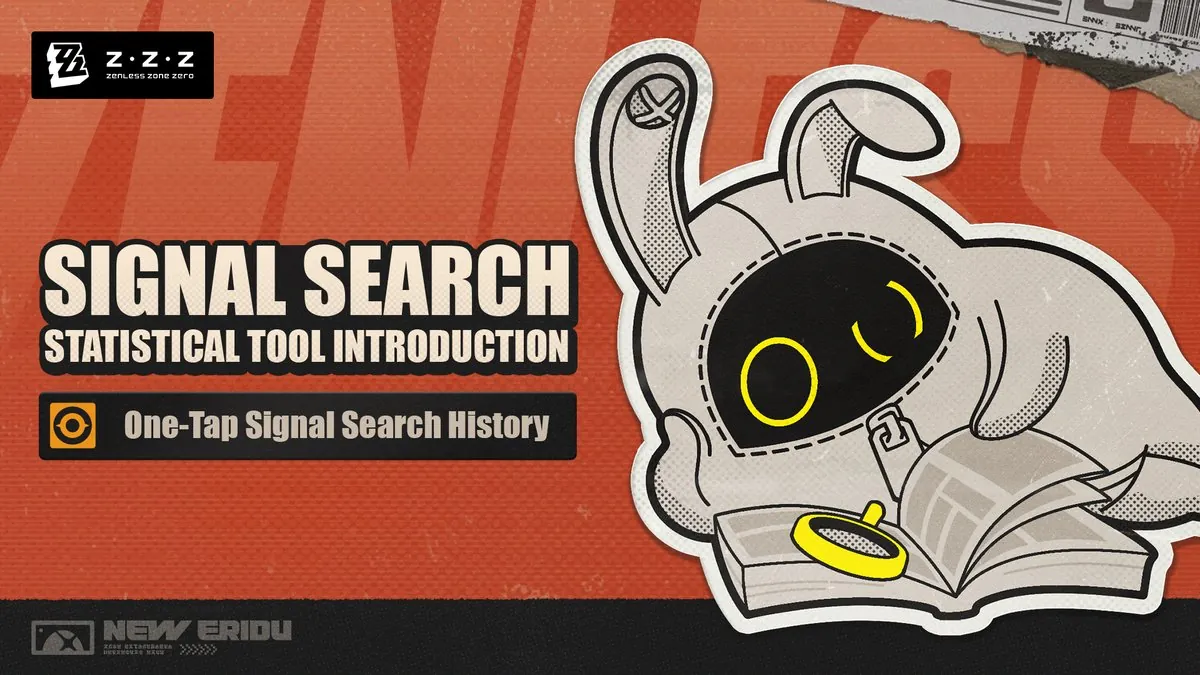
The Signal Search statistical tool is an official record viewer for every pull on your account. HoYoverse announced it on 18 November 2026, and it is already live.
Until now, players who wanted a full pull history usually turned to third-party trackers and imported their records manually. The official tool removes that step. It reads your records straight from your account and covers every Signal Search since account registration, not only your recent pulls.
Records are split into six modules:
- Exclusive Channel: limited S-Rank Agent banners
- W-Engine Channel: limited W-Engine banners
- Exclusive Rescreening: rerun Agent banners
- W-Engine Reverberation: rerun W-Engine banners
- Stable Channel: the permanent banner
- Bangboo Channel: the Bangboo banner
HoYoverse also labels the current version of the tool as "In development", so a few screens may look different by the time it leaves that stage.
How to Open Your Signal Search Records
There is no import code or history link to copy from the game. The process is a simple login:
- Open the tool's official webpage from HoYoverse's announcement, or go to HoYoLAB
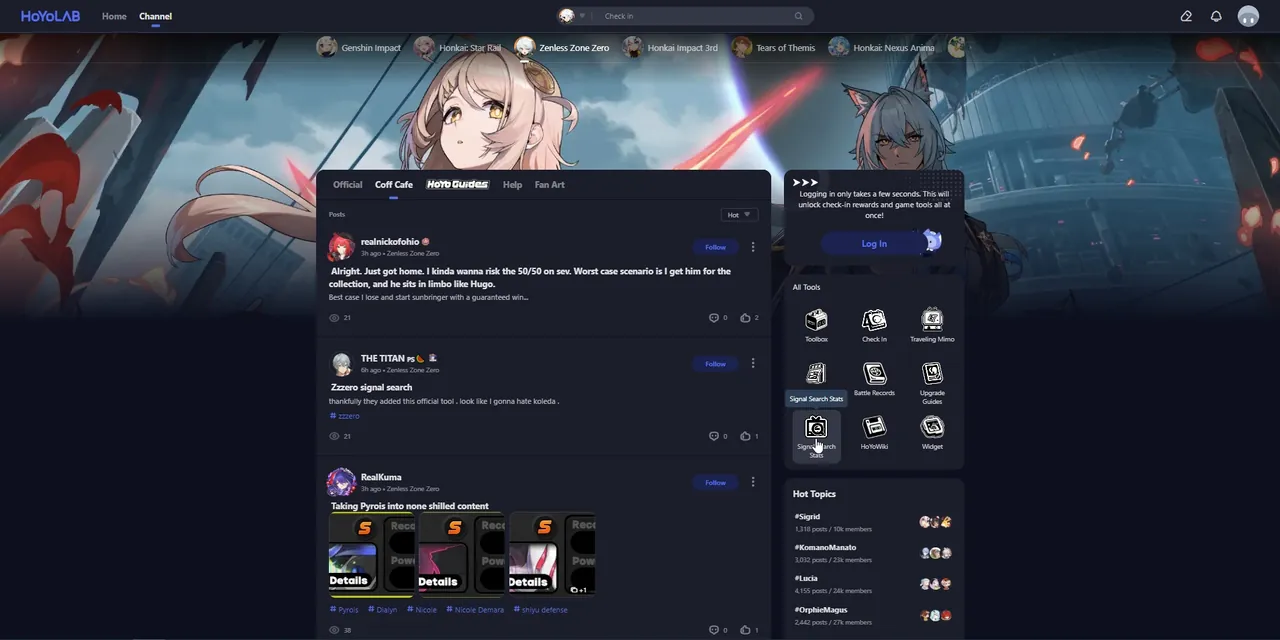
On HoYoLAB, the Signal Search Stats shortcut sits in the All Tools panel of the Zenless Zone Zero channel - Log in with the HoYoverse account that holds your Zenless Zone Zero progress
- Pick a channel tab to see its records, pity and resources
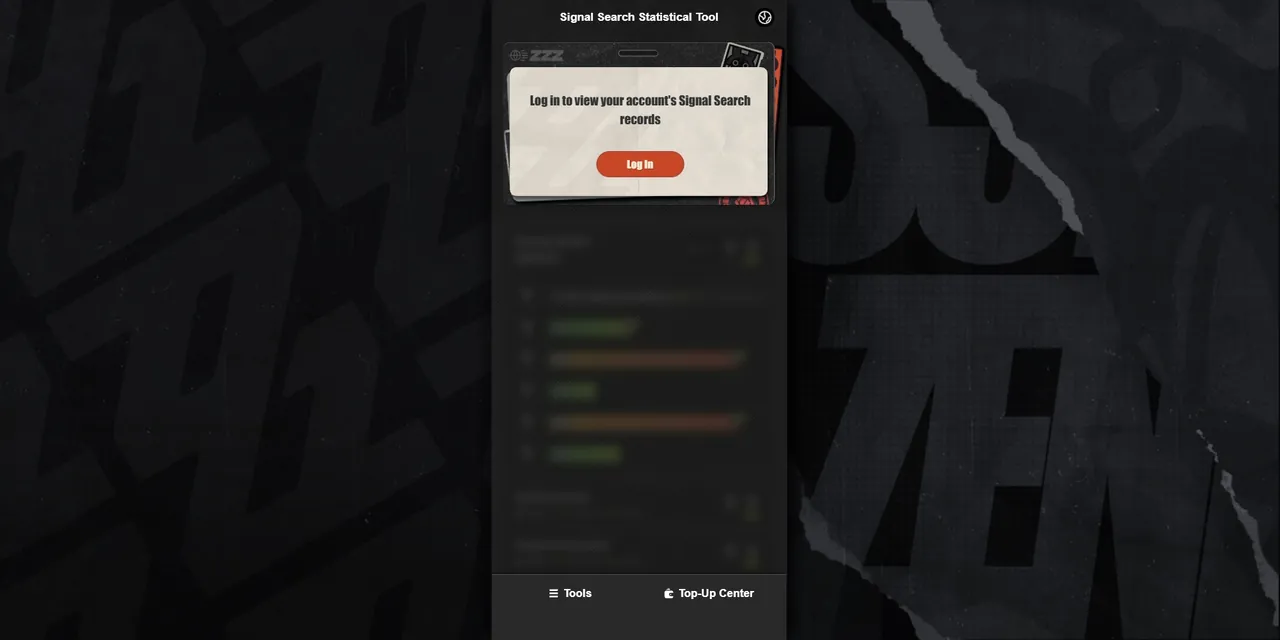
The tool asks you to log in first, then loads every Signal Search record tied to your account
If you play on more than one server, check that the account you log in with is the one you actually pull on, since progress in Zenless Zone Zero is tied to a single server.
What the Namecard and Channel Stats Show
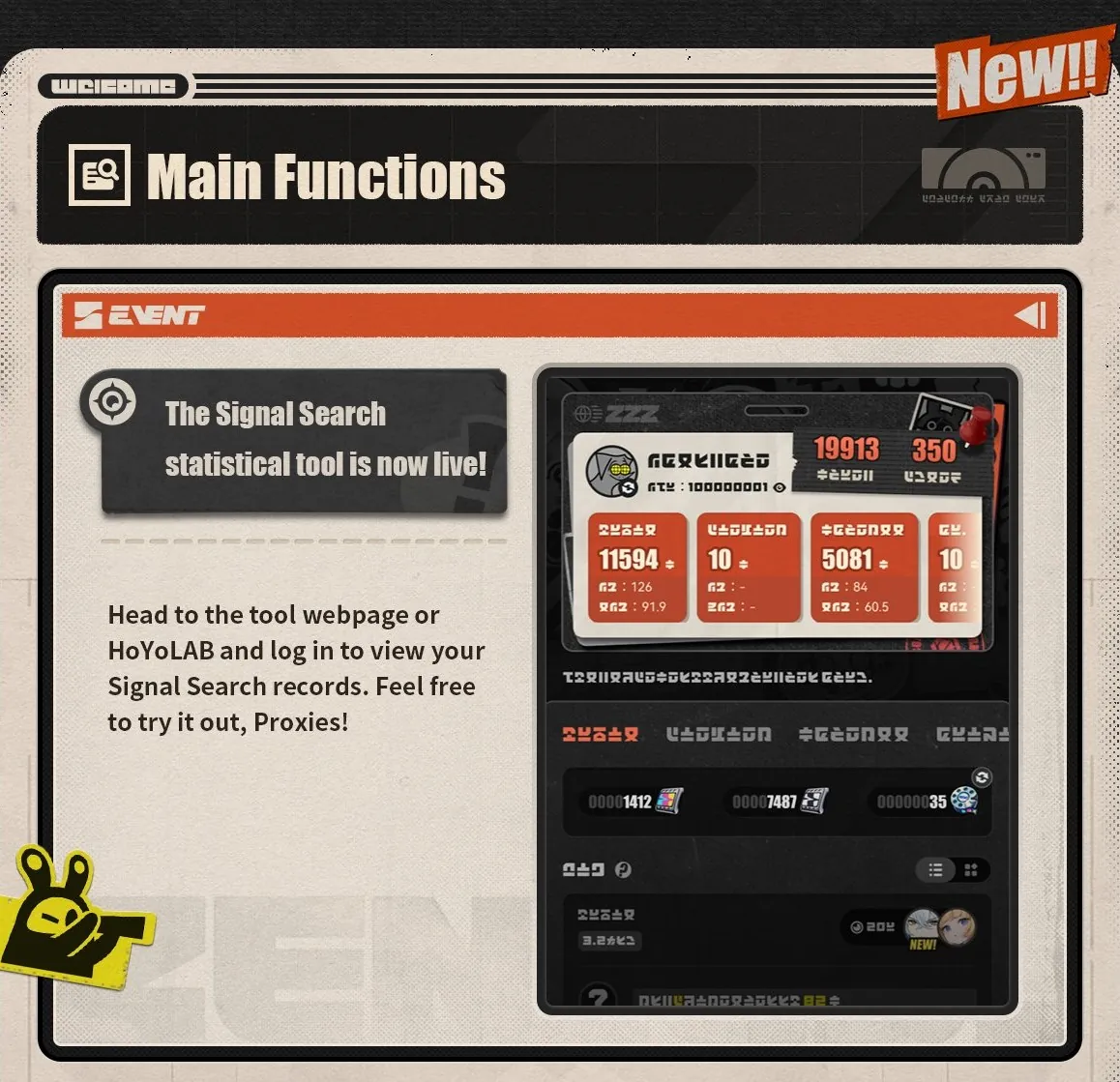
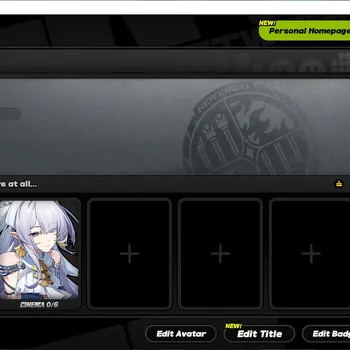
The top of the page is a personal namecard. It displays two account-wide numbers: your total Signal Search count and the total number of S-Rank signals obtained.
Below it, each channel gets its own card with three figures:
- Total Signal Searches made in that channel
- S-Rank rate-up signals obtained, meaning the featured Agents or W-Engines you actually won
- Average Signal Searches per S-Rank rate-up, which shows how expensive each featured S-Rank has been for you so far
That third number is the one most players will look at first. An average well above 90 on the Exclusive Channel can only happen when you have lost several 50/50s, while a much lower average means you have been winning them early. It turns a vague feeling about your luck into a figure you can compare across channels.
How the ZZZ Pity Tracker Works
The four limited channels, Exclusive Channel, W-Engine Channel, Exclusive Rescreening and W-Engine Reverberation, are each divided into Current Channel and Past Channels.
Current Channel
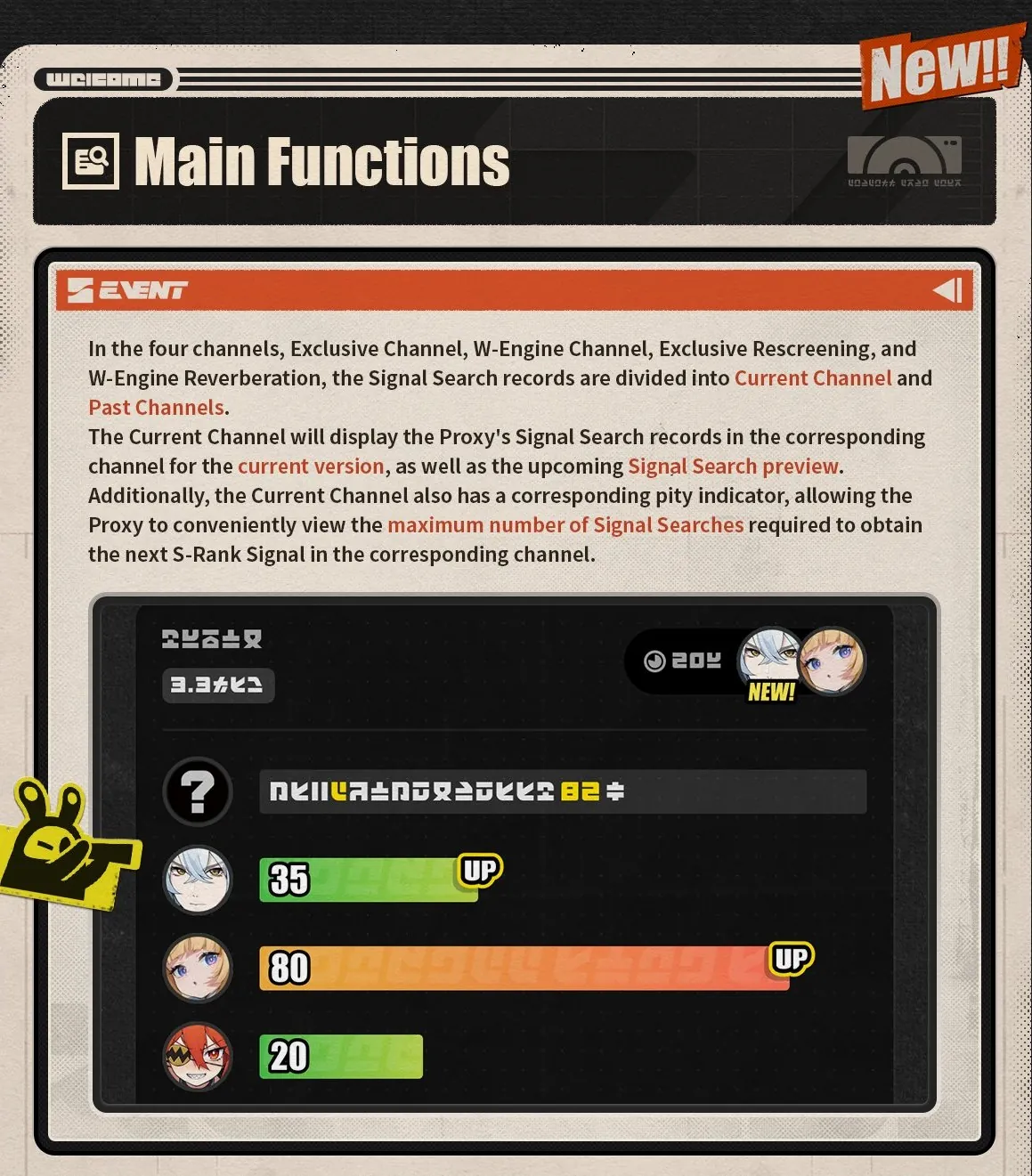
This view shows your records for the current version, along with a preview of the upcoming Signal Search. It also includes the pity indicator, which tells you the maximum number of Signal Searches you still need for the next S-Rank in that channel.
Read that number as your worst case, not a countdown to the exact pull. In Zenless Zone Zero, an S-Rank Agent is guaranteed within 90 Signal Searches on the Exclusive Channel, and an S-Rank W-Engine within 80 on the W-Engine Channel. If the indicator shows 30, you will get an S-Rank in 30 pulls or fewer, and it can land earlier.
The indicator does not decide whether that S-Rank will be the featured one. That still depends on your guarantee: after losing the rate-up roll, your next S-Rank on the same channel type is the featured unit. The past records below help you work out where you stand.
Past Channels
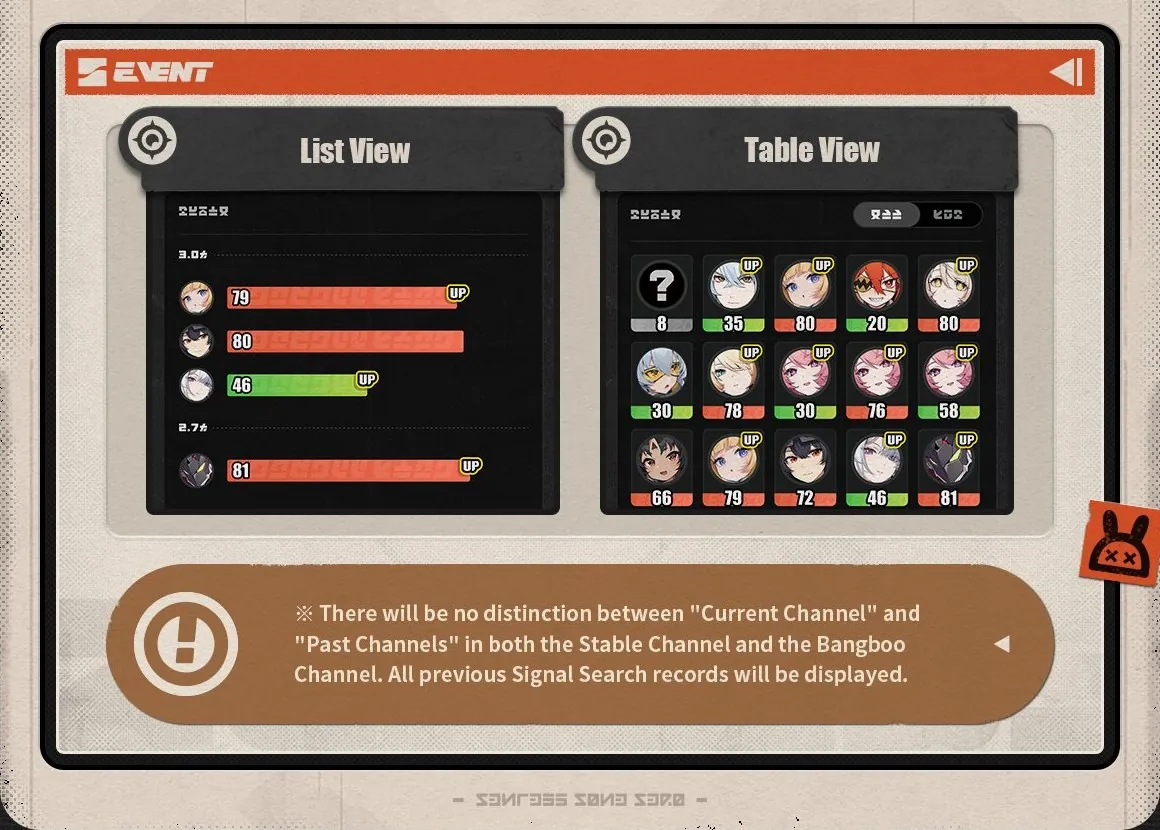
Past Channels show your records from previous versions. You can switch between two layouts:
- List View: groups each version's S-Rank results in order, with the number of pulls each one took
- Table View: puts every S-Rank side by side as icons with their pull counts, which makes long histories easier to scan
Featured S-Ranks you won carry an "UP" badge. An S-Rank without that badge is a lost 50/50, so the badges also show at a glance whether your last S-Rank on that channel left you with a guarantee.
The Stable Channel and Bangboo Channel are not split this way. Both show all of your previous records in one list, since their pools do not change from version to version.
Resource Overview: How Many Pulls You Have
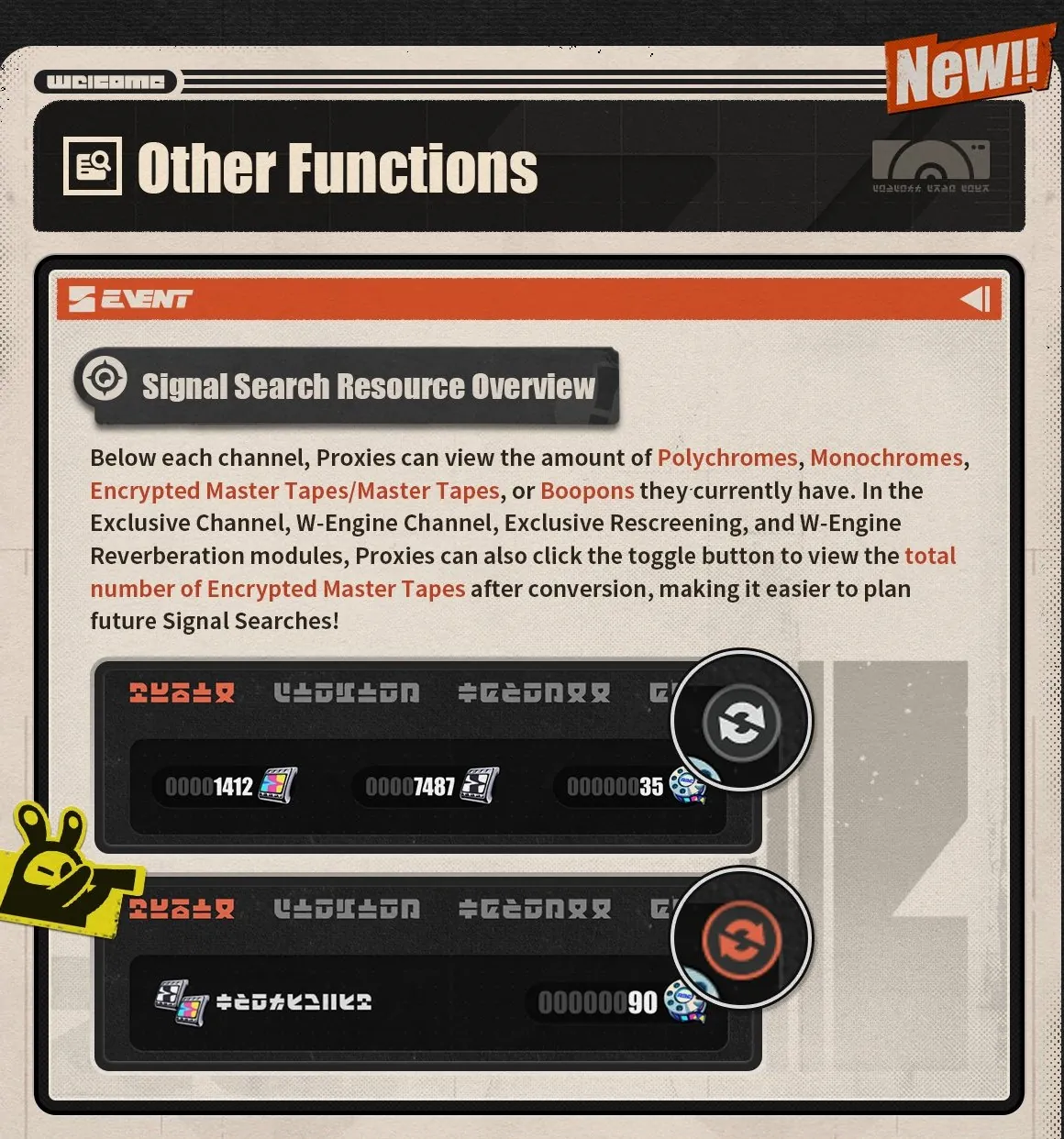
Under each channel, the tool lists the currency you hold for it: Polychromes, Monochromes, Encrypted Master Tapes or Master Tapes, and Boopons for the Bangboo Channel.
On the four limited channels there is also a toggle that converts everything into a single figure, the total number of Encrypted Master Tapes you could have after conversion. Since 160 Polychromes make one Encrypted Master Tape, this saves you from doing the maths every time a banner appears.
Combined with the pity indicator, it gives you a quick check for any banner you are considering:
- Tapes after conversion are equal to or higher than the pity indicator: an S-Rank on that channel is within reach
- Your last S-Rank on that channel had no "UP" badge: that S-Rank will be the featured unit
- Your last S-Rank was a featured win: the next one can still miss, so budget for one more full pity on top of the indicator in case it does
Our list of who is on the current ZZZ banner and who comes next helps you decide where those tapes should go. If the total comes up short, the active ZZZ redeem codes add a few free Polychromes, and a breakdown of how ZZZ top up packs and membership work shows which option gives the most Polychromes for your money.
Sharing Your Signal Search Stats
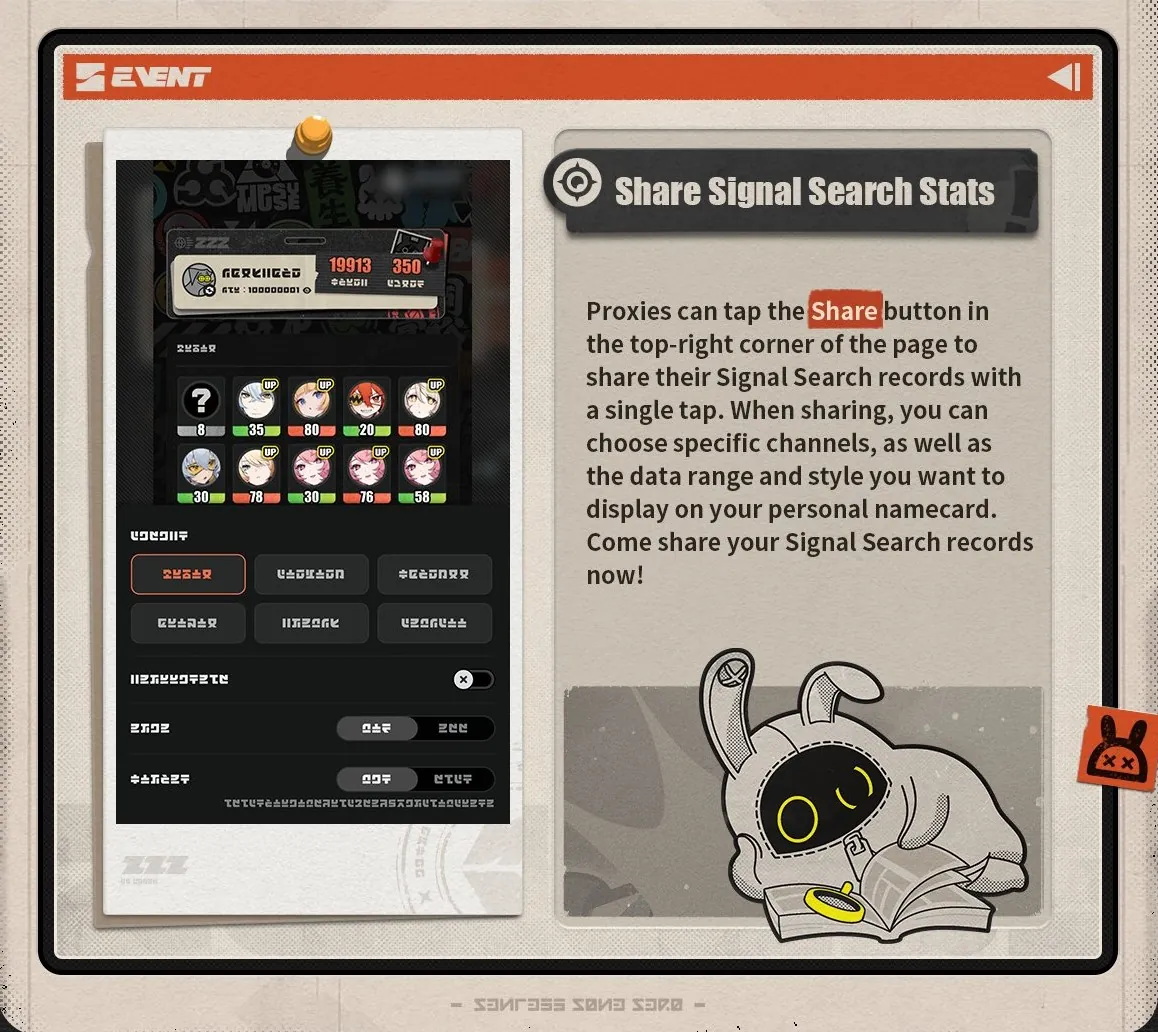
The Share button in the top-right corner turns your records into a shareable namecard. Before sharing, you can choose:
- Which channels appear on the card
- The data range to include
- The display style of the card
It is built for showing off a lucky streak or comparing luck with friends, but it also works as a clean summary of an account. Anyone checking an account's history, whether their own or one they plan to buy, can see the S-Rank results and their pull counts on one card.
Rules to Know Before You Trust the Numbers
HoYoverse added a few notes that explain why your stats might not match your own count:
- Bangboo Channel is excluded from the totals. The namecard's Signal Search count and S-Rank tally cover every channel except the Bangboo Channel.
- Discounted pulls count as full pulls. All Signal Search discount events are tallied by the number of Signal Searches made, not the number of Tapes spent. A discounted Ten-Search on Exclusive Rescreening, for example, still adds 10 pulls even though it costs fewer Tapes.
- Records update about one hour later. There is a delay of roughly 1 hour between your pulls and the statistics, so a Ten-Search made a minute ago will not show up yet.
- The layout can still change. The tool is marked as in development, so some screens may change after its full release.
Is It Worth Using Before Version 3.4?
Yes, especially right now. Version 3.4 is close, and the leaks around Sunbringer's kit and forms already have many players planning their next pulls. The ZZZ pull tracker answers the three questions that matter before a new banner: how close you are to the next S-Rank, whether it is guaranteed to be featured, and how many Tapes you really have after conversion.
It also helps you decide which channel deserves your Tapes. If your Exclusive Channel pity is high but your W-Engine Channel is fresh, putting everything into the Agent first and saving the W-Engine for later is a far safer plan. When you are still deciding which Agents are worth that spend, the ZZZ DPS tier list shows who is carrying the current meta.
If you want an account with more Agents and W-Engines already unlocked, you can explore trusted Zenless Zone Zero Accounts, keep your daily tasks and events on track with reliable Zenless Zone Zero Hourly Services, or progress faster through dependable Zenless Zone Zero Boosting.
GameMarket.gg is a trusted digital marketplace for everything gaming-related. We serve the gaming community by providing secure access that enhances every gaming journey.