PUBG Mobile Account Linking and Recovery Explained
By Sir Ayup
PUBG Mobile account recovery depends almost entirely on how your account is linked. Your progress is tied to the logins connected to it, such as Facebook, X (Twitter), Google Play Games, Game Center or email, so if you still have one of those, you can usually sign back in and remove the lost one. If you have lost every login or the account was hacked, the route is PUBG Mobile customer support, where you prove ownership with your Character ID, purchase receipts and device history.
This guide explains how linking works in PUBG Mobile, how to add and remove logins, how unlinking and its waiting period work, and how to recover an account you are locked out of.
How PUBG Mobile Accounts Are Linked
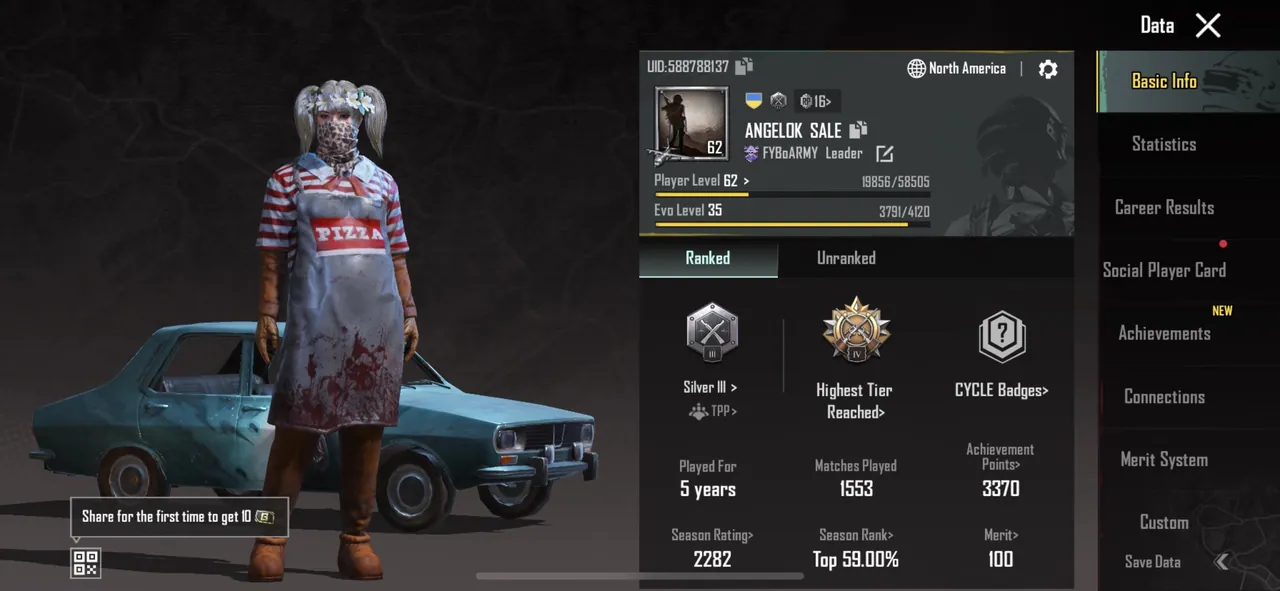
A PUBG Mobile account is not saved on your phone. It lives on the game's servers and is reached through the logins linked to it:
- X (Twitter)
- Google Play Games on Android
- Game Center or Apple sign-in on iOS
- Email or phone, where available, as an extra login
An account can have more than one link at the same time. That is the single most useful thing you can do for recovery: if one login stops working, another still gets you in.
Guest accounts are the exception. A guest account has no login behind it and lives only in the app data on one device. If the app is cleared or the phone is lost, the account usually goes with it. If you are playing on a guest account, link it to a proper login as soon as possible.
How to Link Your Account
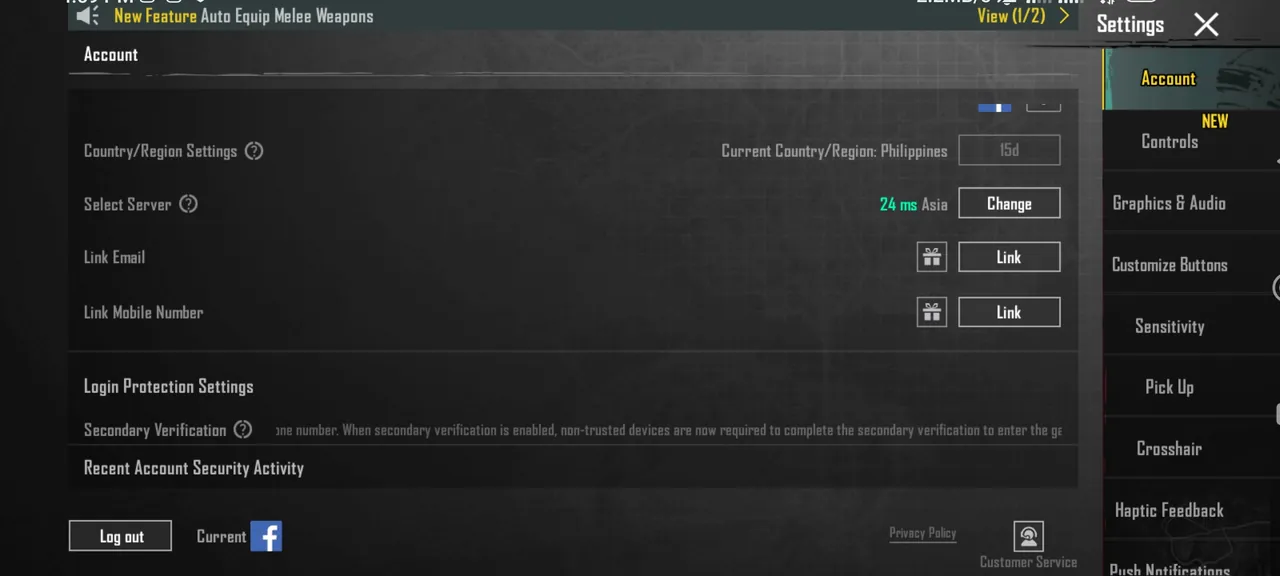
- Open PUBG Mobile and go to Settings.
- Select Basic or Account, depending on your version.
- Open the linked accounts section.
- Tap Link next to the login you want to add.
- Sign in to that platform and approve the connection.
Each platform account can only be linked to one PUBG Mobile account at a time. If it is already linked elsewhere, you will need to use a different login.
How Unlinking Works
Removing a login is deliberately slow, to protect accounts from being taken over:
- You need another login on the account. You cannot unlink your only login method.
- Unlinking starts a waiting period, usually around seven days.
- Logging in with the login you are removing during that period can cancel the request, so you would need to start again.
- Some accounts face extra conditions, such as how long a login has been linked or how often the current device has been used.
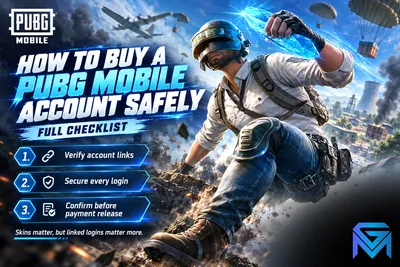
The waiting period is the reason you should never rush unlinking. Add your new login first, wait until it works, and only then remove the old one. The same rule matters when an account changes hands: it is the first thing to check if you buy a PUBG Mobile account, since a seller who keeps a linked login can cancel an unlink by signing in.
PUBG Mobile Account Recovery, Step by Step
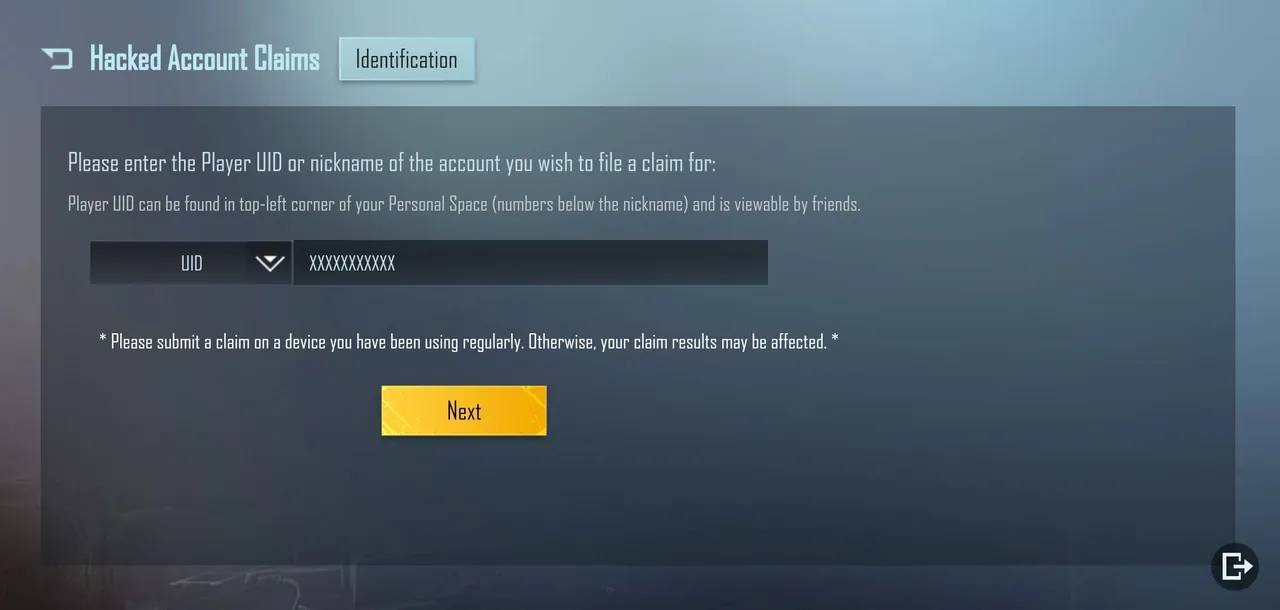
Recovery depends on what you still have.
If you still have one working login:
- Sign in with the login you still control.
- Open the linked accounts section.
- Unlink the login you lost and link a new one in its place.
If you lost your social account itself, such as a disabled Facebook or a lost Google account, recover that account with the platform first. Once you are back into Facebook or Google, PUBG Mobile access usually returns with it.
If you have lost every login or the account was hacked:
- On the login screen, open Help or Customer Service.
- Choose the option for hacked or lost accounts.
- Submit a recovery request with as much proof as you can.
- Wait for support's reply and answer any follow-up questions.
What Support Asks For
Support compares your answers with the account's records, so accurate details matter more than speed:
- Your Character ID and in-game name.
- The server or region you play on.
- UC purchase receipts, which are often the strongest proof of ownership.
- The devices and approximate locations you usually log in from.
- The logins that were linked before you lost access.
- Rough account history, such as when you started and your highest rank.
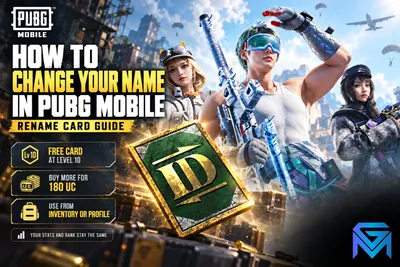
If you changed your name at some point, mention your older names too. A Rename Card changes only the name, not the Character ID, so the ID is still the key detail.
Submit one detailed request rather than several, and expect a review to take several days.
Protecting Your Account From Now On
- Link at least two logins, so losing one never locks you out.
- Turn on two-step verification on your Facebook, Google or email account.
- Keep your UC receipts, since they are your best proof of ownership.
- Never share login details or codes, even with friends or teammates.
- Ignore free UC offers. Fake sites that promise free UC are one of the most common ways accounts are stolen.
- Review your linked accounts every few months and remove anything you no longer use.
If you also play on a computer, check which login your emulator uses, since playing PUBG Mobile on PC through an emulator still signs in through the same linked accounts.
When an Account Cannot Be Recovered
Sometimes recovery fails, usually when there is too little proof of ownership or the account was linked to a login you never controlled. If that happens, the progress is gone, and starting again on a fresh, properly linked account is the only option.
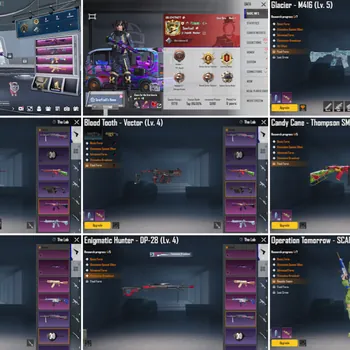
If you would rather not start from zero, PUBG Mobile Accounts list linked logins, collections and rank history up front. You can also hand daily missions and Royale Pass progress to a player through PUBG Mobile Hourly Services, or reach your target tier this season with PUBG Mobile Boosting.
GameMarket.gg is a trusted digital marketplace for everything gaming-related. We serve the gaming community by providing secure access that enhances every gaming journey.