How to Buy a PUBG Mobile Account Safely: Full Checklist
By Sir Ayup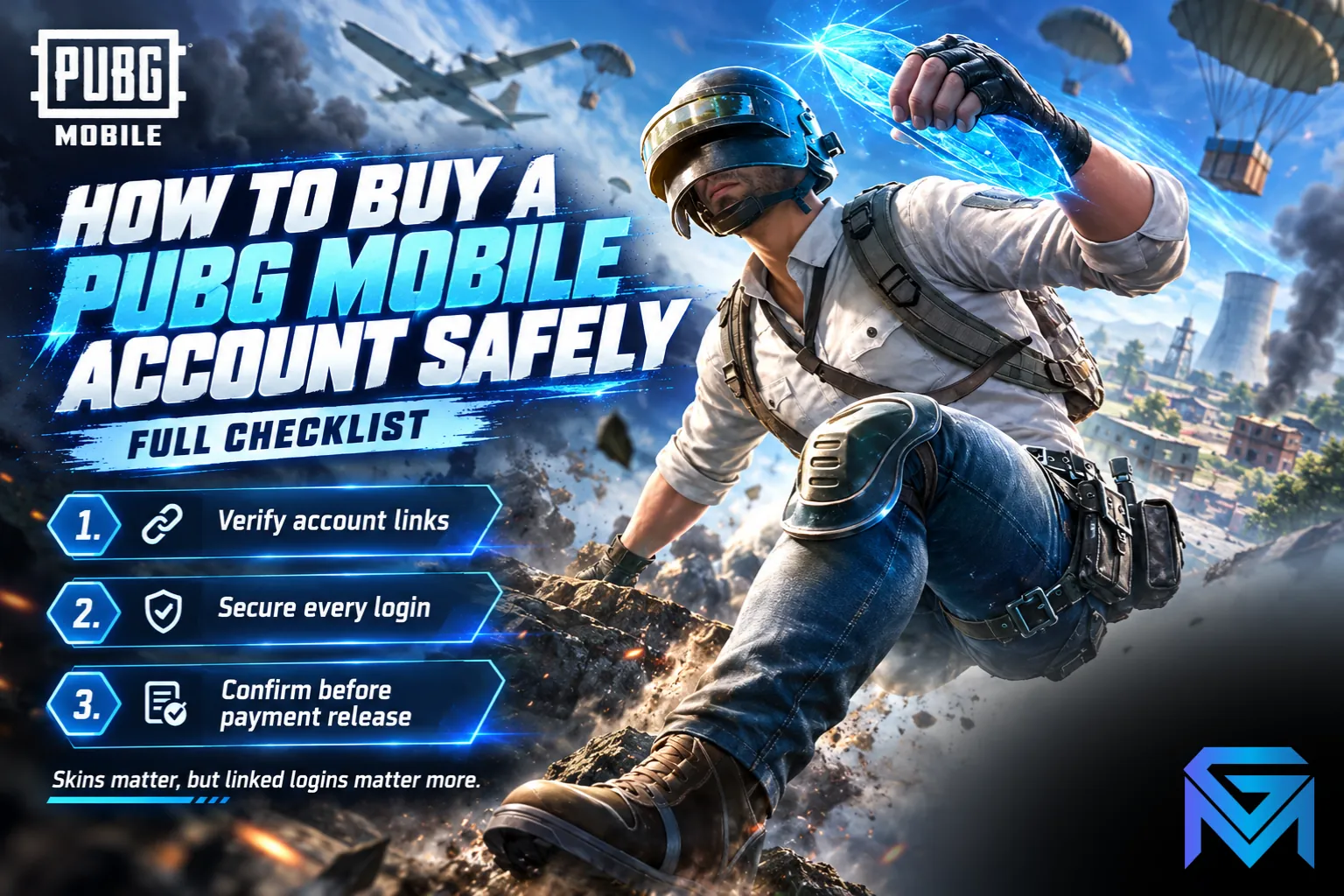
When you look at a PUBG account for sale, the safest purchase is one where you can see the collection on video, confirm which logins are linked to the account, and take over every one of them after payment. PUBG Mobile accounts are tied to social logins such as Facebook, X (Twitter), Google Play Games or Game Center, and unlinking one usually takes a waiting period, so the login setup matters as much as the skins. Pay only through a checkout that holds your money until you have logged in, changed the links and confirmed everything.
This guide walks through what to check in a PUBG Mobile account listing, how logins and linking work, how to judge value, and the steps that keep a purchase safe from start to finish.
How PUBG Mobile Accounts Work
A PUBG Mobile account is tied to the login methods linked to it, not to a phone. Common links include:
- X (Twitter)
- Google Play Games on Android
- Game Center or Apple sign-in on iOS
- Email or phone as an extra login on some accounts
An account can have more than one link, and anyone who controls any linked login can sign in. That is the main risk in buying an account: if the seller keeps even one linked login, they can get back in later.
Check the Linked Logins First
Before you look at the skins, ask the seller exactly which logins are linked:
- Get a screenshot or video of the linked accounts screen in the game settings.
- Ask which login will be handed over, and whether it was created just for this account.
- Confirm that every other link will be removed after you take over.
- Ask about the waiting period. Unlinking a login usually starts a countdown of several days, and logging in with that login during the countdown can cancel it. A dishonest seller can use this to keep access.
The cleanest setup is a single dedicated login, such as a fresh email or social account made only for this game account, handed over in full.
What Makes a PUBG Mobile Account Valuable
Value comes mostly from items that are hard or expensive to get again:
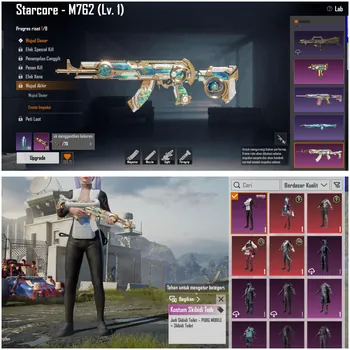
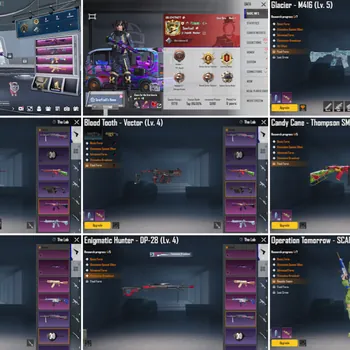
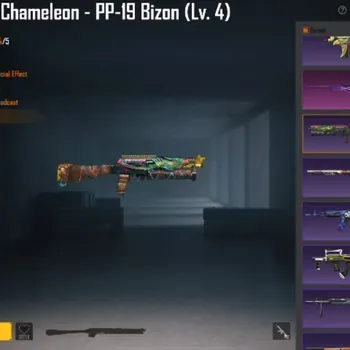
- Upgradable weapon skins, especially fully upgraded ones with kill effects.
- Mythic and limited outfits, including X-Suits and collaboration sets that do not return often.
- Rare vehicle skins and other limited cosmetics.
- Royale Pass history, since older pass rewards cannot be obtained again.
- Achievements, titles and frames, such as Conqueror frames from past seasons.
Rank on its own adds less value, since the ranked tiers reset every season, but past season frames and titles do show an account's history.
Accounts also differ in how much UC is left on them. Leftover UC is a bonus, and knowing what UC buys helps you judge whether a listing's balance actually adds value.
Check the Version and Region
PUBG Mobile has regional versions, and some regions run their own separate app with its own accounts. Before buying, confirm:
- Which app the account runs on, so you install the right one.
- The account's region, since some events, items and prices differ by region.
- Platform, although the same account can be played on Android and iOS, and on PC through an emulator. If PC play matters to you, the emulator options compared side by side show what to expect.
Ask for Video Evidence
Ask the seller for a short screen recording without cuts, showing:
- The profile, with the account's ID and level visible.
- The linked accounts screen.
- The inventory, including upgradable weapons, outfits and vehicles.
- Upgrade levels on the key weapon skins.
- The UC balance and any active Royale Pass.
Match the ID in the video against every other screen. If any part cannot be shown, treat it as a reason to walk away.
Steps for a Safe Purchase
- Check the listing, the linked logins and the video evidence.
- Pay through protected checkout, so the money is held until you confirm.
- Log in with the handed-over login and check the profile ID matches.
- Change the password on the login you received.
- Add your own login and remove the seller's links, keeping in mind any waiting period.
- Confirm the order only once the account is fully yours.
Never pay the seller directly, move the deal to an outside app or confirm before logging in. PUBG Mobile's terms do not allow account trading, so protection has to come from how you buy, not from the game's support team.
Red Flags to Watch For
- The seller refuses to show the linked accounts screen.
- The price is far below similar accounts, which can mean the account was stolen or will be recovered.
- The seller pushes you to pay quickly or outside the marketplace.
- The account was recently linked to a new login, which can be a sign it changed hands without the original owner.
- The listing promises things the video does not show.
After You Buy
Once the account is yours:
- Keep only logins you control linked to the account.
- Do not share your login details with anyone.
- Avoid cheats and third-party tools, which can get the account banned and wipe out its value.
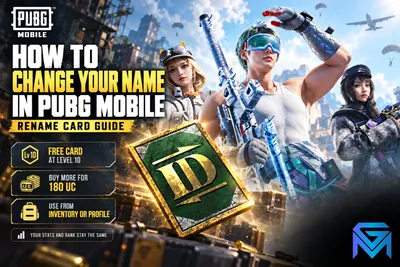
- Personalise it, for example by changing the in-game name with a Rename Card, so the account feels like your own.
When you are ready to compare listings, PUBG Mobile Accounts shows collections, linked logins and prices up front. You can also hand daily missions and Royale Pass grinding to a player through PUBG Mobile Hourly Services, or reach your target tier this season with PUBG Mobile Boosting.
GameMarket.gg is a trusted digital marketplace for everything gaming-related. We serve the gaming community by providing secure access that enhances every gaming journey.