Is PUBG Mobile Cross-Platform? Crossplay and Controller Rules
By Sir Ayup 9 October 2026, 13:00 WIB
Is PUBG Mobile cross-platform? Yes, between phones and tablets: Android and iOS players share the same lobbies, servers and matches. The limits come from everything else. PC players on emulators are matched in their own lobbies, there is no console version of PUBG Mobile, and the game does not officially support controllers, so plugging in a gamepad does not give you a supported way to play. Knowing those three rules tells you exactly who you can play with and on what.
This guide covers how crossplay works in PUBG Mobile, where it stops, what happens to your account when you switch devices, and the rules around controllers and other accessories.
Is PUBG Crossplay Between Android and iOS?
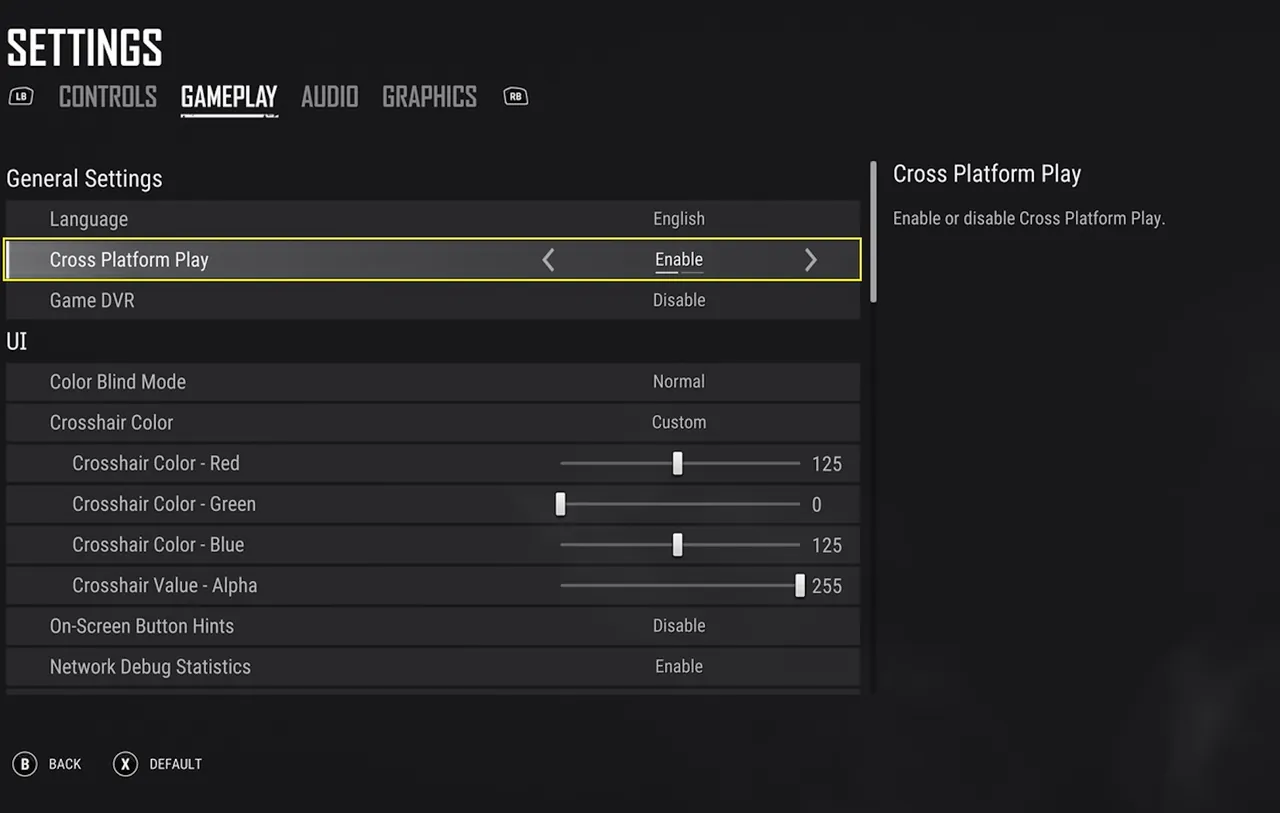
Yes. Android phones, iPhones and tablets on both systems all play together. There is no separate iOS lobby and no setting to turn on, and matchmaking does not care which phone you use. A squad can mix Android and iPhone players freely, and you will regularly meet both in the same match.
Tablets play in the same pool as phones. A bigger screen gives you more room for buttons and a wider view of the action, but it does not move you into a different lobby.
What matters more is the server region. You pick a region such as Asia, Europe or North America, and a squad plays on the region its leader has selected. Friends from different regions can still team up, but whoever is far from that server will notice higher ping, so it is worth agreeing on one region before you queue.
Where PUBG Mobile Crossplay Stops
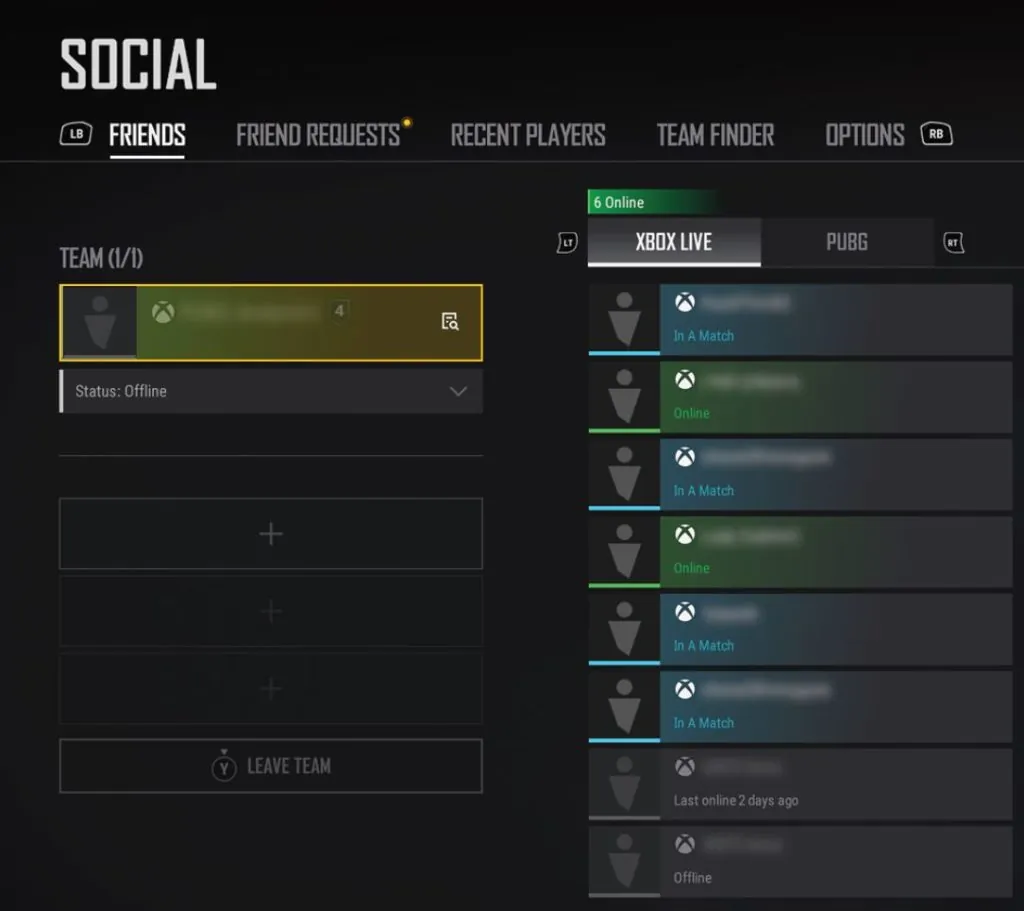
Three groups do not play in the normal mobile pool:
- Emulator players. PUBG Mobile detects when it is running on a PC emulator and puts those players in emulator-only lobbies, since keyboard and mouse aim is a different game from touch controls. If a squad includes even one emulator player, the whole squad is matched against other emulator squads.
- Console players. There is no PUBG Mobile on PlayStation or Xbox, so there is nothing to cross-play with.
- Regional versions. Some countries have their own version of the game with separate apps, servers and accounts. Players on those versions do not match with the global version, and progress does not move between them.
The emulator rule surprises a lot of mobile squads. If one friend joins from a PC, the rest of the squad suddenly faces opponents on keyboard and mouse. How the emulators themselves compare is covered in the PUBG Mobile emulator comparison.
Does PUBG Have Crossplay With the PC and Console Game?
When people ask "is PUBG cross-platform?" or whether PUBG has crossplay, they sometimes mean PUBG: Battlegrounds, the separate PC and console game. PUBG Mobile and PUBG: Battlegrounds are different games with different servers, items and progression. They do not share matches, and nothing you own in one appears in the other.
So a PUBG Mobile player on a phone cannot squad up with a friend playing Battlegrounds on a console, and buying something in one does not unlock it in the other. Within PUBG Mobile itself, the only way onto a PC is through an emulator, and that comes with the separate lobbies described above.
Moving Your Account Between Devices
Crossplay and cross-progression are related but not the same thing. Crossplay decides who you play against. Cross-progression decides whether your account follows you to a new device.
In PUBG Mobile, your progress is tied to the account you sign in with, not to the phone. If your account is linked to a login such as Facebook, X, Google Play Games or Game Center, you can sign in on another device, including moving between Android and iOS, and find the same rank, skins, Royale Pass progress and inventory waiting for you.
The exception is a guest account. A guest account lives on the device it was created on, so losing or resetting that phone can mean losing the account. Before switching devices:
- Link the account to at least one login you control.
- Check that the link shows as active in the game's account settings.
- Sign in on the new device with that same login, and confirm your rank and inventory have loaded before deleting the game from the old one.
Your rank and season progress come with you, so a change of phone does not reset your climb. That includes seasonal goals such as the Season 32 rank rewards, which count on the account wherever you play.
Does PUBG Mobile Have Controller Support?
No. PUBG Mobile does not officially support controllers on Android or iOS. The game is built around touch controls and gyroscope aiming, and it has no controller mapping menu.
In practice, connecting a Bluetooth gamepad usually gives you very little. Depending on the device, the controller may do nothing at all, or it may work in menus while shooting, looting and other in-match actions stay unavailable. That is not a supported setup, and it is not a reliable way to play a match.
The bigger risk comes from workarounds:
- Key-mapping apps that translate controller buttons into screen taps.
- Converter devices that make a controller, or a keyboard and mouse, appear to the phone as touch input.
- Modified apps that claim to unlock controller support.
These tools change how input reaches the game, and the game's anti-cheat has flagged them before. Accounts have been restricted for using them, especially in ranked matches, so they put your whole account at risk for a control scheme the game does not allow.
What You Can Use Instead
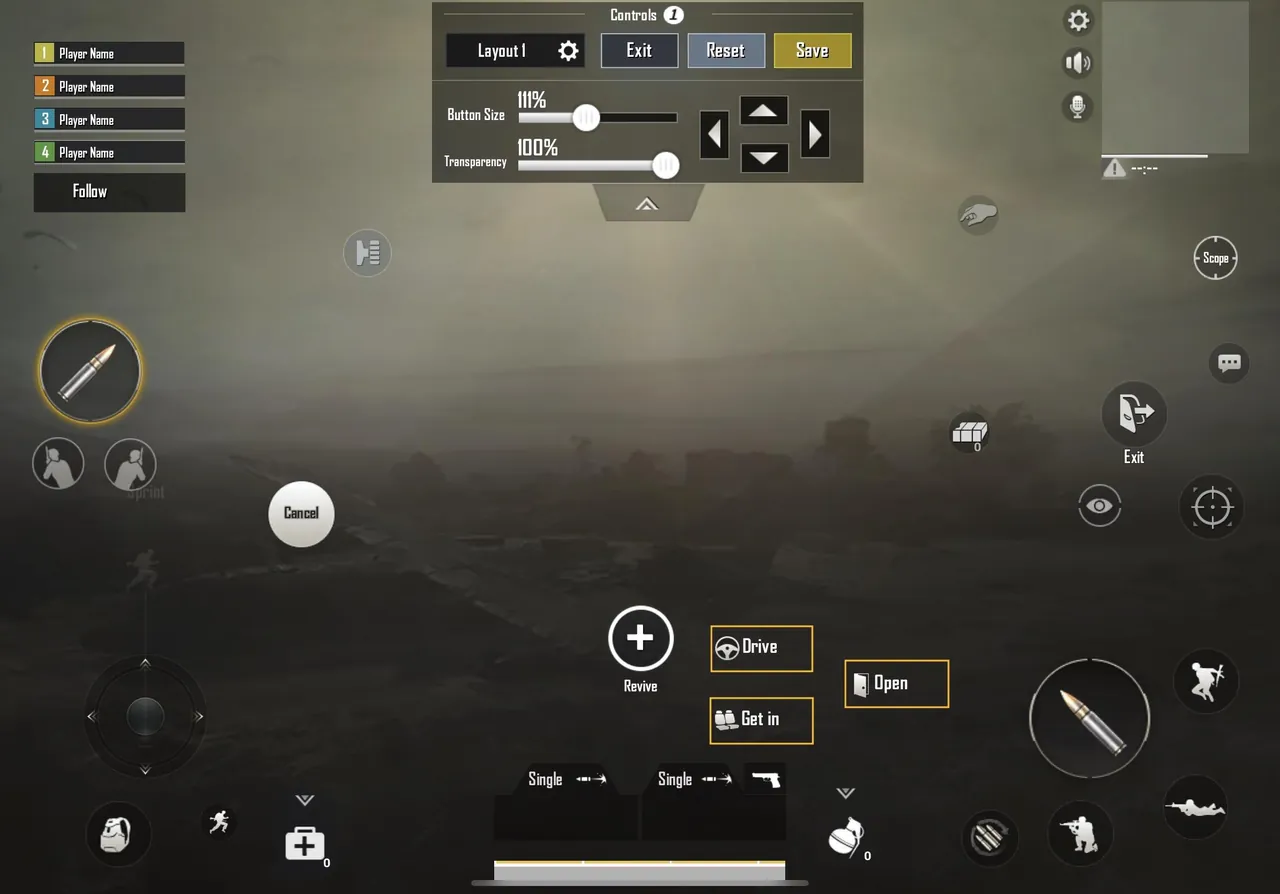
There are a few legitimate ways to get more comfortable controls without breaking the rules:
- Custom button layouts. In the game's control settings you can move, resize and change the transparency of every button, then save several layouts and switch between them. Many players use a three-, four- or five-finger layout built here.
- Gyroscope aiming. Turning on the gyroscope lets you control recoil and fine aim by tilting the phone, which many experienced players rely on.
- Clip-on triggers. Physical triggers that clip onto the phone and press the screen for you. They have no software and act like extra fingers, so they work with the touch layout rather than replacing it.
- Grips and cooling. A phone grip or cooler makes long sessions more comfortable and keeps performance steadier, without touching the game's controls at all.
Good controls also make the rest of a match smoother, from fights to looting and bag management, which is where knowing how much ammo, healing and utility to carry pays off.
PUBG Mobile Crossplay Rules at a Glance
Put together, the rules are short:
- Android and iOS players, on phones and tablets, all play together.
- A squad plays on its leader's server region, so pick one that keeps ping low for everyone.
- Emulator players are matched with other emulator players, and so is any squad that includes one.
- There is no console version, and PUBG Mobile does not cross-play with PUBG: Battlegrounds.
- Regional versions of the game run separately from the global version.
- Progress follows your linked login, not your device, so link a login before switching phones.
- Controllers are not supported, and mapping tools or converter devices can get an account restricted.
If you are moving to a new phone or coming back after a break, the account is the part worth protecting, and the slower part is rebuilding what it took seasons to collect. You can look at PUBG Mobile Accounts with the skins and tier you want, hand the daily missions and Royale Pass grinding to a player through PUBG Mobile Hourly Services, or reach the tier you are aiming for this season with PUBG Mobile Boosting.
GameMarket.gg is a trusted digital marketplace for everything gaming-related. We serve the gaming community by providing secure access that enhances every gaming journey.