How to Buy an NTE Account Safely: What to Check First
By Sir Ayup
Buying an NTE account looks simple until you notice how many ways Neverness to Everness lets players log in. Email, Google, Apple, Facebook and PSN logins can each create a separate account record, so the first thing to settle is not the roster but exactly which login holds the progress and who controls it.
This guide from gamemarket.gg walks through how logins and linking work, what to check before paying, which details matter on the account itself, and what to do in the first hour after the handover.
How Logins Work in Neverness to Everness
Neverness to Everness runs on a Perfect World Games (PWG) account. Players can sign in with a bound email, which uses a six-digit verification code, or with Google, Facebook, Apple or PSN. The catch is that a third-party login creates its own account record, separate from an email account with the same address, until an email is bound to it.
Account settings live in the in-game User Center, reached through Settings, then Account. That is where you link or unlink logins, change the bound email and switch accounts. Unlinking a login keeps the character on the email account, but at least one valid sign-in method always has to remain.
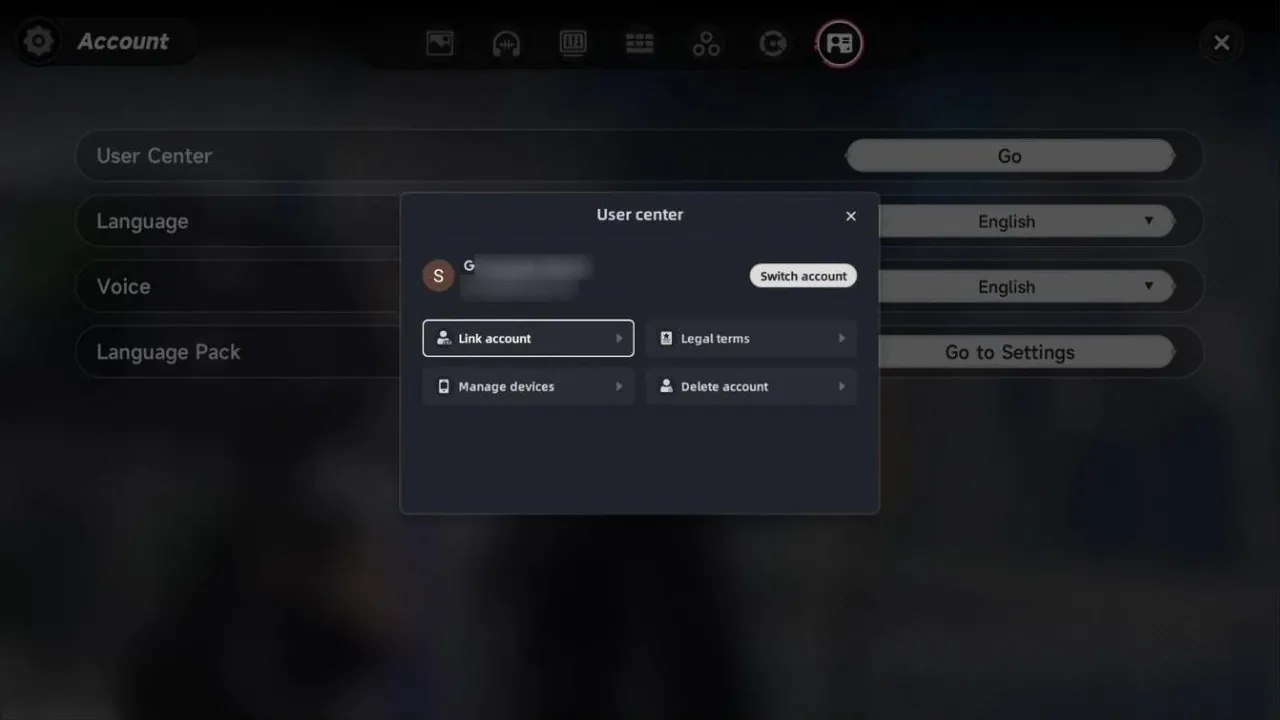
For a buyer, this means the safest listings are accounts bound to an email you receive in full, often a fresh "dummy" email the seller created just for the account.
Server, Platform and PSN Linking
The global version has four servers, America, Europe, Asia and SEA, and they are fully separate even under the same email. A roster on the Europe server simply does not exist on Asia, so check the server first, especially if you want to play co-op with friends.
PlayStation adds a few extra rules:
- PSN logins only work on PS5. To play the same progress on PC or mobile, the account needs a bound email.
- One email pairs with one PSN account, and a PSN account can be unlinked from an email only once. After that, the pairing is permanent.
- Google and Facebook logins cannot be used on PS5 directly. An email has to be bound first on PC or mobile.
If the listing mentions PS5 at all, ask exactly how the account is linked before paying.
What to Check on the NTE Account Itself
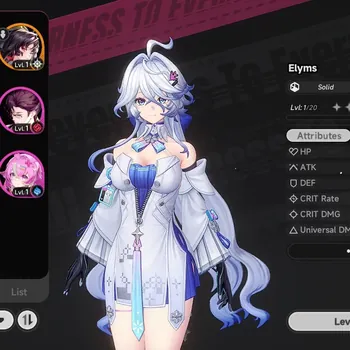
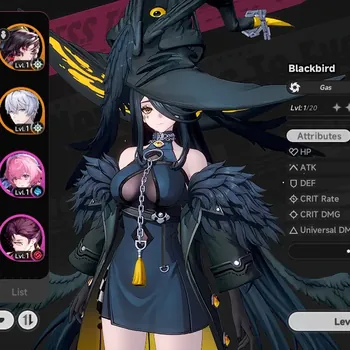
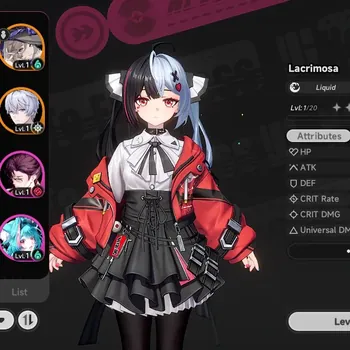
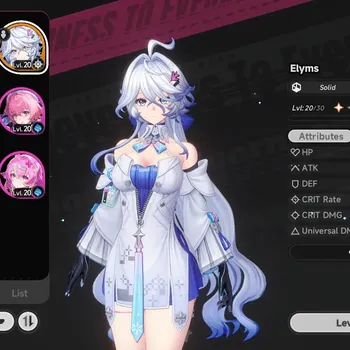
Listings usually lead with one limited S-Class Esper, such as Nanally or Blackbird. The details are what decide the value, so ask for screenshots or a short recording that shows:
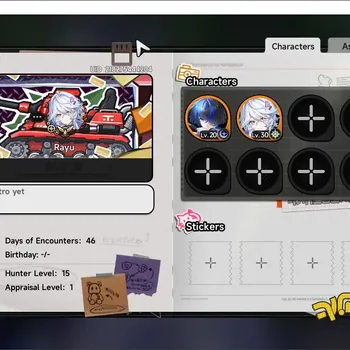
- The UID and account level on the profile, so every screenshot can be matched to the same account.
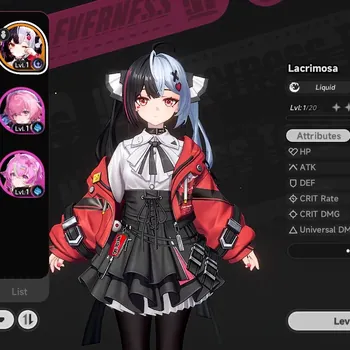
- S-Class Espers and S-Class Arcs, including whether the Arc matches the Esper.
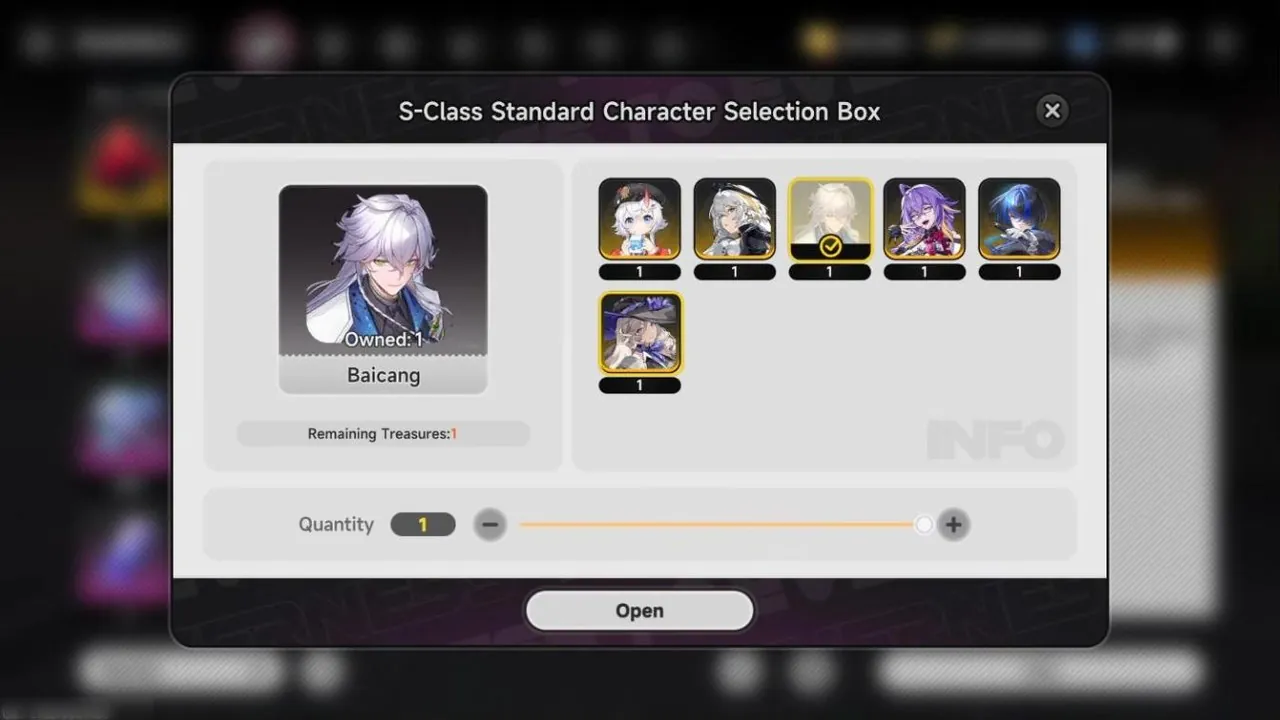
- Free selector progress. NTE gives a free S-Class selector after the first 50 pulls, so a listing showing "selector 41/50" means the buyer is only nine pulls away from another S-Class character.
- Annulith, Riftcrystal and dice in the inventory, plus unused first-purchase bonuses in the shop.
- The server shown on the login screen, since progress cannot be moved to another server later.
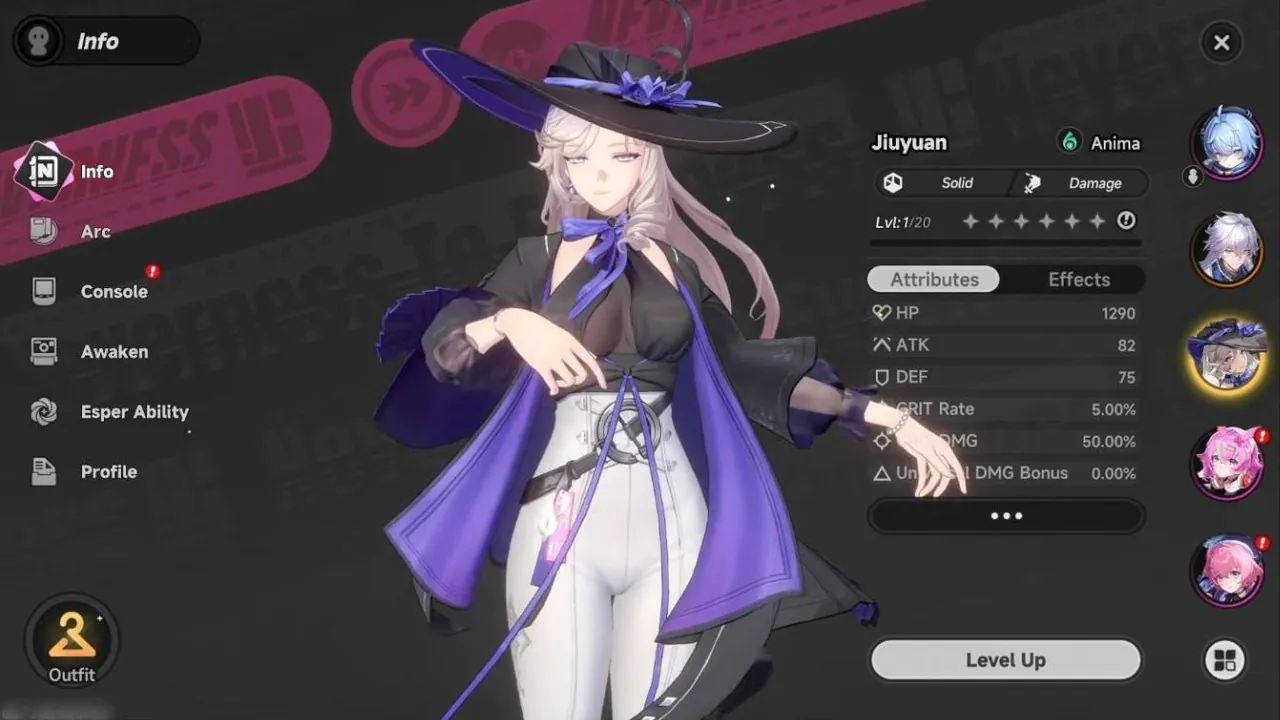
Comparing the roster with the full NTE character list and the NTE tier list shows whether the Espers on offer are worth the price.
Starter Accounts vs Developed Accounts
Starter accounts have just finished the opening with one or two S-Class Espers, often with the free selector still unclaimed. They cost little and let you play the story yourself. Developed accounts come with several limited Espers, Arcs and progressed City Tycoon, and cost more because they save weeks of farming.
Red Flags That Should End the Conversation
Some signs are reason enough to walk away:
- The account is only linked to a Google, Apple or Facebook login that the seller will not hand over, with no bound email.
- No access to the bound email and no willingness to change it during the handover.
- Requests to pay outside a protected checkout, such as a direct transfer.
- A price far below similar listings, which often points to a stolen account or one the seller plans to recover through support.
The First Hour After You Buy
Work through these steps before spending any Annulith:
- Log in to the bound email, change its password and remove any recovery phone or backup address that is not yours.
- Open the User Center and change the bound email to your own if you did not receive the original inbox.
- Unlink any third-party logins you do not control, keeping your email as the main sign-in.
- Log in on your own device, confirm the UID, Espers and currency match the screenshots, and only then confirm the order.
On GameMarket, account listings include buyer protection and the seller is only paid after you confirm, which gives you time to finish these checks. If you plan to keep building the account, the NTE top up guide explains which purchases give the most pulls.
You can browse Neverness to Everness Accounts for starter and developed accounts, hand dailies and City Stamina to a verified player through Neverness to Everness Hourly Services, or clear endgame faster with Neverness to Everness Boosting.
GameMarket.gg is a trusted digital marketplace for everything gaming-related. We serve the gaming community by providing secure access that enhances every gaming journey.