Free Fire Name Change: Name Change Card, Cost and Stylish Name Rules
By Sir Ayup
A Free Fire stylish name is a nickname built with special symbols and fonts, and you set it the same way as any name change: open your profile, tap the edit icon next to your nickname, paste the new name and confirm with a Name Change Card or 390 Diamonds. Nicknames are limited to 12 characters, symbols count toward that limit, and the game rejects names that are already taken or break its rules. Name Change Cards turn up as event and store rewards, so it is worth checking for one before you spend Diamonds.
This guide explains how to change your name in Free Fire, what it costs, how to get a Name Change Card, how stylish names work, and the rules your nickname has to follow.
How to Change Your Name in Free Fire
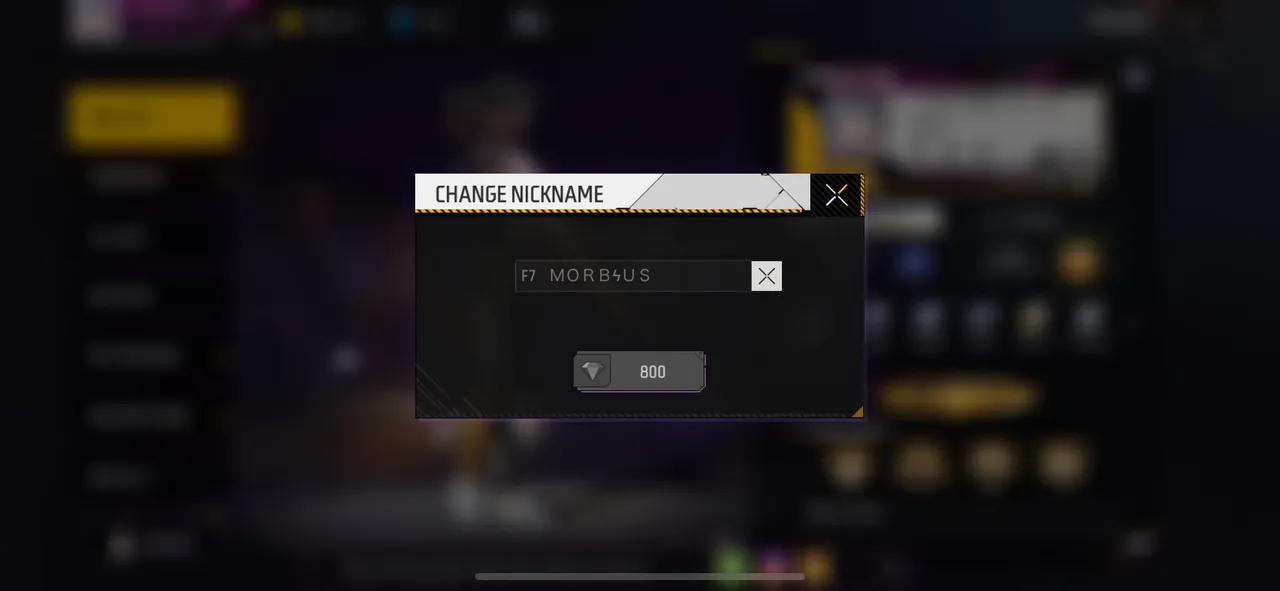
The steps are the same in Free Fire and Free Fire MAX:
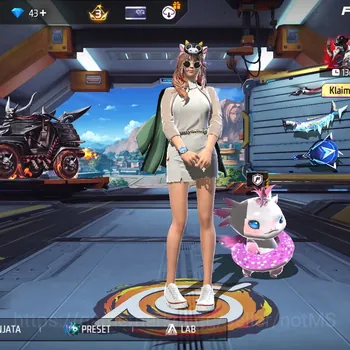
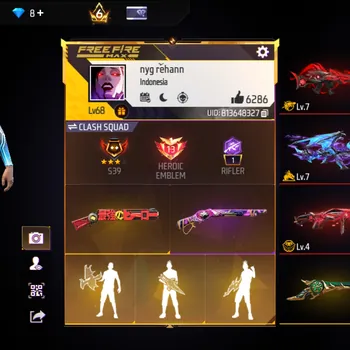
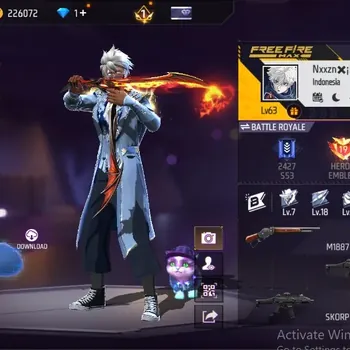
- Open your profile by tapping the banner in the top-left corner of the lobby.
- Tap the edit icon next to your current nickname.
- Type or paste your new name in the name change box.
- Choose how to pay: use a Name Change Card if you have one, or pay the Diamond cost.
- Confirm the change.
Your new name appears straight away. Your UID does not change, so friends, guild members and top-up sellers can still find the account by its number. If you need it, finding your Free Fire UID takes only a few taps on the same profile screen.
Free Fire Name Change Cost
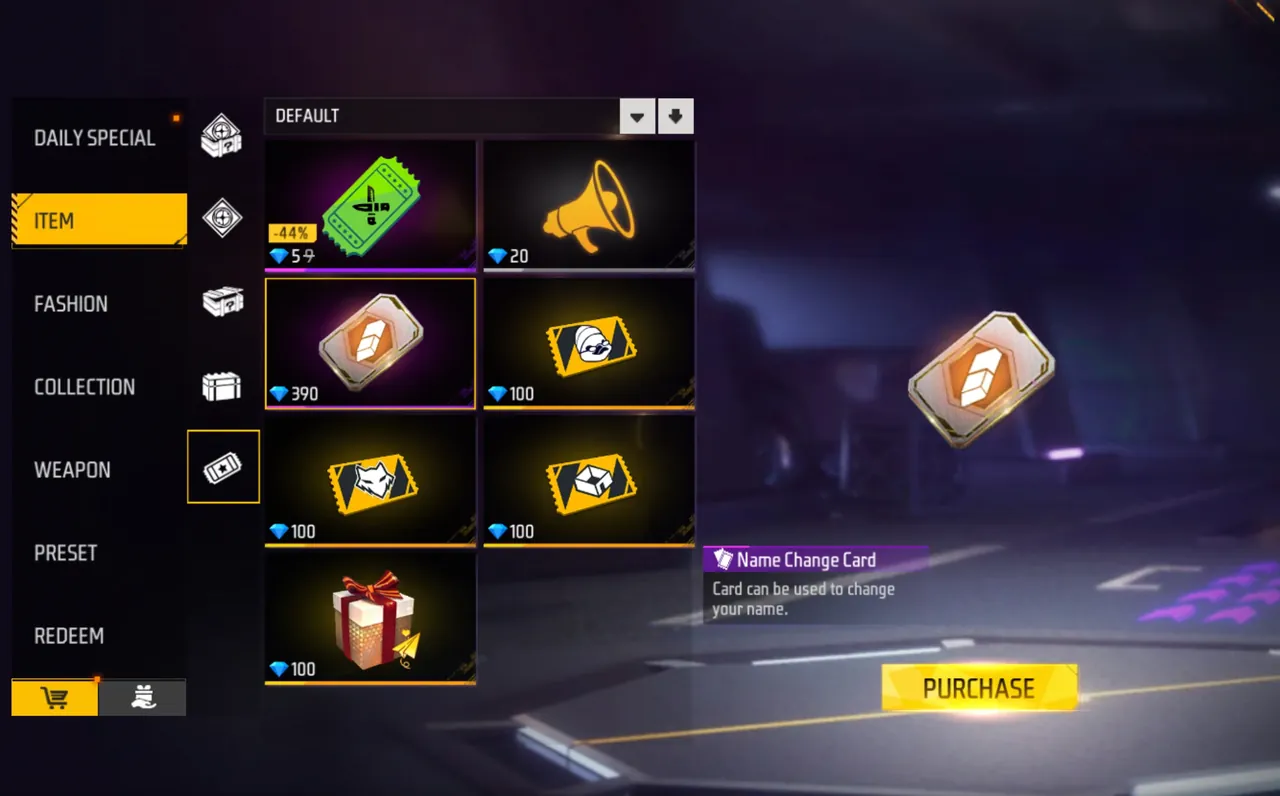
- Nickname change: 390 Diamonds, or one Name Change Card.
- Guild name change: 500 Diamonds for the guild leader.
- Pet names: the first rename of each pet is free, and later renames cost Diamonds.
Prices can change between updates, so check the amount shown before you confirm. Because a mistake costs another 390 Diamonds, get the name right before you press confirm. If you are short on Diamonds, it helps to know the official top-up options and the legit ways to earn free Diamonds rather than trusting "free Diamond" offers.
How to Get a Name Change Card
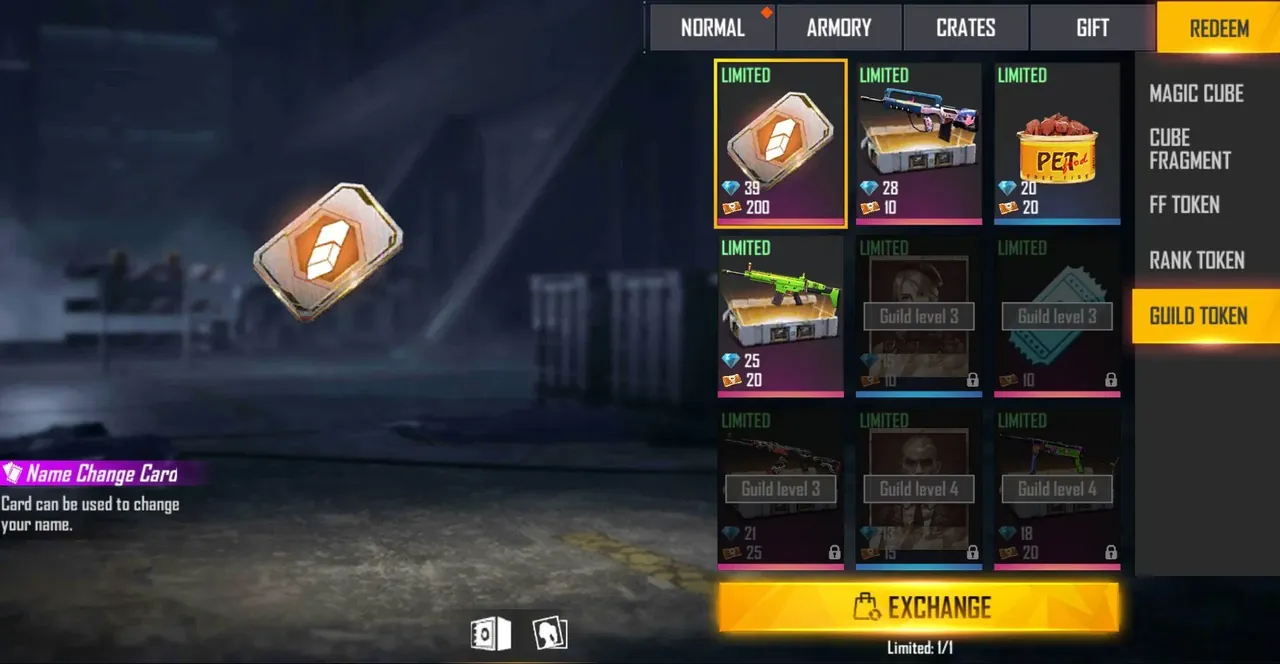
A Name Change Card lets you rename without spending Diamonds. The most common sources are:
- Events, especially playtime and login events that list it as a reward.
- The guild token store, where cards sometimes appear for guild tokens.
The card is stored in your vault until you use it, so you can claim it now and rename later. It is used up as soon as you confirm, so any second change will cost Diamonds.
How a Free Fire Stylish Name Works
Free Fire's name box accepts many characters that are not on a normal keyboard, which is what makes stylish names possible:
- Symbols, such as stars, crowns, hearts and lines, used as decorations around a name.
- Alternative fonts, such as small caps, superscript letters and other Unicode letter styles.
- Characters from other alphabets that look like Latin letters.
To create one, write your name first, then use a fancy text generator to turn it into a styled version. Copy the result and paste it into the name change box.
A few tips help a stylish name work in practice:
- Keep it readable. Teammates need to call you out quickly in voice and text chat.
- Count every symbol. Decorations eat into the 12-character limit fast.
- Test it first. Some fonts show as empty boxes on certain phones, so check how it looks before you pay.
- Avoid copying famous players. Well-known names are usually taken, and impersonation can get your account reported.
Name Rules and Limits
Your nickname has to follow a few rules:
- 12 characters at most, including symbols and spaces.
- No names already in use. If a name is taken, the game asks you to pick another.
- No offensive or prohibited words. Insults, hate speech and similar terms are blocked, and names that slip through can be penalised later.
- No impersonation of Garena staff, official accounts or other players.
Inappropriate names can also lead to reports and penalties, and repeated problems can affect the account more widely. Offensive nicknames are among the reasons Free Fire accounts get penalised or banned, so a clean name is the safer choice.
Free Fire Name Ideas
If you are stuck, these approaches make it easier to find a name that is available and easy to remember:
- Combine your real nickname with a symbol, such as a crown or star at each end.
- Use your main role, such as a rusher, sniper or support, with a short tag.
- Add your guild's tag so teammates recognise you.
- Use a small caps or superscript version of a simple word.
- Keep a backup or two ready, in case your first choice is taken.
Short names with one or two symbols usually look better in the kill feed and on the scoreboard than long names packed with decorations.
Before You Rename
A new name is a nice way to personalise your account, but it does not change how you play. If you are still learning, how characters, Diamonds, modes and ranked work matters far more for your matches. For everything else around the game, from Diamonds to ready-made accounts, the Free Fire market brings it together in one place.
If you want an account with a stronger collection to put your new name on, you can browse Free Fire Accounts, hand daily missions and events to a player through Free Fire Hourly Services, or climb ranked faster with Free Fire Boosting.
GameMarket.gg is a trusted digital marketplace for everything gaming-related. We serve the gaming community by providing secure access that enhances every gaming journey.