Where Winds Meet Character Creation: How to Use and Share Codes
By Sir Ayup
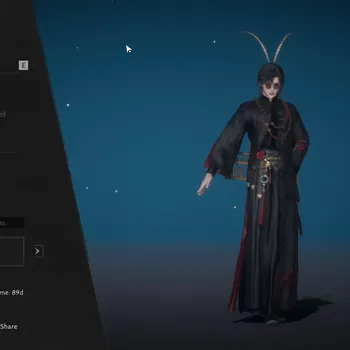
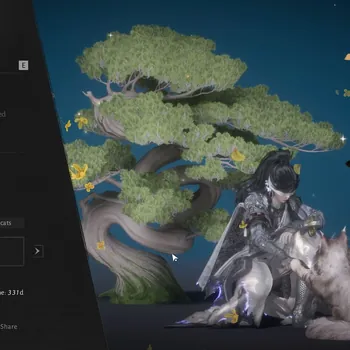
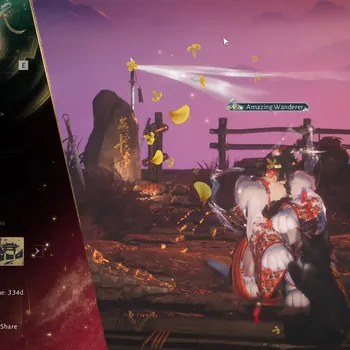
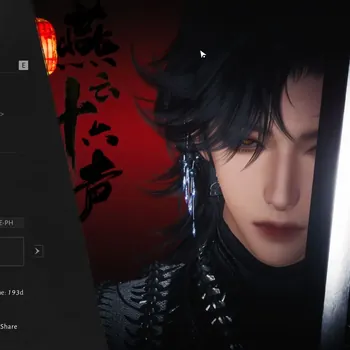
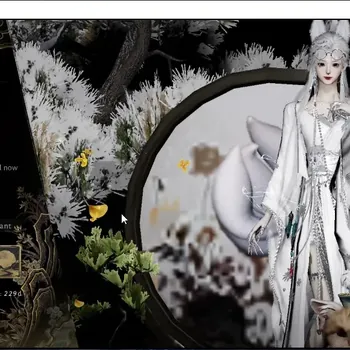
Where Winds Meet character creation goes far deeper than most free-to-play RPGs, with detailed face points, makeup, hair and dye options that let players recreate almost any look. The best part is that nobody has to build a face from scratch: appearance codes let you import someone else's design in seconds, or share your own with friends.
This guide from gamemarket.gg explains what the creator lets you change, how character codes work, how to import and share them, what it costs to change your look later, and why some codes refuse to load.
What You Can Customize
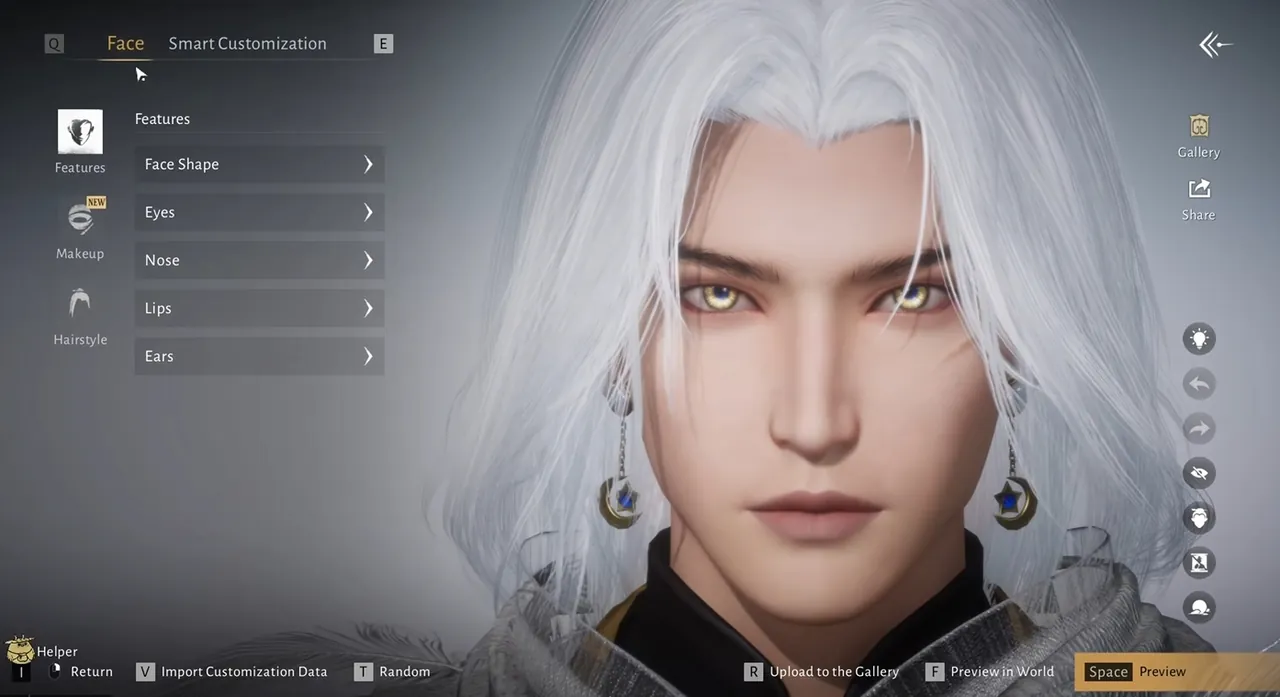
The creator works on detailed face points rather than a handful of basic sliders, so you can adjust features like brow arches and jaw contour individually. On top of the face itself, a look can include:
- Makeup and other facial details.
- Hairstyles, including dye presets that change hair color.
- Outfit dye presets for the clothes you own.
Faces and outfits are handled separately. Your face lives in the face editor, while clothes, hairstyles and dyes depend on what you have unlocked in the wardrobe.
How Where Winds Meet Character Creation Codes Work
A character code is a text string that stores a saved face or wardrobe setup. Codes shared on the global servers usually begin with ARTa, and the same data can also be shared as a QR image that the game reads directly.
A few rules decide what a code actually gives you:
- A code carries either a face or a wardrobe setup, not both at once.
- It only applies items you already own. Hairstyles, outfits or dyes you have not unlocked are skipped rather than handed to you.
- Gender and body type matter. A preset made for a different body may fail to load or look noticeably different.
- Character codes are not redeem codes. They go into the character editor, while reward codes go into the Exchange Code menu. The current Where Winds Meet redeem codes are a separate list entirely.
How to Import a Character Code
You can import a code during character creation or at any time afterward, without making a new character:
- Open Appearance from the main menu and go to the Wardrobe.
- Select Face, then choose an empty preset slot so your current face is not overwritten.
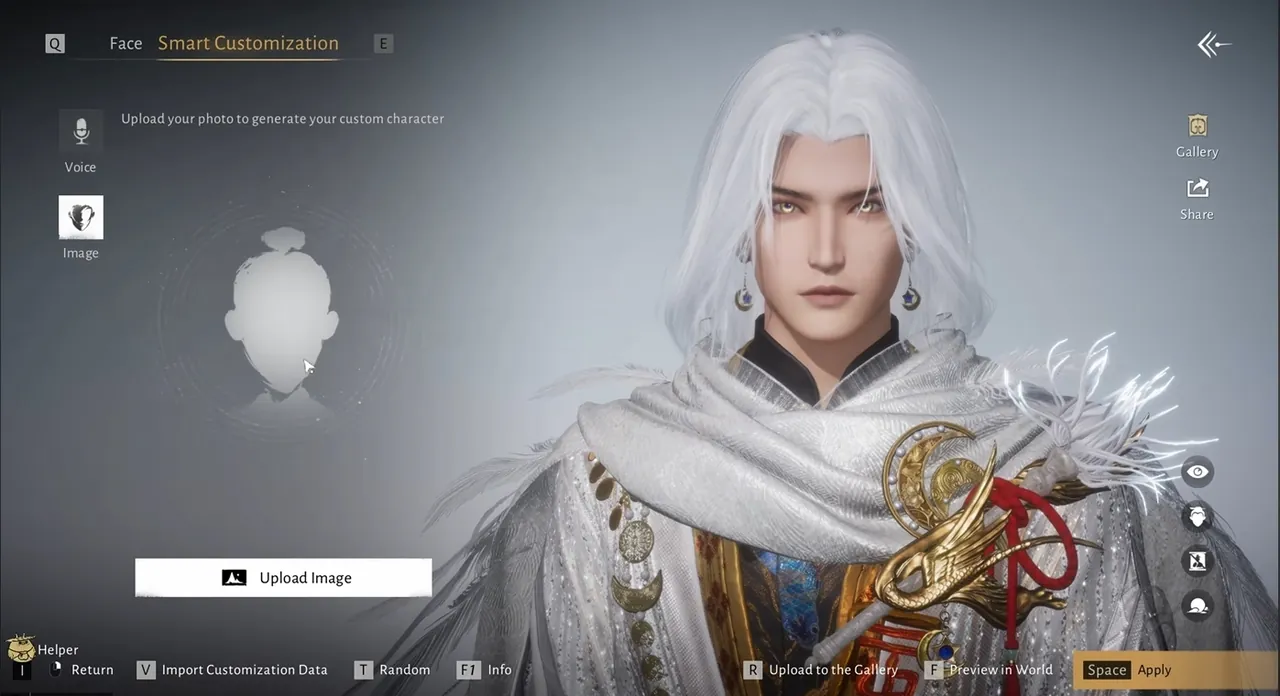
- Tap Edit Face, then Import Customization Data. On PC, the V key opens the import window.
- Paste the code into the "Enter Customization Code" field, or upload a QR image.
- Apply the preset and check the result before saving.
Using an empty slot is the safest habit, since it keeps your original face available if the imported look does not suit your character.
How to Share Your Own Look
Sharing works through the in-game Gallery. Open Appearance, go to Edit Face, choose Upload to Gallery, then Share. From there you can copy the text code or generate a QR image to post anywhere. Community guides report a limit of five Gallery uploads per day, so it helps to finish your design before uploading.
Changing Your Appearance Later
Your first look is not permanent. According to recent community guides, the current build gives every player one free full re-customization. After that, changes require items:
- Water Lady Script for appearance edits, sold in the shop and also handed out through events and quests, with the first one arriving around level 10.
- Transformation Pill for changing gender, a premium item that occasionally appears free in events.
Applying an imported face after creation may also use a Water Lady Script, so testing small changes in an empty preset slot first helps avoid spending an item by accident.
Why a Code Might Not Work
When an import fails, the cause is usually one of these:
- The code was copied incompletely or altered while pasting.
- The original Gallery work was removed by its creator.
- The code comes from another region, such as the Chinese servers, or from an older version of the game.
- The preset was made for a different gender or body type.
Codes taken from the global Gallery are the most reliable, since they match your server and the current version.
A Look That Follows You Everywhere
Because your account carries across platforms, the face you create on PC appears on console and mobile too, as covered in the guide to Where Winds Meet on Xbox, PS5 and mobile. Once your character is ready, starting strong in Qinghe and Kaifeng helps the early hours go smoothly, and the Where Winds Meet Complete Guide covers the systems that follow. Everything else for the game is on the Where Winds Meet market.
If you would rather start with a strong character already built, you can browse Where Winds Meet Accounts, hand dailies and grinding to a verified player through Where Winds Meet Hourly Services, or clear endgame faster with Where Winds Meet Boosting.
GameMarket.gg is a trusted digital marketplace for everything gaming-related. We serve the gaming community by providing secure access that enhances every gaming journey.