How to Buy on GameMarket.gg – Step by Step Guide
By GameMarket Team 18 November 2025, 14:08 WIB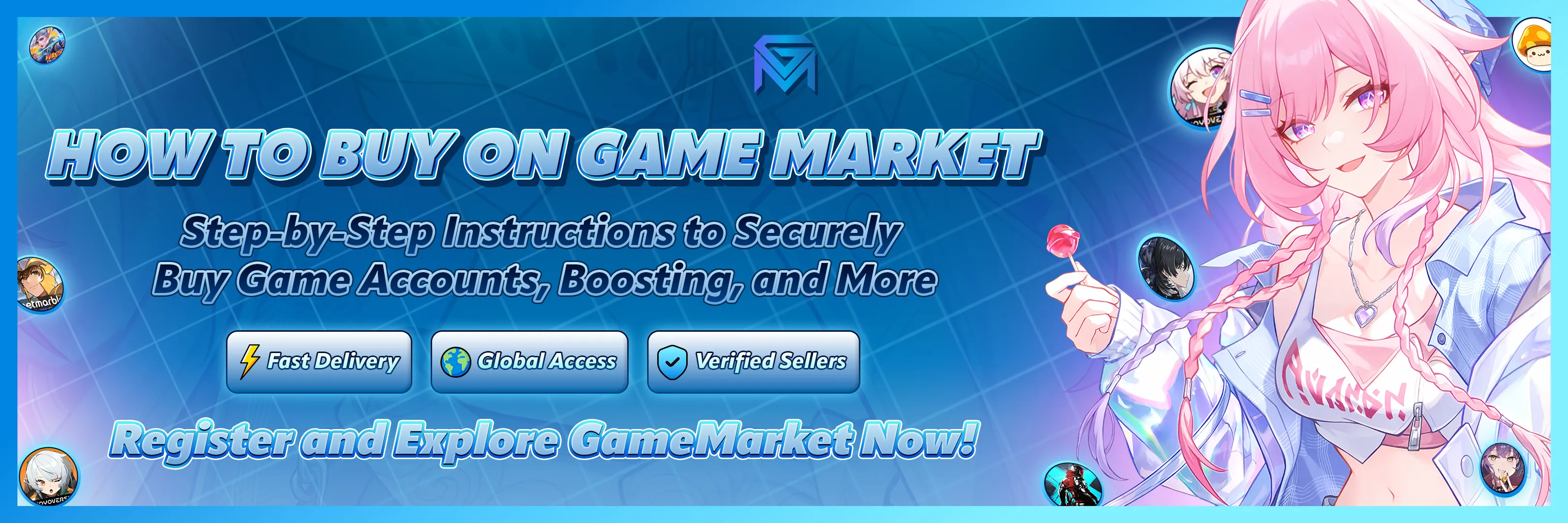
Looking to buy game accounts, top-up services, boosting, or other digital gaming assets?
GameMarket.gg is your one-stop marketplace, designed to deliver fast, secure, and seamless transactions — trusted by thousands of gamers worldwide.
This guide will walk you through exactly how to buy on GameMarket.gg, from account registration to order completion. Let’s get started.
Step 1: Register Your Account (Takes 1 Second)
Before you can make a purchase, you’ll need an account. We offer two easy ways to register:
Option 1 – Sign Up with Google (Recommended)
-
Click “Login / Register” on the top right.
-
Select “Continue with Google”.
-
Done. No password, no email verification. Your account is ready instantly.
Option 2 – Register with Email
-
Choose “Register with Email”.
-
Fill in your email address and password.
-
Click “Create Account”, then verify your email inbox.
🔐 All user data is encrypted. Your privacy and security are always our top priority.
Step 2: Browse the Marketplace
Once you're logged in, you can explore thousands of products:
-
Use the search bar or browse by categories like:
-
Game Accounts (MLBB, FF, Genshin, etc.)
-
Top-Up & Digital Codes
-
Boosting Services
-
Gaming Tools & Items
-
Each product page includes:
-
Price – Shown in local currency or USD
-
Delivery Method – Instant, manual, or custom
-
Description – Clear product details, seller terms, and requirements
-
Preview Images – If available, to help you decide
⚠️ Always review product info carefully before proceeding to checkout.
Step 3: Checkout or Add to Cart
Ready to buy? You have two options:
-
Click “Checkout Now” to purchase a single item immediately.
-
Or, click “Add to Cart” to combine multiple items into one order.
Once finished, head to your cart and click “Checkout” to proceed.
Step 4: Make Your Payment
Follow the on-screen steps to complete payment using available methods.
💬 Need a specific payment method (like e-wallets, local bank transfer, or crypto)?
Visit the Submit a Request page to let us know — we’re adding more options regularly.
Step 5: Contact the Seller (After Payment)
After your payment is successful, you’ll be redirected to the Order Detail page.
Here you can:
-
Chat with the seller directly
-
Ask for delivery updates
-
Confirm access or receipt of the item
🔐 All communication should stay inside GameMarket for your protection and dispute resolution.
Step 6: Confirm Order Completion
Once your product or service is delivered:
-
You can click “Complete Order” manually.
-
Or do nothing — the system will auto-complete the order after a few days if there are no reported issues.
⚠️ Never confirm completion until everything is delivered exactly as described.
Step 7: Leave Feedback (Optional but Helpful)
After the order is marked complete, you can leave a review to help other buyers:
-
Rate from 1 to 5 stars
-
Optionally write a short comment about the product or seller
Honest feedback helps improve the GameMarket community and highlight top-performing sellers.
Final Summary: Buying on GameMarket.gg
Why Buy on GameMarket.gg?
-
🛡️ Safe Transactions – Escrow system ensures your funds are protected.
-
⚡ Fast Delivery – Thousands of items delivered in minutes.
-
🌍 Global Access – Open to buyers and sellers worldwide.
-
🤝 Verified Sellers – Only trusted and reviewed sellers allowed.
Start Buying Now
Join the thousands of gamers who trust GameMarket.gg every day.
👉 Create Your Account Now and enjoy the ultimate digital gaming marketplace experience.