What Is Mailria.com? The Private Email Built for Your Game Accounts
By Official GameMarket News
Every game account runs on one email address. That is where the verification codes, login alerts and password resets go, so whoever controls the email controls the account. Mailria.com is a private email service built for exactly that job. Here is what Mailria is, the features that keep the mailbox in your hands, and why a Mailria address is a smart choice for your game accounts instead of your everyday inbox.
What is Mailria.com?
Mailria is a paid email service. Every Mailria address is a private, password-protected mailbox that can receive and send email. It is made for account email: most people use a Mailria address as the dedicated email of a game or online-service account, where it receives verification codes, security alerts and account notifications, separate from their personal inbox.
- Pay once, no subscription. An address is a one-time purchase with no monthly fee.
- It does not expire. Your account is not closed for being inactive, so you do not have to log in regularly to keep it.
- Not a temporary email. A disposable inbox is public and disappears after minutes. Your Mailria mailbox has its own password and stays yours.
- No ads, no data selling. Mailria shows no ads and does not sell, rent or trade user data.
Online since 2022, and you can see it working
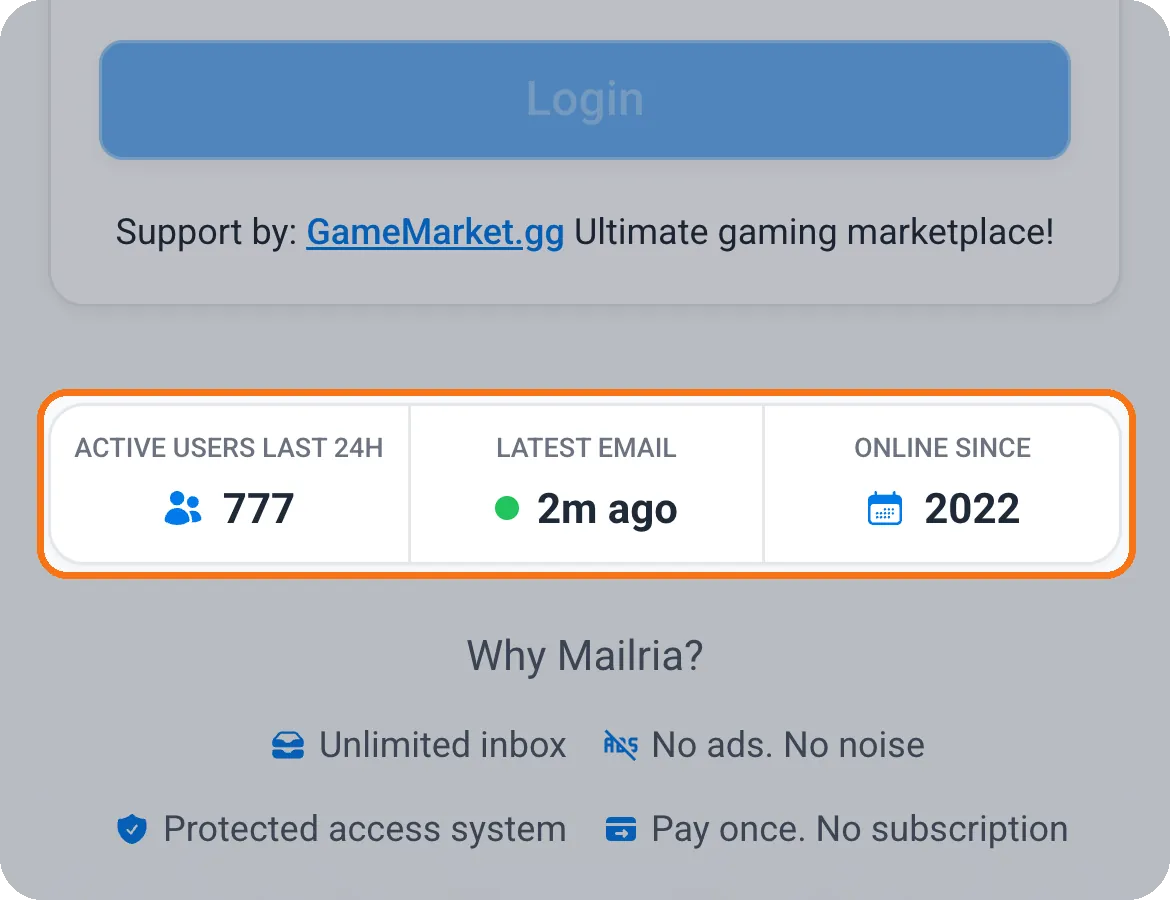
Open the Mailria login page and you will find three live numbers right under the login form. Active users last 24H counts the accounts used in the past day (777 when we took this screenshot). Latest email shows how long ago the newest email reached a Mailria inbox, and it keeps counting while you watch. Online since 2022 tells you the service has been running for years, not weeks. Before you trust an email service with your accounts, it is a quick way to see that it is alive and busy.
Your verification codes arrive fast
A Mailria address works with most games, marketplaces and online services. Use it as the email of your account, and the verification links, login codes and security alerts that the service sends go straight to your Mailria Inbox, most of them within a minute. While you are using it, the Inbox checks for new mail every 15 seconds, and the Refresh button checks right away. Mailria has no spam folder, so every email that reaches your address shows up in your Inbox.
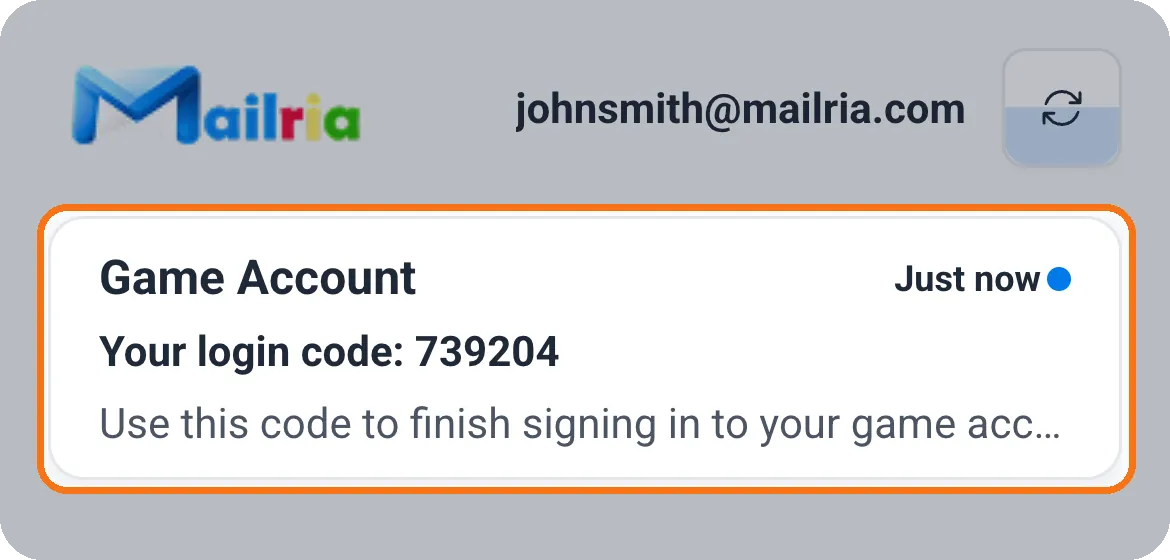
Here is an example: a game sends a login code to a Mailria address. It appears at the top of the Inbox, marked Just now, and the full code is inside.
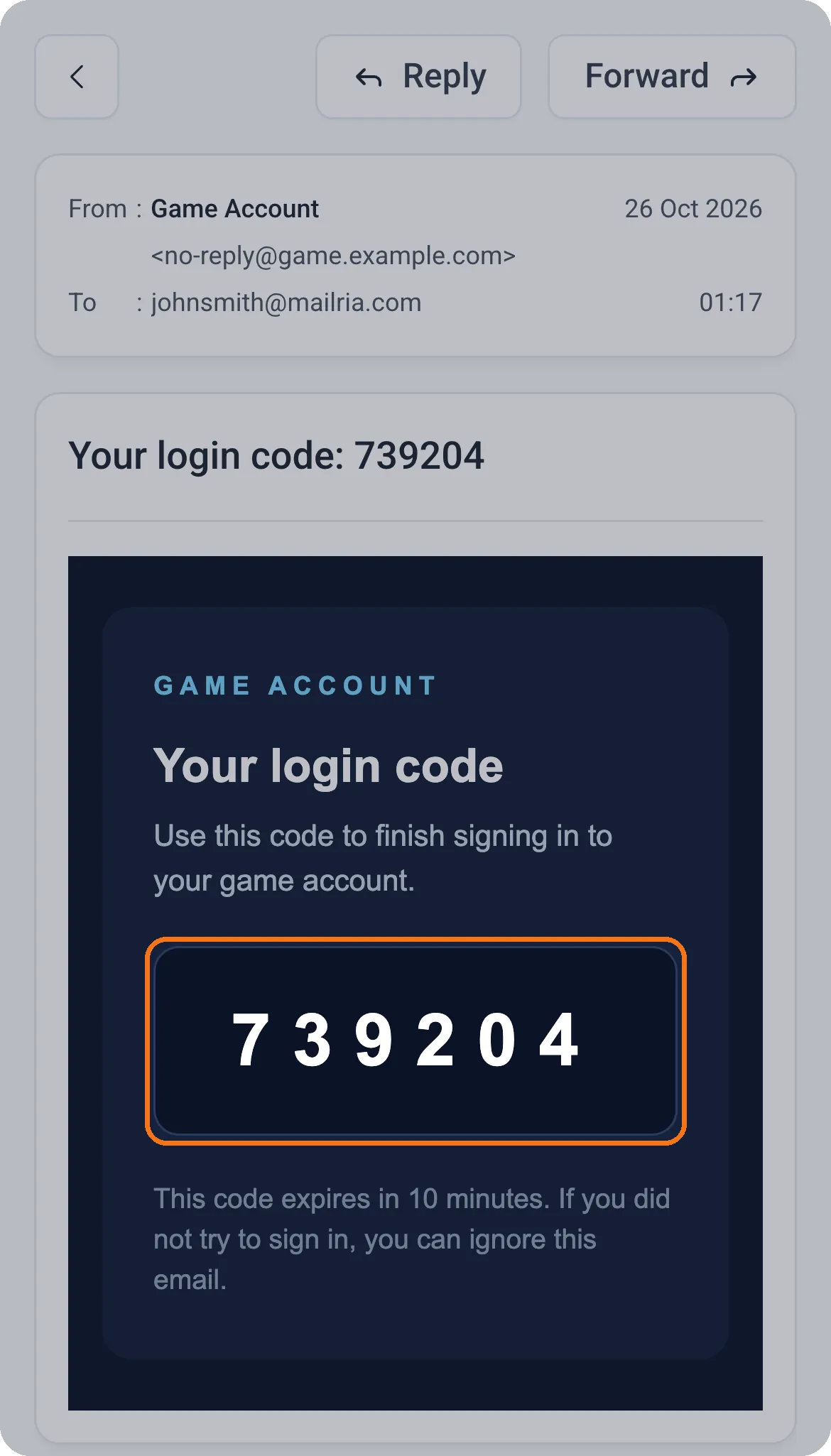
The Inbox keeps your 100 most recent emails for up to 100 days, so a code or a receipt can still be found weeks later. Each game or service decides for itself which email domains it accepts, so if a verification really matters to you, test it on that platform before you rely on it.
Set a recovery email on day one
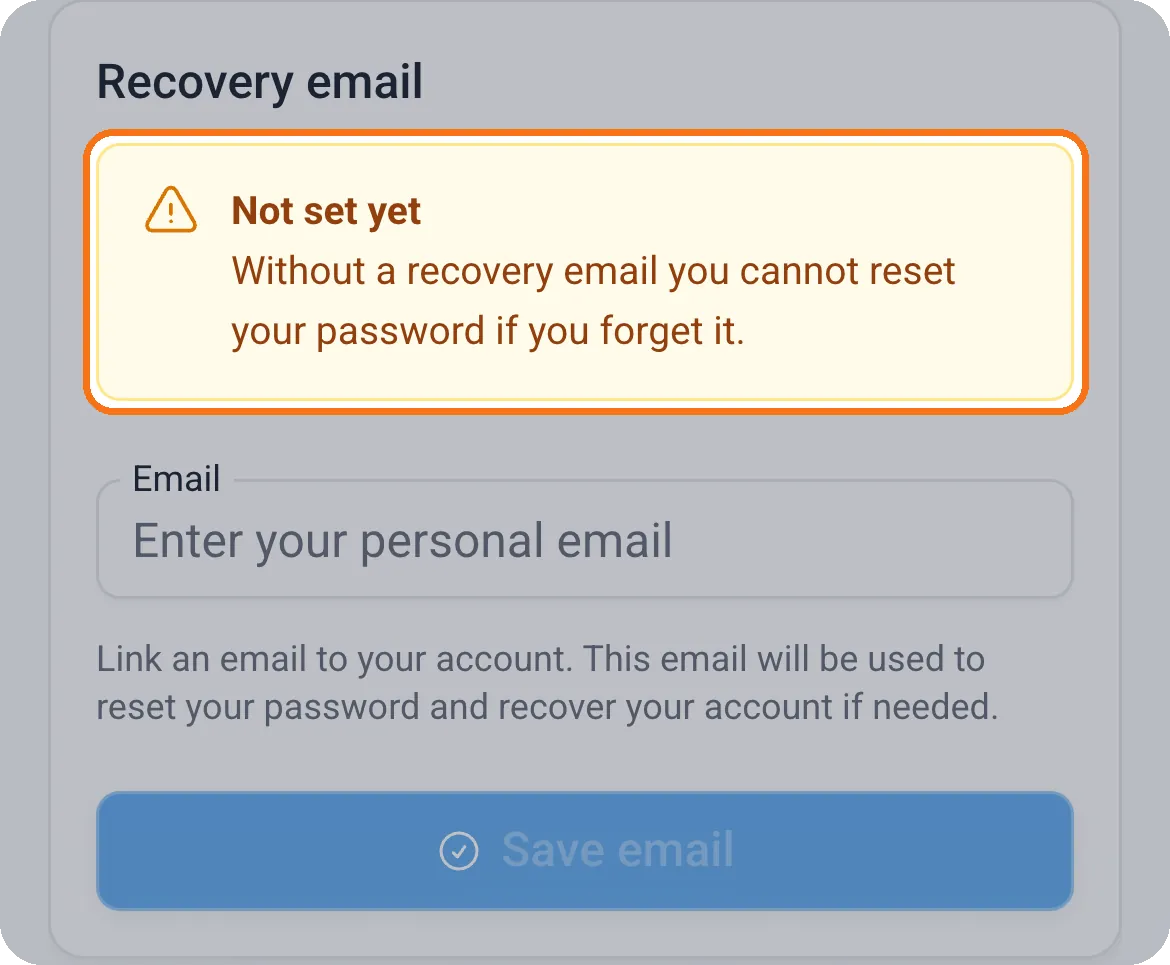
A recovery email is an address of your own, such as Gmail or Outlook, that you link in Settings > Recovery email. Type it, tap Save email, and the card shows it straight away.
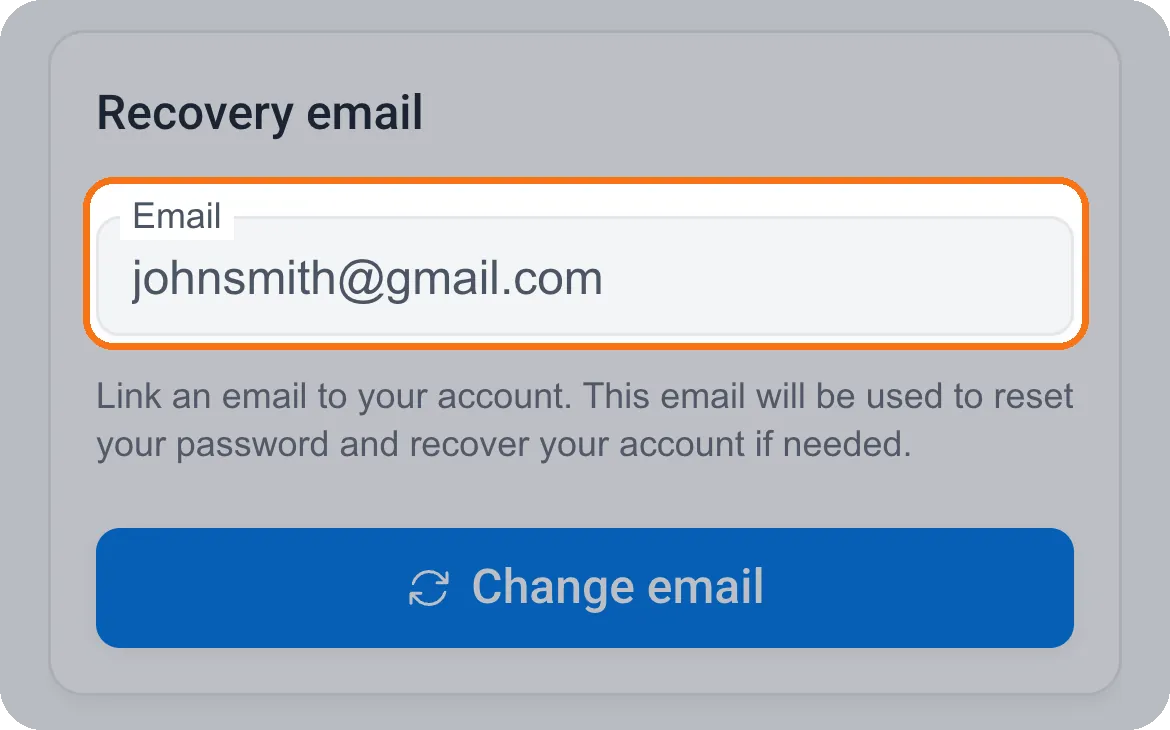
It is the only address that receives your password-reset codes, and that is why it is worth filling in the moment you get your account:
- You can reset your own password. Forget it, and a reset code is sent to your recovery email (valid for 30 minutes). Without a recovery email you cannot reset the password yourself.
- A previous holder is locked out. Bought an account that came with a Mailria address? Change the password and set your own recovery email. After that, anyone who only knew the old password can no longer log in or request a reset code.
- Your other devices are signed out. Saving or changing the recovery email logs out every other device that was using the account.
Use an address that only you control, and not another Mailria address, so recovering one mailbox never depends on another.
See every signed-in device, and log out the ones you do not know
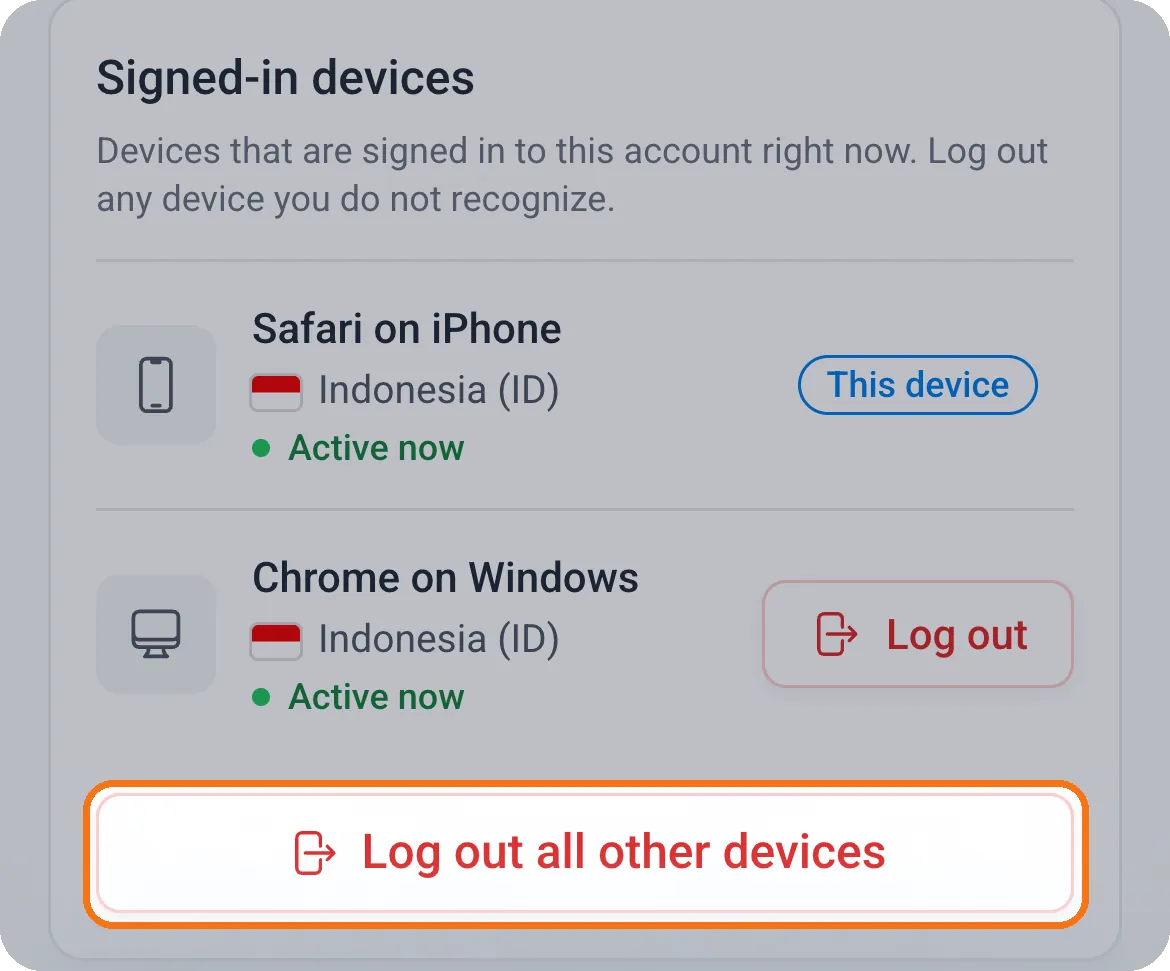
Settings > Signed-in devices lists every device that is logged in to your account, with its browser, system, country and when it was last active. The device you are using is marked This device. Tap Log out next to any device you do not recognize, or Log out all other devices to sign out everything except the one in your hand. You do not need the other device with you, and a device that was logged out has to log in again with your password. Changing your password logs out every other device too.
Why Mailria instead of your everyday email?
- Your game accounts stay apart from your personal life. Codes and alerts land in a mailbox made for them, not buried between bills and newsletters.
- You stay in control. A recovery email only you can use, a list of every signed-in device, and login that locks for a few minutes after repeated wrong passwords.
- Easy to hand over. Selling an account? The new holder changes the password and sets their own recovery email, and the mailbox is theirs.
- Pay once and keep it. No subscription, no expiry, no ads.
- Mailria never asks for your password or a code. The only automatic email it sends is the password-reset code, from [email protected], to your recovery email. Anyone else asking for them is not Mailria.
Three things to do right after you get a Mailria address
- Log in at mailria.com and change the password in Settings > Change password.
- Set your own recovery email in Settings > Recovery email.
- On the game or service itself, change its password and turn on its own two-step verification.
Get your Mailria address
Mailria addresses are sold by authorized vendors on GameMarket. Browse the current offers in the Mailria market on GameMarket, check each vendor's ratings and reviews, and buy with Buyer Protection. Want every detail first? The Mailria FAQ answers the most common questions, from recovery to transfers.