Order Tutorial 101: "Issue" Order Status Explained on GameMarket.gg
By GameMarket Team 4 June 2026, 01:06 WIB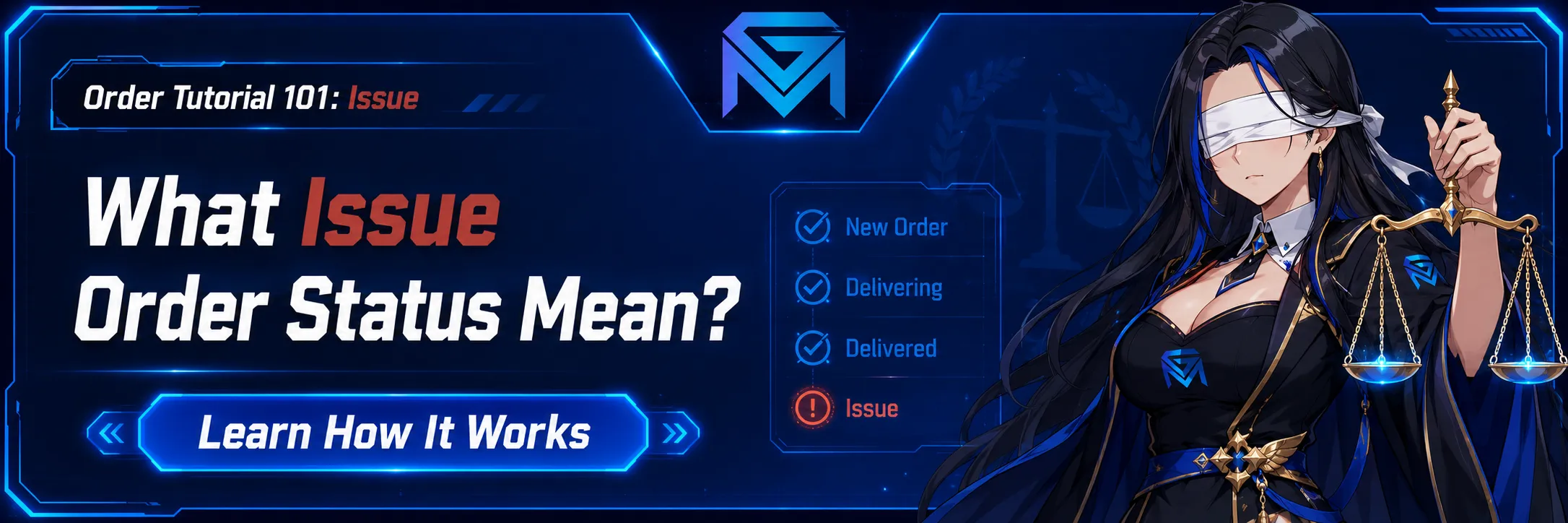
In the world of virtual goods trading—whether it’s high-ranking game accounts, boosting services, or rare items—security is paramount. At GameMarket.gg, we understand that transactions don’t always go exactly as planned. Misunderstandings happen, technical glitches occur, and sometimes, expectations aren't met.
This is precisely why we introduced the "Issue Order" button.
But what exactly happens when you press that button? Does the money disappear? Who decides the outcome? This guide breaks down the sophisticated safety mechanism behind GameMarket’s dispute resolution system, designed to protect both buyers and sellers.
1. The "Freeze": Stopping the Clock
The moment a buyer clicks "Issue Order," the transaction enters a Frozen State.
This is the immediate emergency brake of the GameMarket ecosystem. Once triggered, the automated release of funds to the seller is halted instantly. The system flags the transaction as "Issue," and a signal is sent to the GameMarket Admin Team.
At this stage, the Admin steps in as a neutral Middleman. They are not there to take sides blindly but to review the facts. They will access the secure chat logs between the buyer and seller, review the order details, and prepare to mediate the situation.
2. The Seller’s Perspective: To Cancel or To Wait?
Once an issue is raised, the Seller’s control over the order changes. As a seller, you cannot force the order to complete while it is under review. You generally have two options:
-
Cancel the Order: If the seller realizes they made a mistake (e.g., out of stock, wrong account details provided), they can choose to voluntarily cancel the order immediately. This refunds the buyer and closes the issue without dragging the Admin into a lengthy investigation.
-
Wait for the Admin: If the seller believes they have delivered the product correctly and the buyer is mistaken, they simply wait for the Admin to review the evidence.
3. The Buyer’s Perspective: Retaining Control
Even after raising an issue, the Buyer retains the power to resolve things amicably.
-
Complete the Order: Sometimes, raising an issue is just a way to get the seller’s attention. If the seller responds quickly and fixes the problem (e.g., sends the correct password), the buyer can choose to revoke the issue and "Complete" the order manually.
-
Wait for Adjudication: If the seller is unresponsive or refuses to cooperate, the buyer simply waits for the Admin Middleman to make a final ruling.
4. The Verdict: How Admins Resolve Disputes
Once the Admin arrives, they analyze the chat history and the product description. The goal is to find a "Middle Ground" that is fair to all parties. GameMarket.gg offers a highly flexible resolution system.
The Admin decision will typically fall into one of these categories:
A. Order Completed (Seller Wins)
If the Admin determines that the seller delivered exactly what was promised and the buyer’s complaint is invalid (e.g., buyer’s remorse), the Admin will force-complete the order.
-
Result: 100% of the funds are released to the Seller.
B. The Flexible Refund (Partial to Full)
This is where GameMarket.gg shines. Real-world problems aren't always black and white. Perhaps an account was delivered, but it had fewer skins than advertised.
The Admin can issue a Partial Refund based on the severity of the issue. The percentage split can be anything:
-
50-50 Split: Both parties share the loss.
-
10-90 Split: The buyer gets 90% back; the seller keeps 10% for their time.
-
100% Refund: If the seller is at fault or the product is undeliverable, the Admin returns everything to the buyer.
Important Note on Refunds: When a refund is issued to the Buyer (whether partial or full), the funds are credited directly to their GM Coins balance. These coins are immediately available to be used for purchasing other products or services within the GameMarket.gg ecosystem.
5. The Reputation Mechanism: Feedback and Canceling
The dispute process is closely tied to the GameMarket reputation system. We believe in transparency, but we also offer sellers a fair chance to protect their brand.
Can the Buyer leave feedback after a dispute?
Yes. Even if an issue was raised and resolved by an Admin, the buyer can still leave a review and star rating for the seller. This ensures that the community knows which sellers are difficult to deal with.
The "Escape Hatch" for Sellers
There is one exception. If a seller knows they messed up, they have a strategic option: Cancel the order before the Admin makes a decision.
-
If the seller voluntarily cancels the order while it is in the "Issue" status, the transaction is voided.
-
In this specific scenario, the buyer cannot leave feedback.
Pro-Tip for Sellers: If you cannot deliver a product, it is often better to cancel the order yourself rather than waiting for an Admin to force a refund. This strategy prevents a 1-star review from staining your profile. However, consistently canceling orders may still flag your account for review by our internal team.
Summary
The "Issue Order" feature is not just a button; it is a comprehensive safety net backed by human verification. Whether you are a buyer looking for a refund via GM Coins or a seller looking to protect your earnings, the system is designed to be fair, flexible, and secure.
Always trade with confidence on GameMarket.gg, knowing that a Middleman is always ready to ensure your transaction is honored.